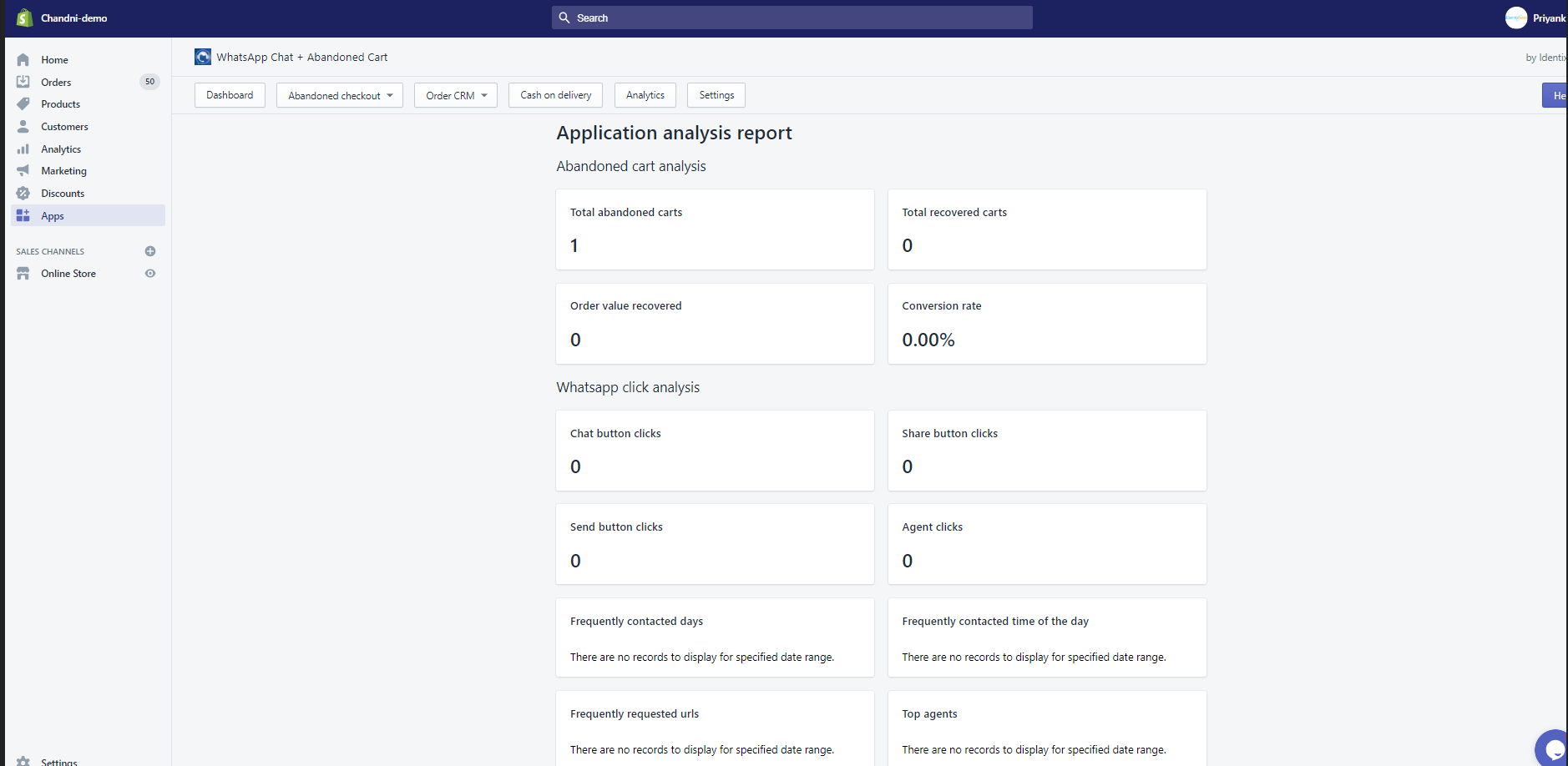
The Analytics View feature provides you with insights into the performance of the WhatsApp chat button on your store. It allows you to track the total number of clicks on the Chat and Share Icon/Button, helping you understand customer engagement through the WhatsApp Chat Support Share App.
This graph view displays the recent number of clicks, giving you a clear picture of how often customers are interacting with the chat feature. By analyzing this data, you can gauge the effectiveness of your sales strategies and make informed decisions to enhance customer support and engagement.
Total number of clicks on Chat and Share Icon/Button
It is a graph view of your recent number of WhatsApp chat button clicks clicked by customers using Whatsapp Chat Support Share App.
You will know the proper analytics of your sales of the products.
The analytic ratio will be shown as how many times the customer/user has clicked on the WhatsApp chat button by this app.