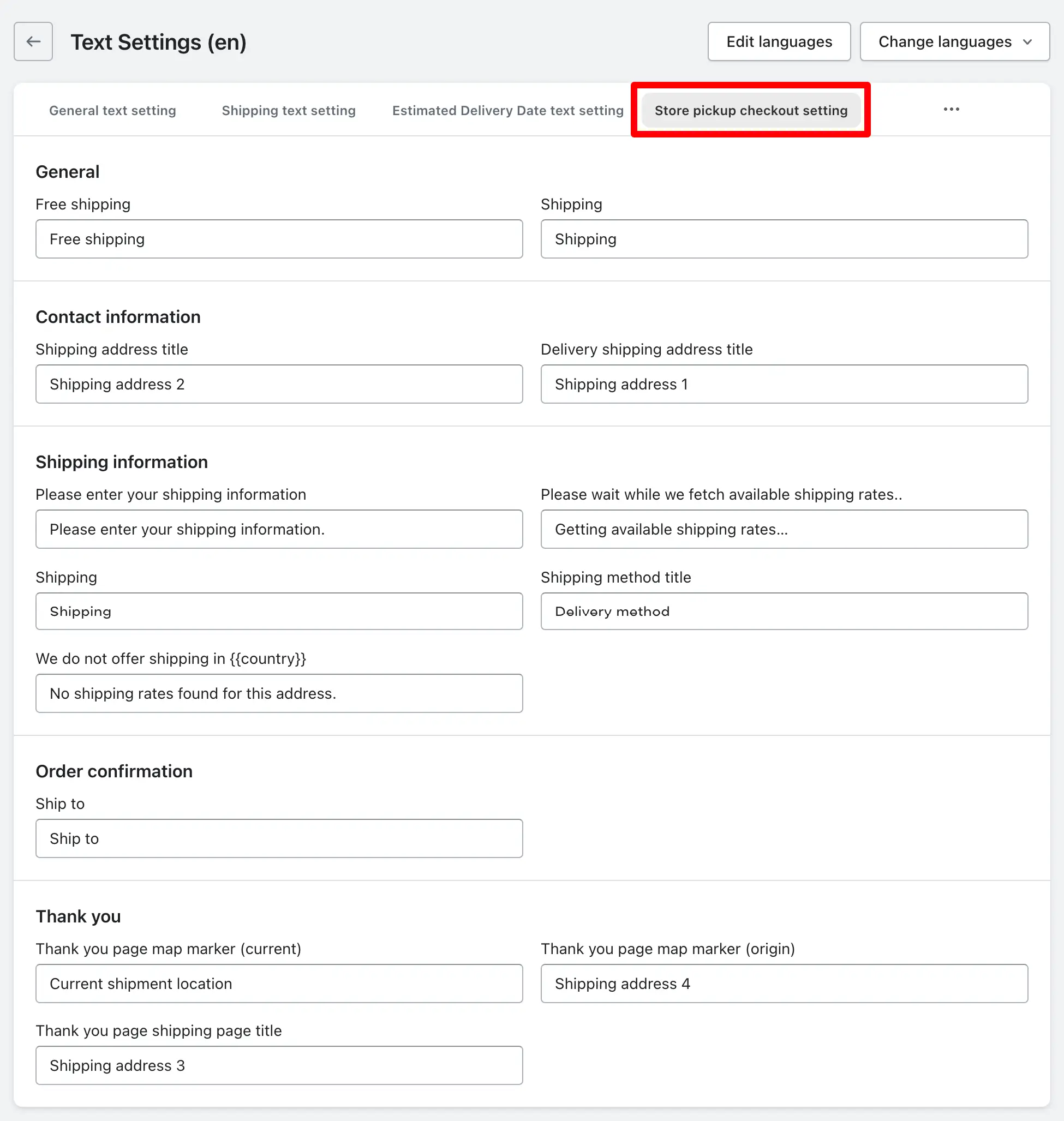
This article explains how you can customize various text settings related to store pickup and checkout processes in your store. By modifying these settings, you can enhance the clarity and relevance of information presented to your customers during checkout, ensuring a smoother shopping experience.
You can change the text for free shipping, shipping address titles, shipping information, order confirmation messages, and thank you page titles. Be aware that any changes you make will directly affect how these elements appear during the checkout process, so ensure that your modifications align with your store's branding and messaging.
When you make changes to any of the text in these settings, it will affect the checkout settings.
General: You can change the text for free shipping and shipping on the checkout page.
Contact information: You can change the Shipping address title text and Delivery shipping address title text on the checkout page.
Shipping information: You can customize the text for shipping information, including shipping methods, shipping offer messages for countries, and more.
Order confirmation: you can change the text for ‘Ship To’ on the order confirmation page.
Thank you: You can change the text for the map marker and shipping page title on the thank you page.
Admin option