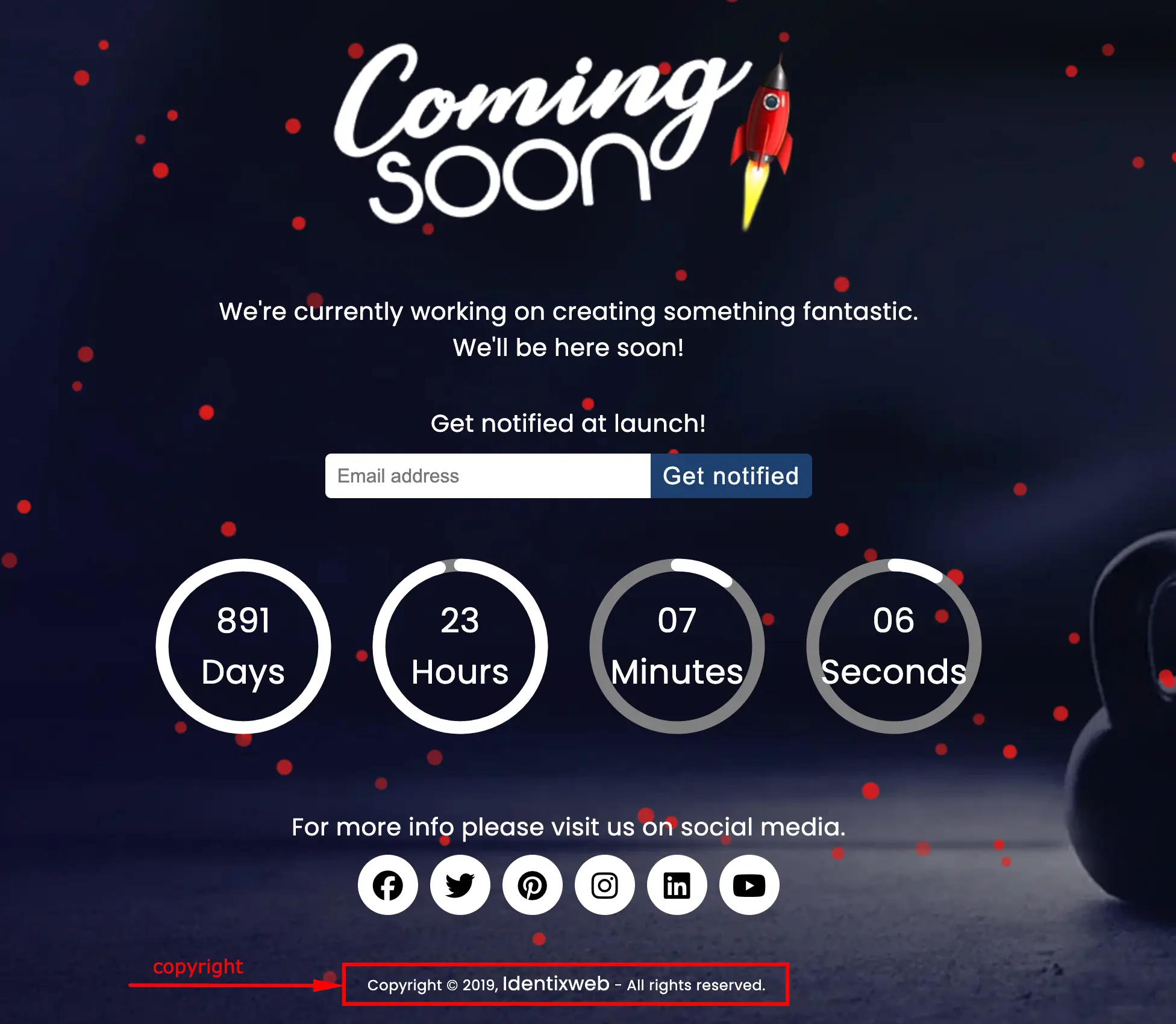

The “Copyright text” feature allows you to customize and display a copyright notice on your under-construction or coming soon page, helping to assert ownership of your website content and protect your intellectual property during development. A typical copyright message might read: © 2025 YourStoreName. All rights reserved.
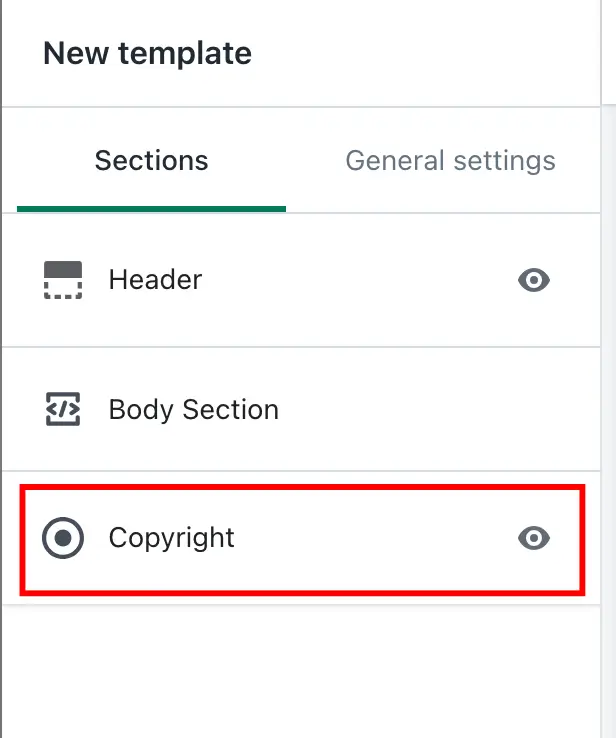
To edit the copyright notice, access your Shopify Admin panel, navigate to the LaunchX – Under Construction app, and click on New Template Customize. From there, locate the Copyright section, make your desired changes, and click Save. You can modify the text, add links to your terms or privacy policy, and style the copyright notice to align with your branding.
The “Copyright text” feature in the app allows you to customize and display a copyright notice, typically at the bottom (footer) of your under-construction or coming soon page.
Explanation:
Purpose:
To show ownership of the website content and protect intellectual property while your site is under development.
Common Use:
A typical copyright message might look like:
© 2025 YourStoreName. All rights reserved.
How to Edit the Copyright Option
To customize the copyright, follow these steps:
1. Open your Shopify Admin panel.
2. Navigate to the LaunchX – Under Construction app.
3. Click New Template Customize to open the template editor.
4. Locate and select the Copyright section.
5. Make the necessary changes to suit your needs.
6. Click Save to apply your updates.
Customization Options:
Edit the text (e.g., change year or business name)
Add links (to your terms, privacy policy, etc.)
Style it with font, size, or color adjustments to match your branding.
➞ Setting
➞ Result