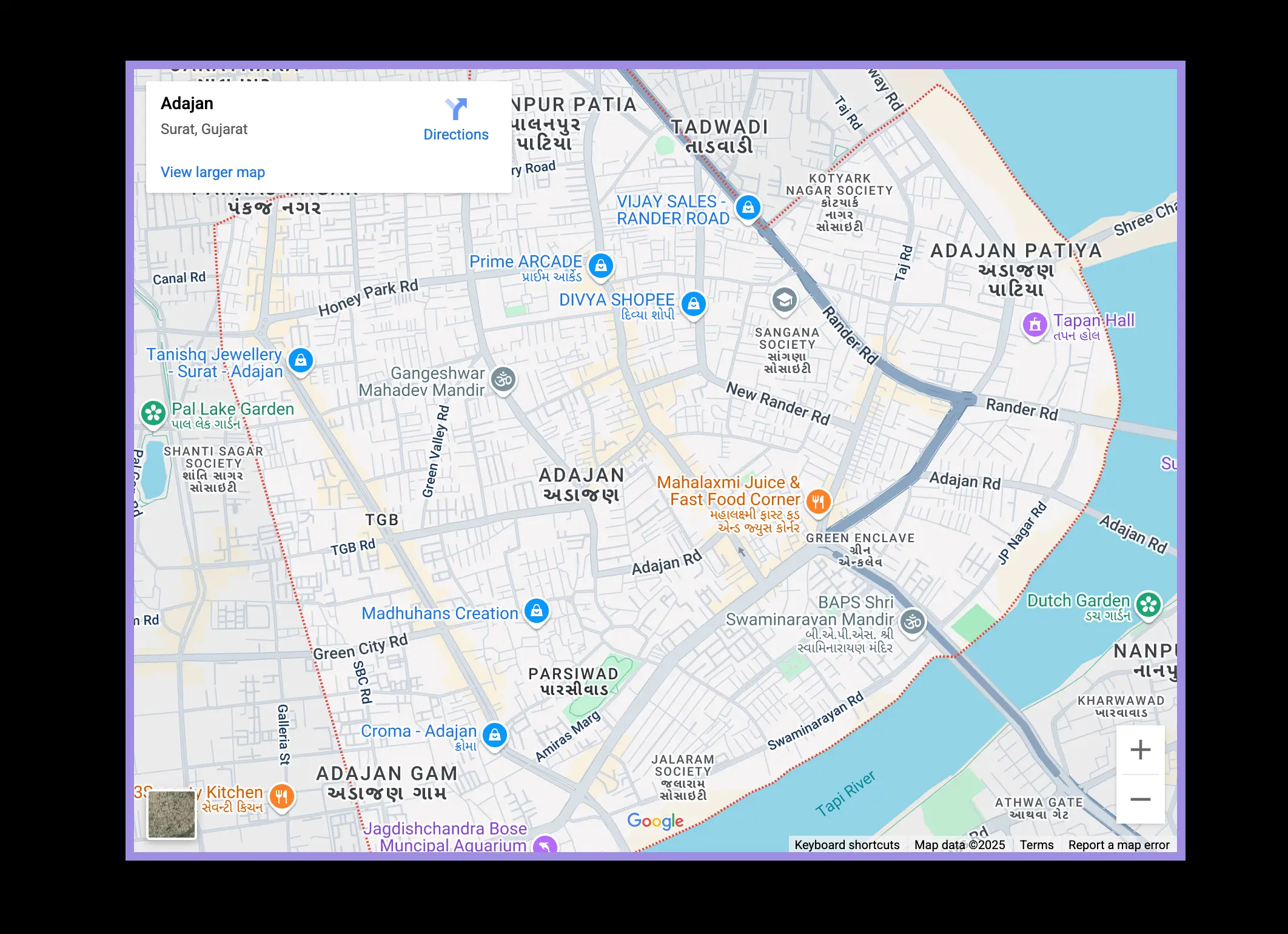
The Map feature enables you to showcase your store’s physical location on the Under Construction page, allowing visitors to find your store even while your site is under construction. This is particularly useful for maintaining customer awareness and engagement during the building phase. To set it up, access your Shopify admin and open the LaunchX – Under Construction app.
Customize the Under Construction option by navigating to the General Settings tab, then locate the Map section. Enter a label for the map, such as “Find us here,” along with your store’s full address. Finally, click “Save” to apply your settings, ensuring that visitors can easily find your location on the map.
The Map feature allows you to display your store’s physical location on the Under Construction page. This helps visitors know where your store is located, even while your site is being built.
🛠️ Steps to Set It Up:
1. Go to your Shopify admin.
2. Open the LaunchX – Under Construction app.
3. Select the “Under Construction” option to customize it.
4. Click on the “General Settings” tab on the right side.
5. Find and open the “Map” section.
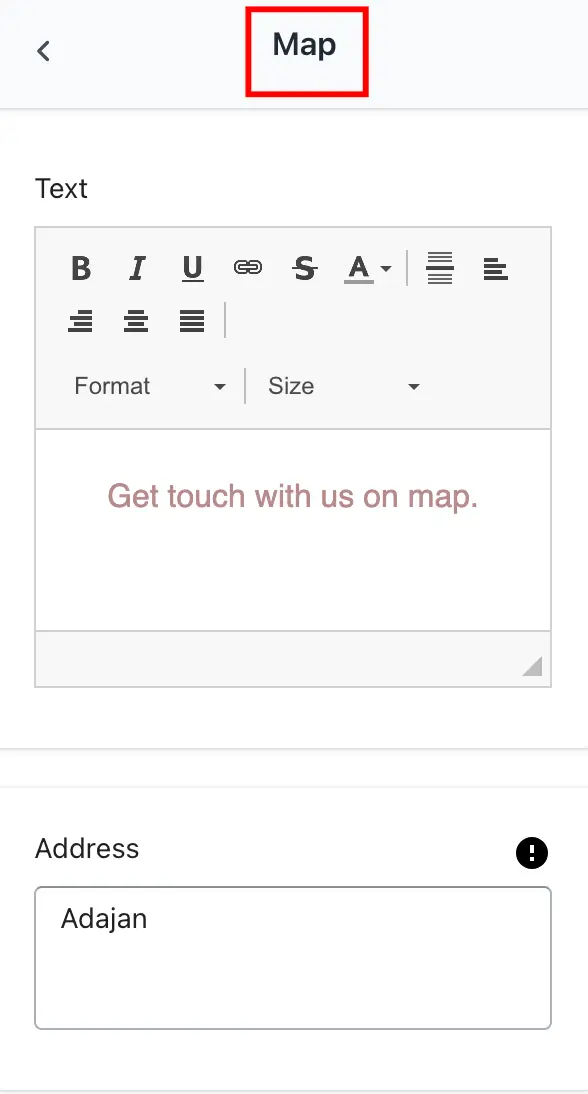
6. Enter the following details:
- Text: This is the label or message that appears on the Under Construction page, such as “Find us here.”
- Address: Enter your store’s full physical address. When users click the link, it will open a map showing this location.
7. Click “Save” to apply the settings.
➞ Setting
➞ Result