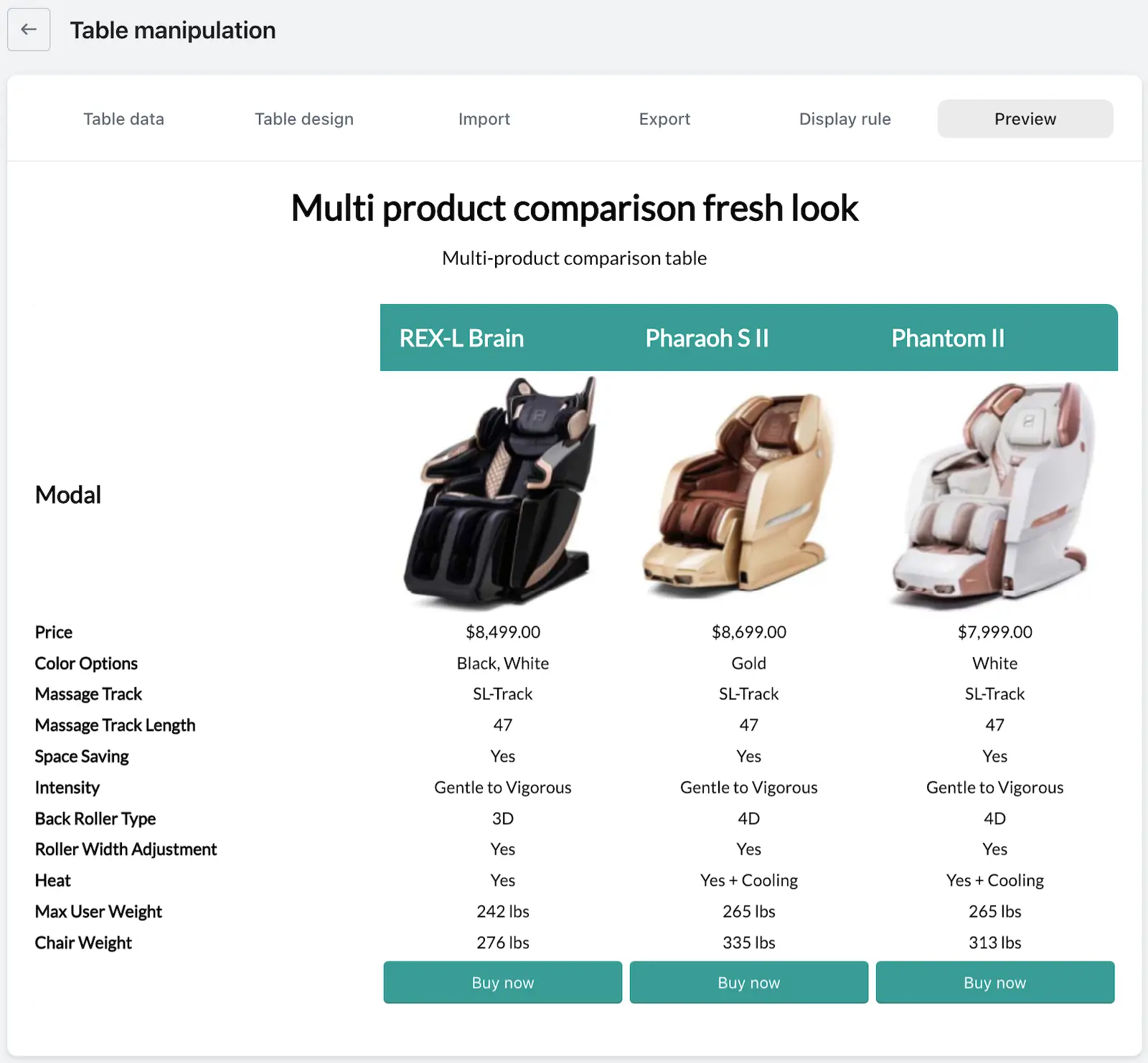
The Preview feature allows you to view your data table as it will appear on your store before publishing it. This functionality streamlines your workflow by eliminating the need to switch back and forth between your editing interface and your website, ultimately saving you time.
When using the preview, you can see all essential components of your table, including the table name and description, in one consolidated view. If you identify any areas that require adjustments, you can easily go back and make the necessary changes right away.
Once you create a data table, you might want to see how it actually looks before publishing it — and that’s exactly where the Preview feature comes in handy.
The preview option allows you to view your entire data table exactly as it would appear on your store. It saves you the trouble of switching back and forth to your website to check changes, which not only makes the process smoother but also saves your valuable time.
The preview brings together all essential parts of your table — including the table name and description — giving you a complete picture in one place. If you notice anything that needs a tweak, you can go back and adjust it right away.