Enabling the "Include holiday in interval" option allows you to factor in holidays, working days, and cut-off times when calculating the minimum delivery interval for your store. This means that if you set a minimum delivery interval of 2 days and one of those days is a holiday, the total interval will extend to 3 days. Additionally, if a non-working day falls within this interval, the total could increase further.
To effectively use this feature, be aware that each holiday and non-working day will add to your delivery interval. For instance, if you have a cut-off time set at 11:00 AM, this can result in a total of 5 interval days. Make sure to adjust your settings accordingly to ensure accurate delivery timelines for your customers.
Enabling this option will count Block dates (Holidays), Working days, Cut-off Time in Minimum delivery interval days.
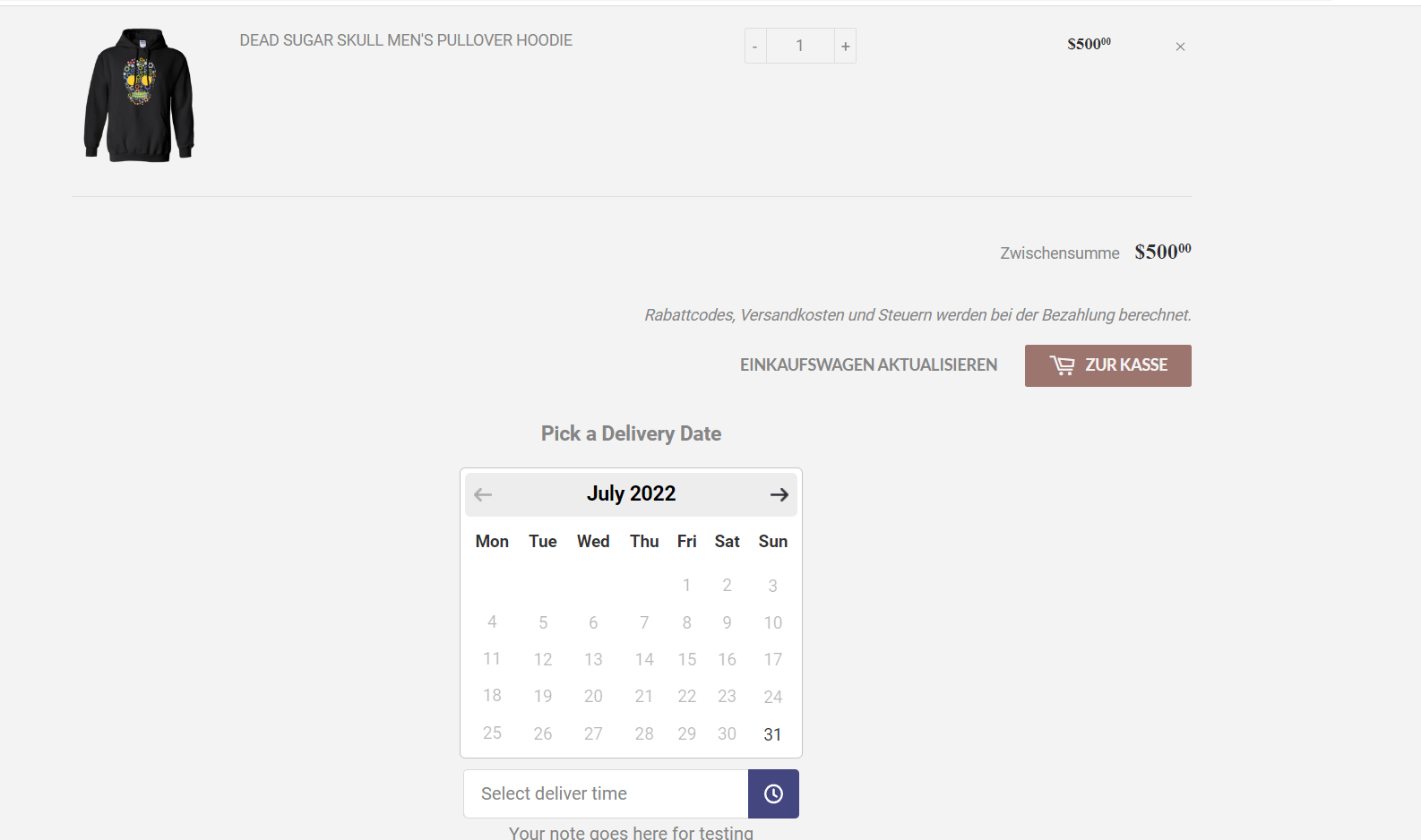
For example: You have set Minimum delivery interval days: 2 (26th,27th) but from those days (26th) fall under holiday then you will have 3 interval days.
Without Include holiday in interval option
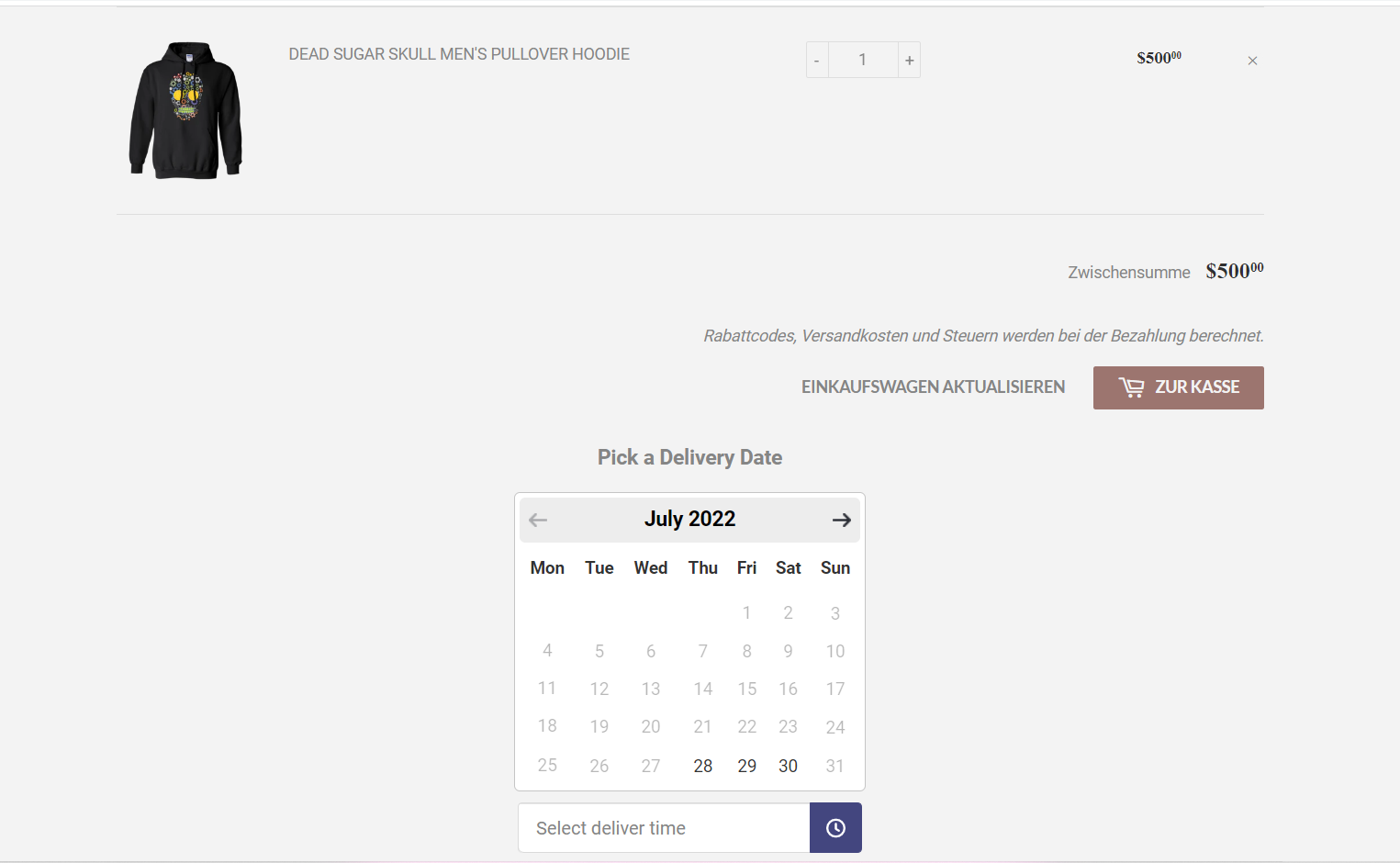
With Include holiday in interval option
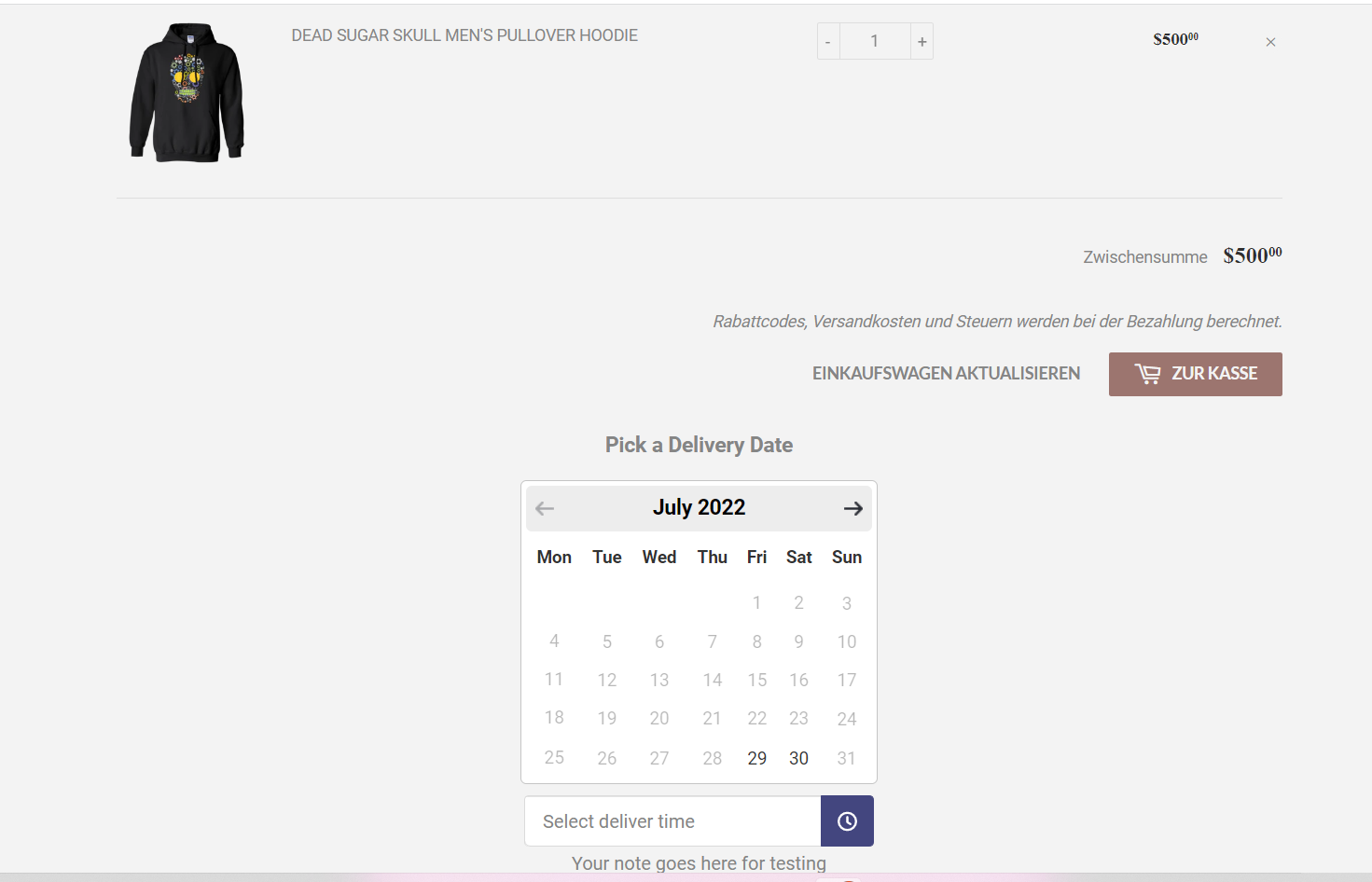
In addition to this if you have a non-working day from Available Days (Wednesday) falls under interval days then you will have a total of 4 interval days from the current day.
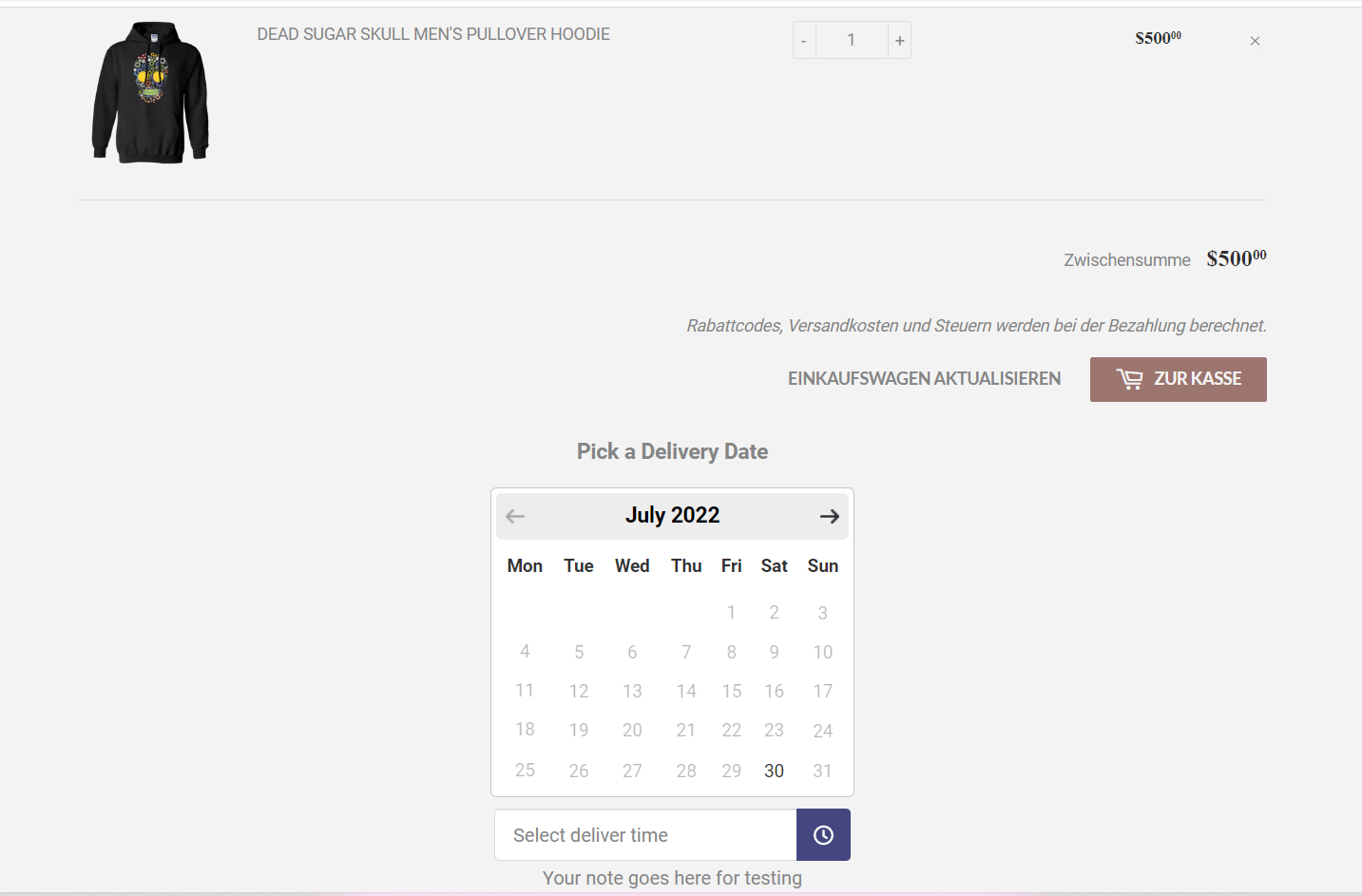
If you have a cut-off time to 11:00 AM so it will count total 5 interval days.