

The iCart Cart Drawer Cart Upsell integration enhances your store by allowing customers to select their preferred delivery or pickup schedule directly within the iCart side cart and full cart. This feature streamlines the shopping experience by enabling customers to make these selections before proceeding to checkout, ensuring they have a smooth experience while reviewing their cart. To set up the integration, you need to install both the Order Delivery Date & Pickup app and the iCart Cart Drawer Cart Upsell app.
After installation, you can add the Delivery Date widget to your desired cart layout in iCart. This widget will reflect the delivery schedules and rules configured in the Order Delivery Date app, allowing customers to choose their delivery options from both the Side Cart and Full Cart. Ensure both apps are updated to the latest versions for proper functionality, and reach out to support if you encounter issues with the integration visibility.
After installing the integration, simply add the Order Delivery Date widget to your preferred cart layout in iCart. The widget automatically follows the delivery schedules, time slots, and other rules configured in the Order Delivery Date & Pickup app.
This article explains how to install the integration, where to configure the widget, and how it appears on your storefront.
Install the iCart integration
Follow these steps to connect the Order Delivery Date & Pickup app with iCart Cart Drawer Cart Upsell.
- Log in to your Shopify Admin.
- Open Apps → Order Delivery Date & Pickup.
- From the app menu, click Integrations.
- The Integrations page displays all third-party apps supported by the Order Delivery Date & Pickup app.
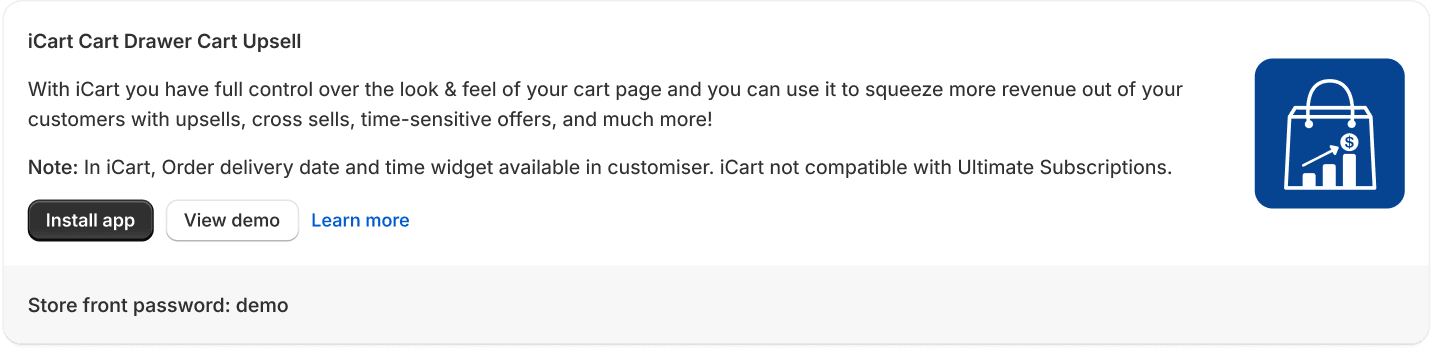
- Locate iCart Cart Drawer Cart Upsell and click Install App.
Add the Delivery date widget
After installing the iCart app, you can display the Delivery Date widget in your iCart Side Cart and/or Full Cart.
The widget allows customers to select their preferred delivery or pickup schedule directly from the cart before proceeding to checkout.
To learn how to add, configure, and customize the widget in iCart, refer to this article:
How the Integration Appears on Your Storefront
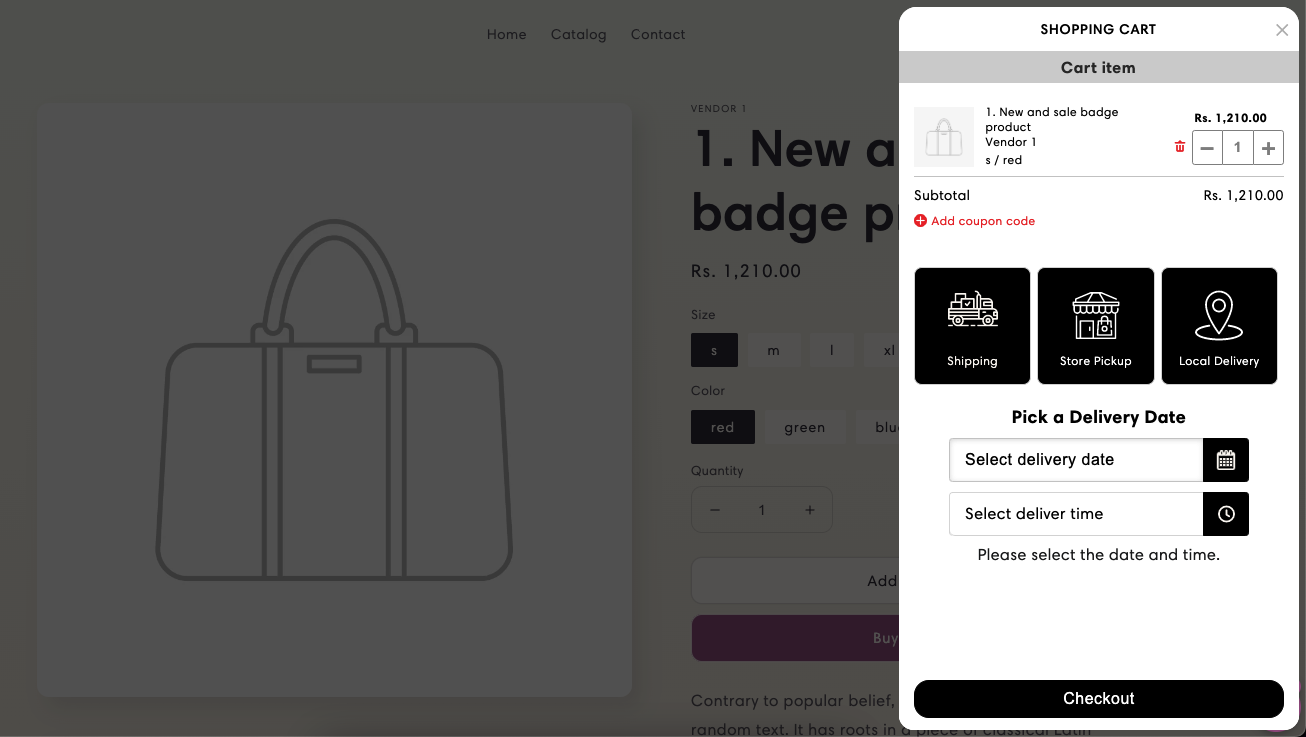
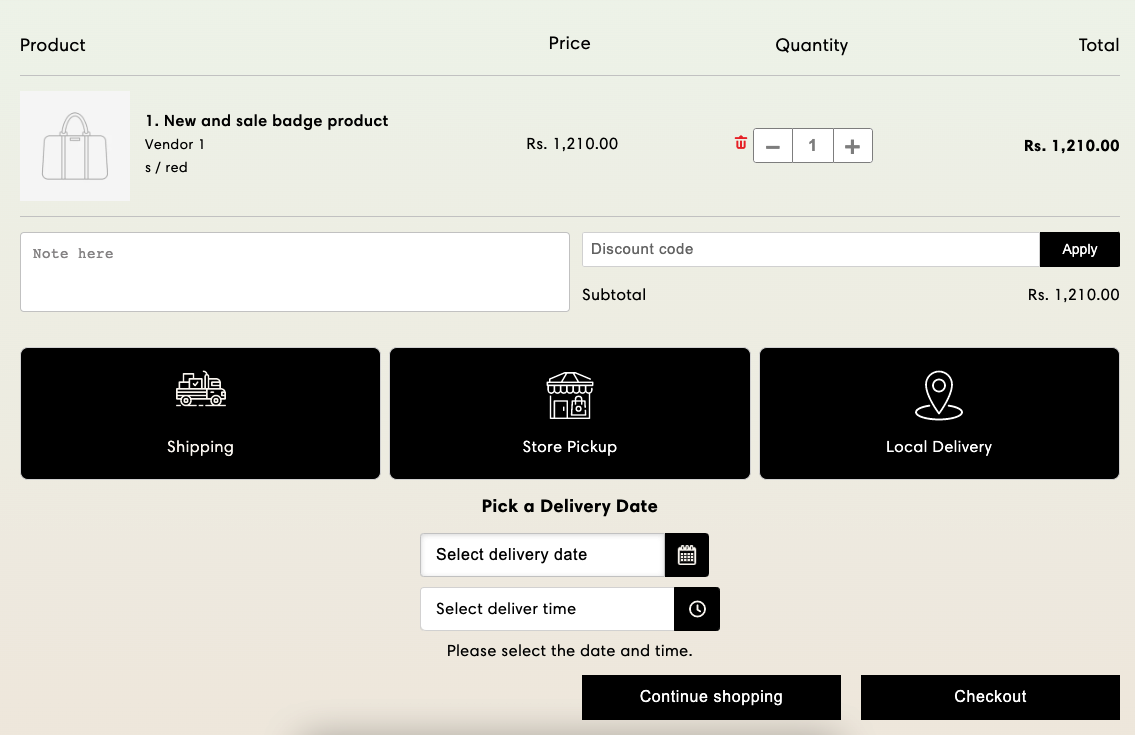
Once the widget is added, customers can select their preferred delivery or pickup schedule directly from the cart before proceeding to checkout.
The integration supports both cart layouts available in iCart.
To read the complete guide on iCart Cart Drawer Cart Upsell click here.


