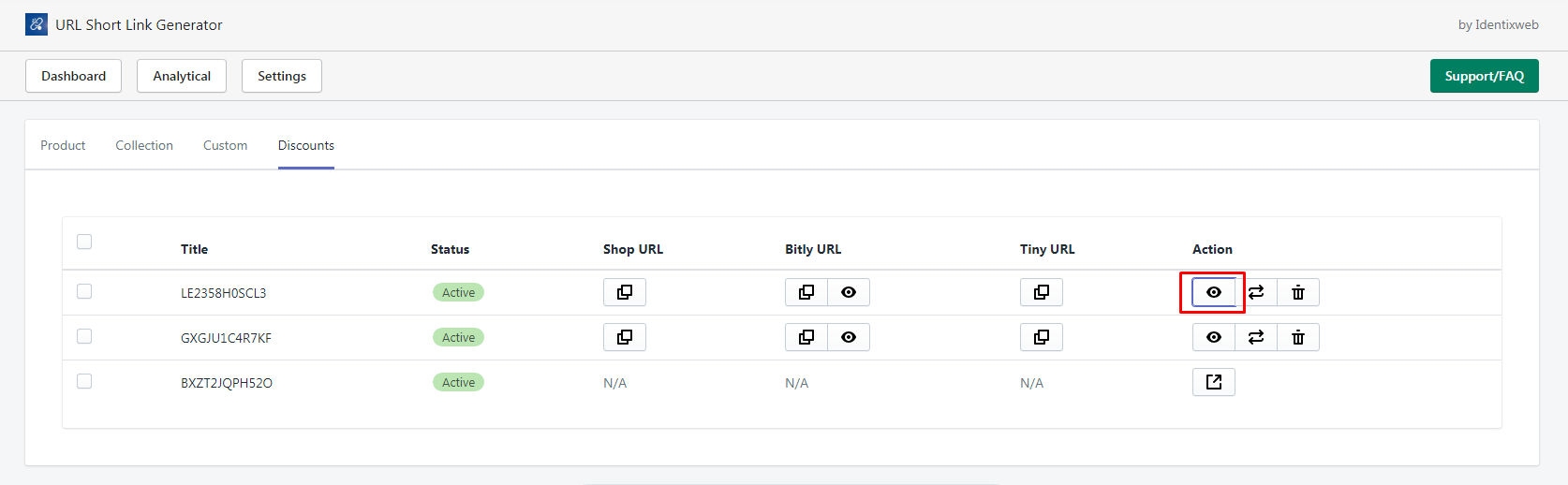
You can access the discounts tab from the top navigation bar, where you will find a list of links with discounts. All discount codes are automatically applied in the cart when you place an order, regardless of the URL parameters. To create short links for these discounts, simply click on the Generate link option, which allows you to copy different short URLs and view analytics for the generated links.
To see the original URL associated with a short URL, click on the View in Detail button under the action tab. This feature streamlines the discount application process, making it easier for you to manage promotions in your store.
You can see the discounts tab from the top navigation bar. By clicking on it you can see the list of links with discounts.
All discount codes will be listed there and automatically applied in the cart while you place an order. And it doesn’t matter what you have passed in the URL.
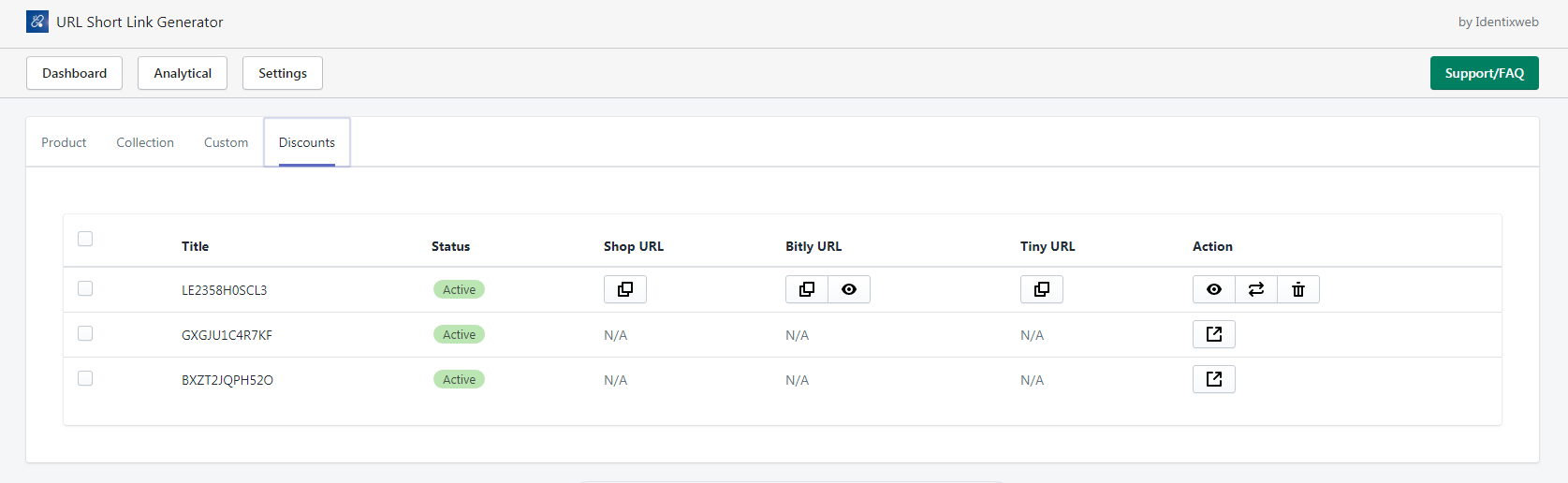
To generate all short links of these discounts automatically click on the Generate link option as shown below.
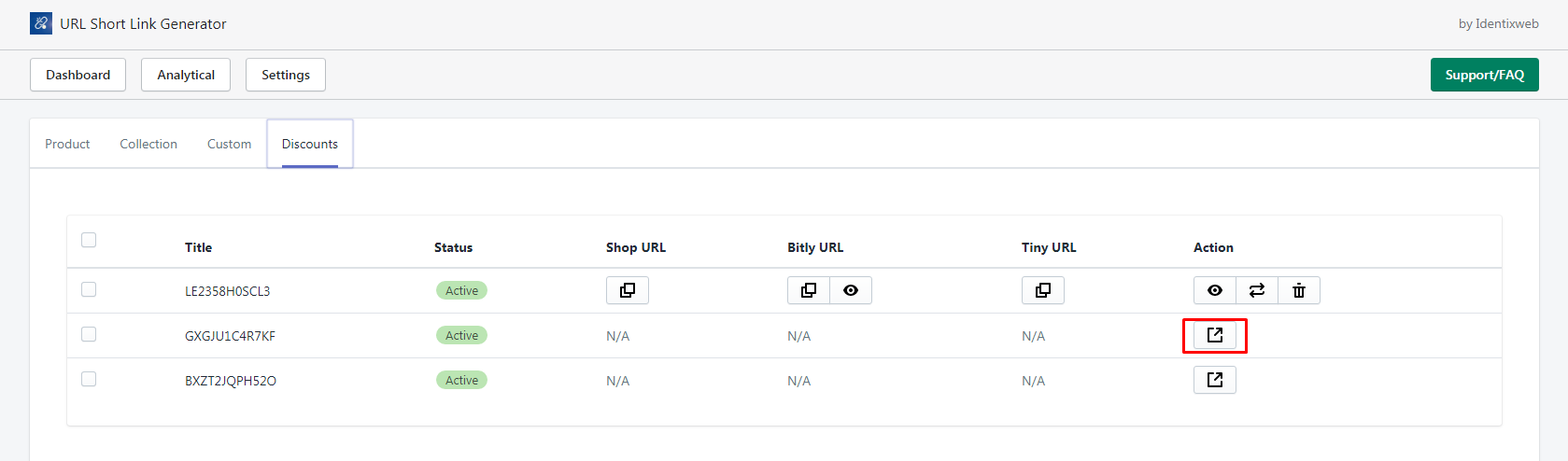
After generating the link you can see options to copy different short URLs and the View button to see the analytics of the generated links.
To see the original URL with the short URL click on the View in Detail button under the action tab.