

The Offers feature allows you to manage various discount offers for your store. You can view existing offers, and utilize options to enable or disable, edit, duplicate, or delete them. Additionally, you can create new offers using the "Create offer" button, with the ability to set up four types of discounts: Volume Discount, Wholesale Discount, B2B Discount, and D2C Discount.
To create an offer, navigate to the Create offer section where you can find a detailed overview of each discount type. Make sure to explore the different options available to maximize your promotional strategies effectively.
On the offer page, you can first see the created offers if you have created any one. Additionally, you have the option to enable/disable, edit, duplicate, and delete that offer using the available actions. And also you can create new offers from “Create offer” button.
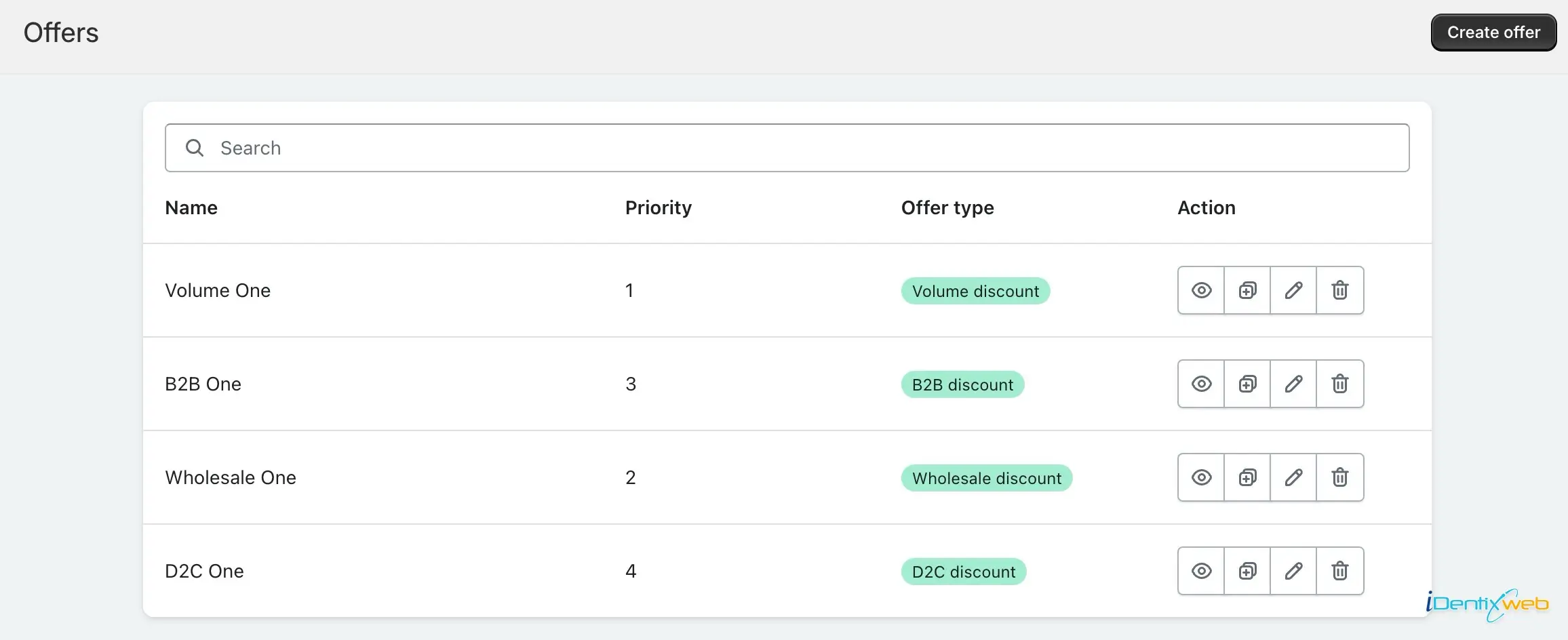
You can create four types of discount offers in this app and you can get detailed overview of these offers from the Create offer section.