AI Overview
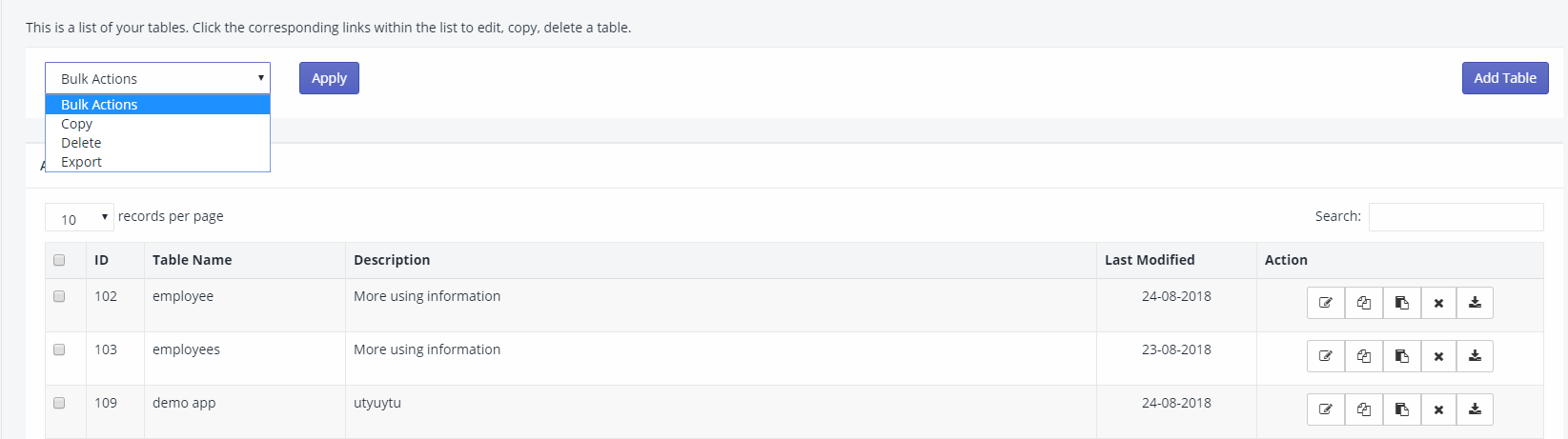
You can view all the tables you have created with iTable under the “All Tables” menu. This feature allows you to manage your tables effectively.
From this menu, you can perform various actions such as copying, exporting, and deleting tables, both individually and in bulk. This flexibility helps you maintain and organize your tables as needed.
All the tables created with iTable can be seen under the “All Tables” menu. You can carry out actions like copy, export, and delete on individual tables as well as in bulk.