

Prefilled templates simplify the process of creating size charts for your store by providing ready-made data for commonly used charts. Instead of starting from scratch, you can select a template that fits your needs, allowing you to build your chart quickly and efficiently. If you prefer, you can also use the Blank Template option to create a chart from the ground up, with the flexibility to edit any pre-filled template later.
To access these templates, log in to your Shopify admin panel, open the iTable app, and click on the Add Table button. During the size chart creation process, you will encounter the Pre-designed Template section where you can select from various categories, including options for men, women, kids, and more. Using these templates saves you time, as they come with data already filled in, ensuring you can set up your size charts with minimal effort.
Overview
Creating a size chart from scratch can take time—especially when you’re just getting started. That’s where pre-filled templates come in. These templates provide you with ready-made data for some of the most commonly used size charts. You don’t need to input everything manually—we’ve already added popular size charts to help you create one with ease.
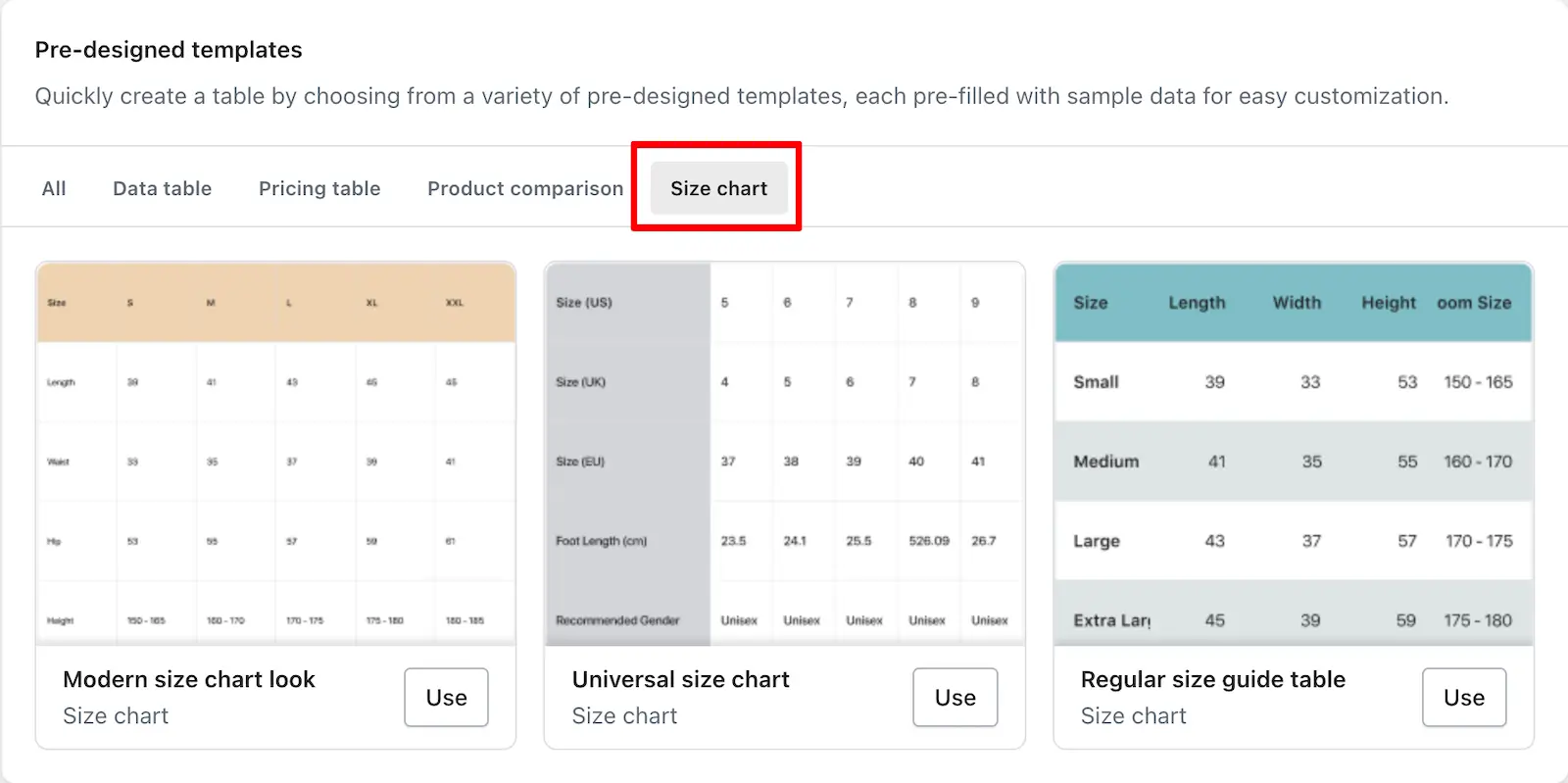
When you go to create a new size chart, right after entering the Table Title and Description, you’ll see the Pre-filled Templates section. From there, you can choose a template that fits your need and build your chart quickly.
Don’t want to use a ready-made chart? No problem! You can start from scratch using the Blank Template option. It gives you complete control to input your own data from the ground up.
Also, even if you select a pre-filled template, you can fully edit the content later—so you’re never locked in.
Access pre-filled templates
Here’s how to get started with pre-filled templates:
- Log in to your Shopify admin panel.
- From the menu, open the iTable app.
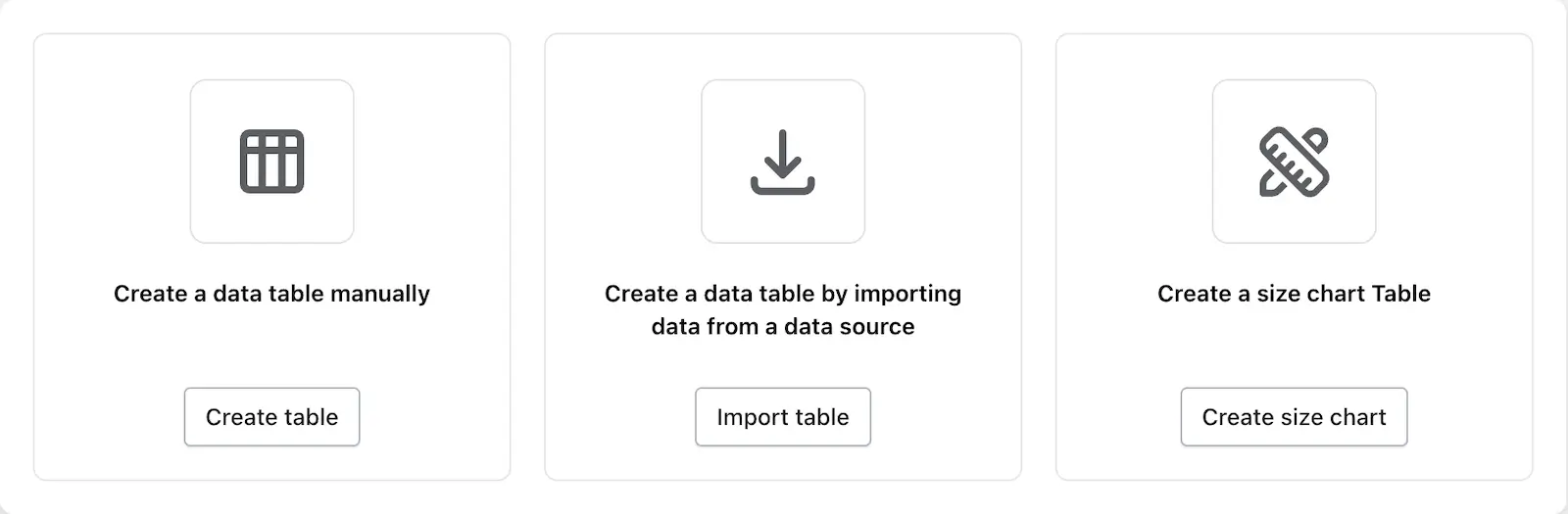
- On the Dashboard page, click on the Add Table button.
- While creating a table, you’ll see three options:
- Create Table
- Import Table
- Click on Create Size Chart to begin.
- During this process, you’ll see the Pre-designed Template section, where you can choose from existing templates to generate your chart.
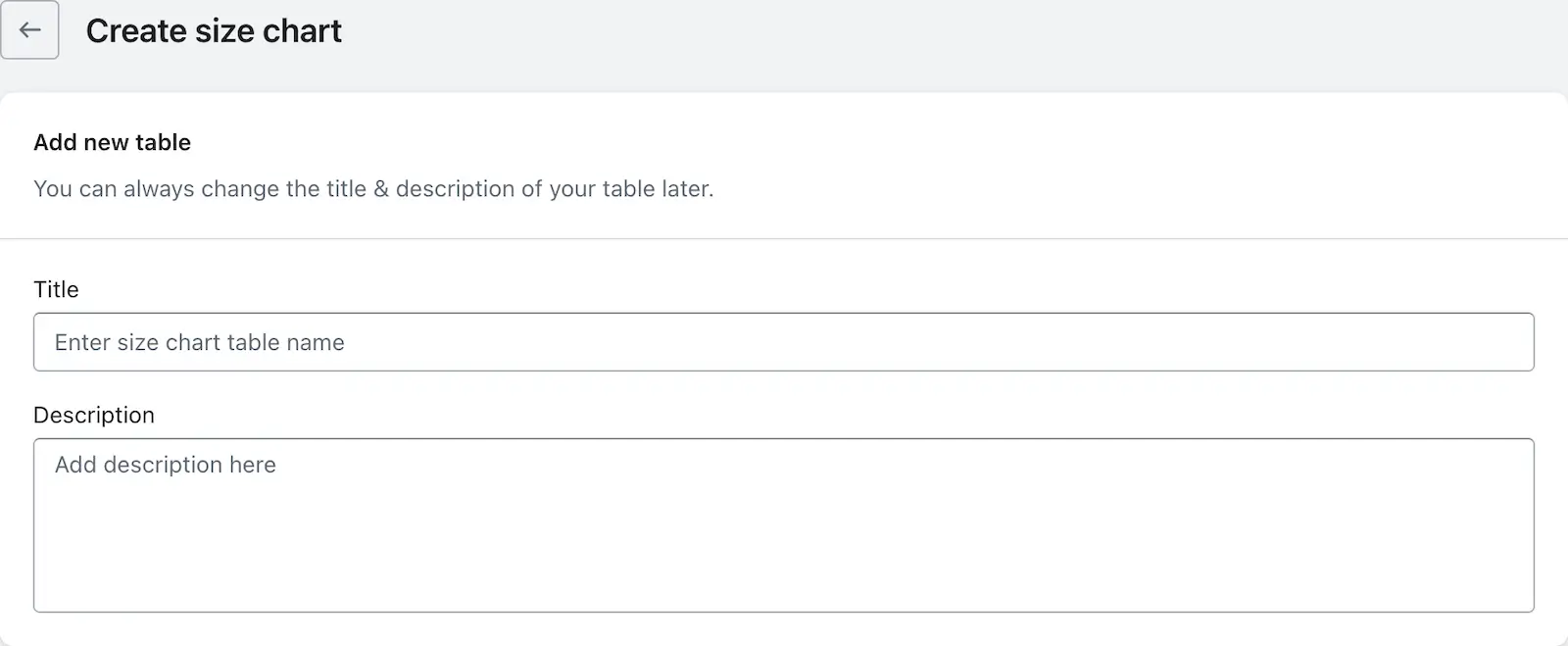
- Or once you click Create Size Chart, the size chart creation page will open.
- After entering the Table Title and Description, simply select a template from the Pre-filled Templates section and proceed.
Available pre-filled templates
You’ll find a variety of template categories to suit different needs:
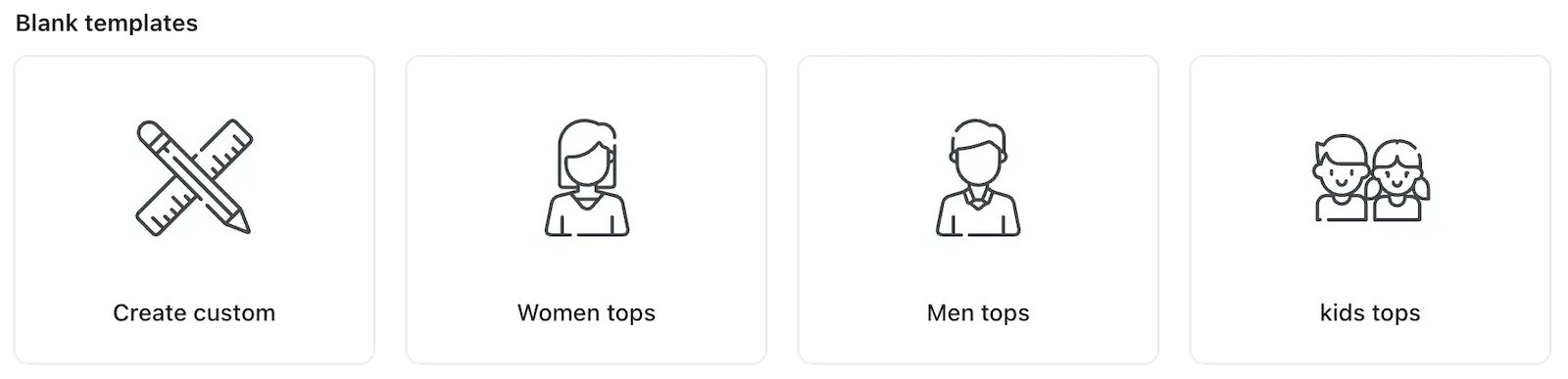
Blank Templates
You’ll find 4 options under this:
- Create Custom – Start from scratch and build your chart manually.
- Women Tops – Comes with headers and one size column pre-filled.
- Men Tops – Similar to women tops, with headers and one size column added.
- Kids Tops – Same structure, designed for kids’ clothing.
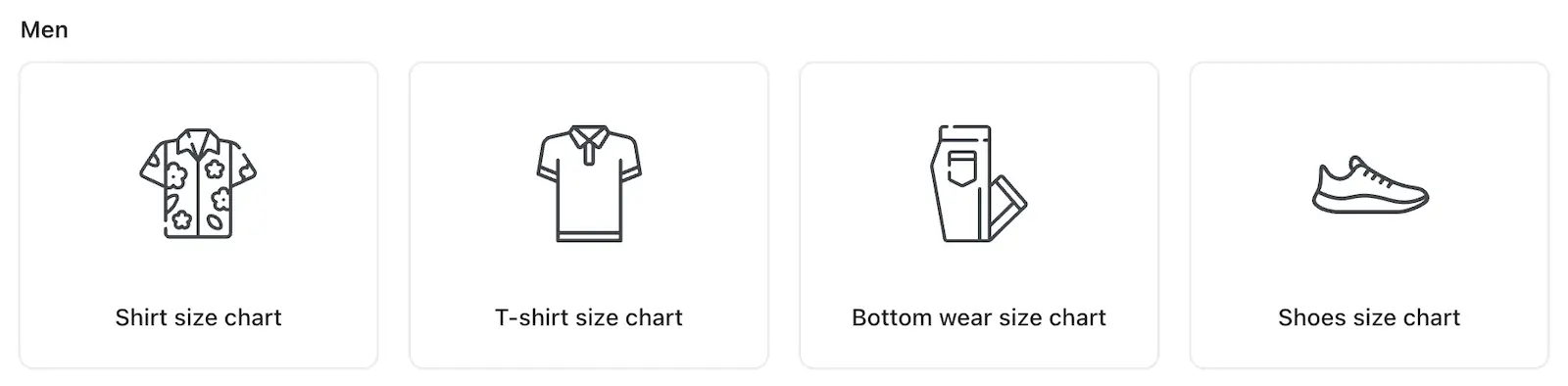
Men
Includes size chart templates for:
- Shirts
- T-shirts
- Bottomwear
- Shoes
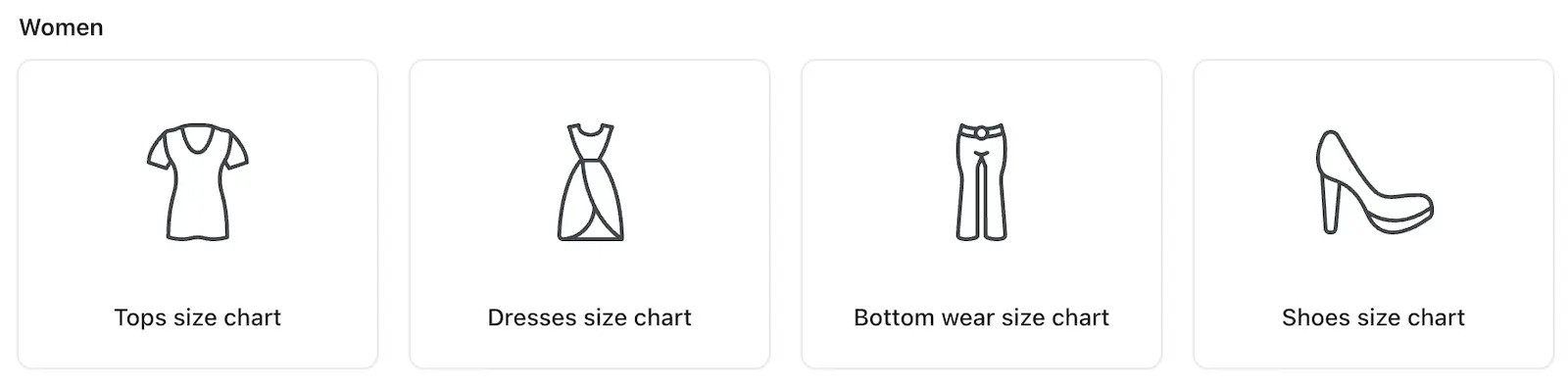
Women
Includes templates for:
- Shirts
- T-shirts
- Bottomwear
- Shoes
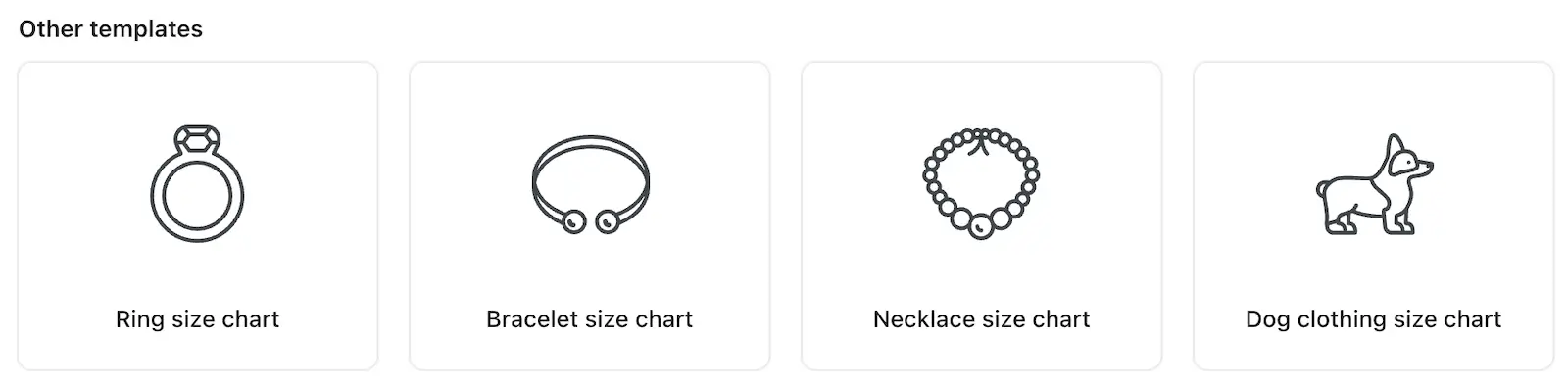
Other Templates
Templates for:
- Rings
- Bracelets
- Necklaces
- Dog Clothing
Time saving advantage
All templates (except for Blank Templates) come with data already filled in. That means you get an instant starting point without entering all the details manually—saving you time and effort.