

Most Viewed Blogs
Gather knowledge about the latest insights, updates, tips, and tricks in the Ecommerce industry.

5 Min • 20 March 2026
How Anua Unlocked 5X AOV Growth with iCart’s Smart Cart Features
delivery customization Challenges Solutions drive results Scale business delivery customization Challenges Solutions drive results Scale business delivery customization Challenges Solutions drive results Scale business delivery customization Challenges Solutions drive results Scale business Anua is a globally recognized Korean skincare brand known for its minimalist philosophy and focus on gentle yet effective formulations. Built on the idea of simplifying skincare routines, Anua develops products that deliver visible results while avoiding harsh or irritating components, making them suitable for sensitive skin types. Initially using a traditional full cart experience, Anua transitioned to iCart’s side cart solution in August 2025, to create a more seamless and engaging shopping journey. This shift allowed customers to easily explore complementary skincare products without disrupting their browsing flow, making it more intuitive to discover items that fit into a complete routine. By surfacing relevant recommendations directly within the cart, the brand enhanced product visibility across its range. Challenges Before implementing iCart’s side cart solution, Anua faced limitations with their existing full cart experience, which created friction in the customer journey. The traditional cart setup redirected users away from product pages, interrupting their browsing flow and reducing opportunities to explore additional products. As a skincare brand built around routines rather than single-item purchases, this made it difficult to effectively showcase complementary products and encourage customers to build complete regimens. Additionally, the lack of in-cart personalization and strategic upsell opportunities meant that customers were often unaware of related products that could enhance their skincare results. This limited the brand’s ability to increase average order value (AOV) and fully leverage its diverse product range. Anua needed a more dynamic and intuitive cart experience that could seamlessly introduce relevant recommendations while maintaining a smooth and engaging shopping journey. ❌ Cart Value Barriers Low average order value (AOV) due to single-item focus Most customers completed purchases with one primary product instead of building multi-step routines. Cart abandonment near shipping thresholds Customers were not clearly informed or motivated to reach free shipping or discount thresholds. Missed savings opportunities Customers were unaware of potential value in purchasing bundled routines or multiple complementary products. ❌ Absence of Progress-Based Incentives No free shipping or discount progress bar Customers were not motivated to increase their cart value due to lack of visible incentives. Missing tiered rewards system There were no structured milestones (e.g., “Spend more to unlock offers”), reducing upsell opportunities. ❌ Ineffective Cart UI/UX (Pre-Side Cart) Full-page cart disrupted shopping flowCustomers had to leave their browsing journey, increasing friction and drop-offs. No quick add/remove functionality Users couldn’t easily modify their cart or add suggested products without navigating away. Solution To overcome these challenges, Anua implemented iCart’s side cart solution to transform their traditional cart into a high-converting, interactive experience. By replacing the full-page cart with a seamless side cart, the brand ensured that customers could continue browsing while viewing their cart, significantly reducing friction in the shopping journey. Additionally, features like product recommendations & progress bars for free shipping and discounts motivated customers to increase their cart value. By combining personalization, incentive-driven messaging, and a user-friendly interface, Anua successfully turned their cart into a powerful revenue-driving touchpoint rather than just a checkout step. To maximize their cart effectiveness, they implemented two powerful features: ✅ Progress Bar with Multi-Reward Incentives Implemented a tiered progress bar to encourage higher cart value Customers are guided with a clear message like “Add $3.10 to unlock secret offer,” motivating them to continue adding products. Generated over $5M+ in revenue through incentive-driven cart progression Used product-based rewards to align with customer intent Instead of generic discounts, Anua incentivized purchases with relevant skincare items like Dark Spot Pads and mini serums. Built visual motivation for routine expansion As customers add products, they can clearly track progress toward unlocking multiple rewards, encouraging them to build a complete skincare routine. ✅ Product Recommendations Implemented “Frequently Bought Together” recommendations Customers adding a single product (e.g., toner) are shown complementary items like serums, moisturizers, or pads to complete their routine. Generated over 275K revenue through in-cart recommendations Encouraged full skincare regimen building Instead of isolated purchases, the cart suggests step-by-step product combinations aligned with common skincare routines. Increased product discovery at the final stage By surfacing relevant items directly in the cart, Anua ensured customers explore more of their catalog without leaving the checkout flow. Results Achieved in Last 180 Days 22932 Total Store Orders 45101 Total iCart Orders 5X iCart Generated AOV 65.70% Upsell Affected Conversion Rate These improvements reflect a clear shift in customer behavior on Anua’s store. Cart abandonment reduced as shoppers discovered complementary skincare products and felt encouraged to build complete routines. Engagement also increased, with customers interacting more with in-cart recommendations and exploring relevant product pairings. Results & Impact And...Results is Our Main Clarification By implementing iCart’s cart drawer, product recommendations, and progress bar, Anua transformed its cart into a high-performing conversion touchpoint. Shopping Experience Enhancement The improved cart experience encouraged customers to discover complementary products and understand the value of sustainable beauty routines. For instance, the clear presentation of subscription savings alongside one-time purchase options helped customers make more informed decisions about their long-term hair care needs. As Anua continues to optimize its cart experience, the brand is closely monitoring: Routine-based purchasing behavior - tracking how customers move from single items to multi-step regimens Engagement with in-cart recommendations - measuring interaction with suggested products Cart value progression - analyzing how incentives influence higher spending [related_cases_slider] Ready to Write Your Success Story? Try icart App Join successful businesses like Anua and Master your delivery scheduling Delight customers with precise timing Grow your special occasion orders Expand your delivery reach
Read Blog
7 Min • 13 July 2020
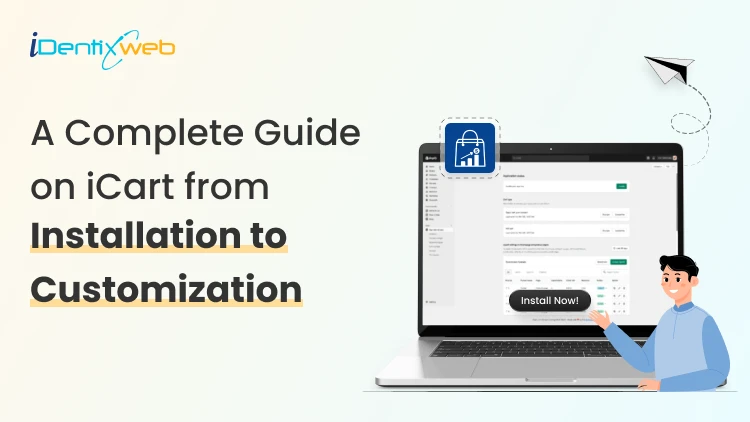
A Complete Guide on iCart from Installation to Customization
Were you in search of a set of instructions to get started with iCart? Then you have reached the right place. Here is the complete step-by-step guide from installation to customization that will take you to the process of installing this app, making it active, and start using it. Follow the below steps to have a quick and hassle-free installation: Installing iCart Cart Drawer Cart Upsell on Shopify store Step 1: Go to the Shopify app store, browse the app, and open the page of the iCart app. On this page, you will see a button “Install” as shown in the image below. Click on it. Step 2: After this step, if you are not logged in to your store then type your store URL and log in. And if you are already logged in, you will be redirected to a page as shown in the image below. Read over the lines detailing the access you will grant iCart, and click on the “Install app” button. Step 4: Now on the next page you will find charge approval. After reading the pricing chart click on the “Approve the charges” button and enable the app in your store. Read this article to study how iCart’s pricing plan works. Step 5: You will see one more page where you have to confirm the charges. Click on "approve charges & continue". Step 6: Approve subscription. Congratulations, iCart is installed in your store! But the app is not active in your store. To enable iCart in your store, click on the Enable iCart button. What are the pricing plans available in this app and how it will be charged? After installing iCart in your store you can explore iCart in your store. When you install the app for the first time, you can use it completely free for your first 100 orders. Once your store reaches 100 completed orders, billing will automatically begin from that date — no hidden fees or surprises. You’ll be charged based on the pricing table below. Store orders Features Pricing in USD($) 0 – 100 Up to 100 orders + Full features 9 101 – 200 Up to 200 orders + Full features 19 201 – 500 Up to 500 orders + Full features 29 501 – 1000 Up to 1000 orders + Full features 49 1001 – 2000 Up to 2000 orders + Full features 79 2001-5000 Up to 5000 orders + Full features 99 5000+ More than 5000 orders + Full features 129 Check out the below-mentioned on-boarding video tutorial of iCart to get a detailed overview of iCart. https://www.youtube.com/watch?v=RIyPSExuvJk We have designed this side cart to be as similar as possible to the Shopify theme editor, for your convenience. So when you come to this page you can see on the left-hand side widgets from which you can add widgets and customize your side cart. Let's see each widget one by one. Cart items: This widget helps you to customize the cart items and show more products for more sales.Under this widget settings, you will get options like: Title Product options Discount Time-limited offer Prices to display Subtotal options Empty cart message To know more about the cart items widget in detail, here is the complete guide for you. To know more detail about the Cart items widget, please refer to the below video tutorial. https://youtu.be/yWa3mysHBzE Product upsell: This widget allows you to add a product that you like to show for upselling and let your customers buy/order it with the product added to the cart.Under this widget settings, you will get options like: Title Product to display:- Shopify recommendations, cheapest product in the cart, most expensive product in the cart, specific product, random product, exclude tags - exclude products that are tagged with the product title. Product title Product options Discount Time-limited offer Prices to display Add to cart button Rules To know more about the product upsell widget in detail here is the complete guide for you. To know more detail about the Product upsell widget please refer to the below video tutorial. https://youtu.be/qJkFHK6_MxY Checkout button: You can design the checkout button and redirect users to the checkout with the added cart items.Under this widget settings, you will get options like: Title Button settings To know more about the checkout widget in detail, here is the complete guide for you. To know more detail about the Checkout button widget, please refer to the below video tutorial. https://www.youtube.com/watch?v=_3ChET3cPLg Progress bar: The following settings are included in the Progress Bar widget, which you can customize in your way: Widget heading Title Widget layout Discount tier Progress bar color When all tiers are completed To know more about the progress bar widget in detail, here is the complete guide for you. To know more detail about the Progress bar widget please refer to the below video tutorial. https://youtu.be/Ec9aatiTB7c Product recommendation: The product recommendation widget comes with the following options: Settings Title Select collection Layout Product options Discount Timer limited offer Prices to display Add to cart button Rules To know more about the product recommendation widget in detail here is the complete guide for you. To know more detail about the Product recommendation widget please refer to the below video tutorial. https://www.youtube.com/watch?v=sgs6_Ie-LC0 Image with text: Below is the options that are included in the image with the text widget: Settings Title Rules Delete widget To know more about the image with a text widget in detail here is the complete guide for you. Custom HTML: This widget allows you to customize the following options: Settings Title HTML Rules Delete widget To know more about the custom HTML widget in detail here is the complete guide for you. Discount: These are the options provided by the discount widget that allows you to customize in your own way. Widget heading Title Text Discount Button settings Time-limited offer Rules To know more about the discount widget in detail here is the complete guide for you. To know more detail about the Discount widget please refer to the below video tutorial. https://www.youtube.com/watch?v=1cgiYHndjlk Order Delivery Date: The Order Delivery widget provides the following options: Settings Title Delete Widget To know more about the custom HTML widget in detail here is the complete guide for you. Birthday collector: This widget allows you to customize the following options: Widget heading Title Settings Discount Time-limited offer Button Thank you message Error message Rules Delete widget To know more about the birthday collector widget, here is the complete guide for you. Survey: This widget allows you to customize the following options: Settings Title Settings Discount Timer limited offer Rules Delete widget To know more about the survey widget, here is the complete guide for you. Product bundle: This widget allows you to customize the following options: Settings Title Select products Layout Product options Bundle offer Offer text settings Add to cart offer text settings Timer limited offer Price display Add to cart button Bundle add to cart button Star reviews Rules Delete widget To know more about the product bundle widget, here is the complete guide for you. To know more detail about the Product bundle widget please refer to the below video tutorial. https://www.youtube.com/watch?v=FkaqshMFTwQ
5 Min • 27 September 2019
How to Attract New Customers to Your Business
Are you an entrepreneur? Need more traffic to your small business? You have come to the right point. No matter how large your business is you can’t gain money until customer’s purchase your products. Most of the business fails due to the reason that customers are unaware of their products. For small and large business marketing and advertising is a big issue. We are living in an era where every 30secs on FM or social media are highlighted with advertising. I have seen many small businesses running on top because customers know their brand through various Media. Thanks to social media as they provide a wide range of platform for giving ads and promoting the brand. Here are some of the tips which will help you to attract new customers to your business. Customer Acquisition Customer Acquisition is the process of studying or analyzing the perspective of customers to buy products from your store. Various methods are there to find out new customers and target them on social media. Marketing is in your hands. You need to know all the tactics of marketing and understand every customer’s interest in buying your products. Target the right audience because marketing to the wrong audience will not bring any profit to your business. It may take some time to earn profit but don’t pause in the middle. Try to interest users with exciting features and offers for them. Also read How to Reduce Customer Acquisition Cost on Shopify Usage of paid advertising I think that one of the best ways to attract new customers is through paid advertising on social media. The reason is that people tend to visit your online store on Facebook as they are spending half of their time on Social Media. Google and other platforms are also best to run ads. Talking about online advertising facebook ads and Google Ads are the best providers for paid traffic. Although each paid advertising platform has its functionalities, they mainly charge for CPMs. It allows advertisers to select their targeted audience based on demographics, interests and other traits. Usually paid advertising is mainly best for businesses with a high budget. Creating an email list Lead generation is the starting task for customer acquisition. Creating leads involves includes collection of information from valuable customers so that you can re-target your audience through new exciting features and offers. Most of the time visitors don’t tend to buy during the first visit to your store. Gathering email address is one of the best ways to generate leads for customer acquisition in most of the business. There are many ways to create an email list. Once your email list is created you can run email campaigns and can send emails automatically to the targeted audience. These emails can be personalized whenever you want as per your requirement. Maintain regular cleaning of the email list otherwise, it will be considered as an “unengaged list”. A B2B email marketing agency helps businesses set up and manage marketing campaigns efficiently and create automated workflows that nurture leads over time based on user behavior, lead scoring, and engagement. Search Engine Optimization (SEO) Online shopping starts with searching, and that search often begins on Google. Customers look for products or services by entering relevant queries, making search visibility essential for businesses. Understanding how much to invest in SEO through an SEO Budget Guide can help companies improve their online presence and compete effectively in search results. The ranking of our website in those searches is known as Search Engine Optimization. The best way to start SEO is by doing keyword research. You need to know the keywords that are suitable for your small business. Find out those keywords for which customers will be searching for your products or services. Don’t choose those keywords with high competitors. Choose those keywords which have high search volume and low competitors. The main factor for SEO ranking will be based on the content of your website or store. Your content should be very rich and relevant that is matching to your topic. Users should be able to understand the content and also it should attract them. Generate Online Audience With the coming of social media platforms like Facebook, Instagram, YouTube and many more. There are many ways to create an audience on Social Media. For doing this the main thing you need is time, consistency, patience, and content for attracting new customers. Generating an online audience not only increases brand authority but also will help you to gain more sales and you can promote your new products to the existing customers. To make the most of this audience, you can use printable flyer templates to create attractive and helpful flyers. These can be shared online or in-store, helping businesses attract more customers and show them new products.
2 Min • 11 February 2020
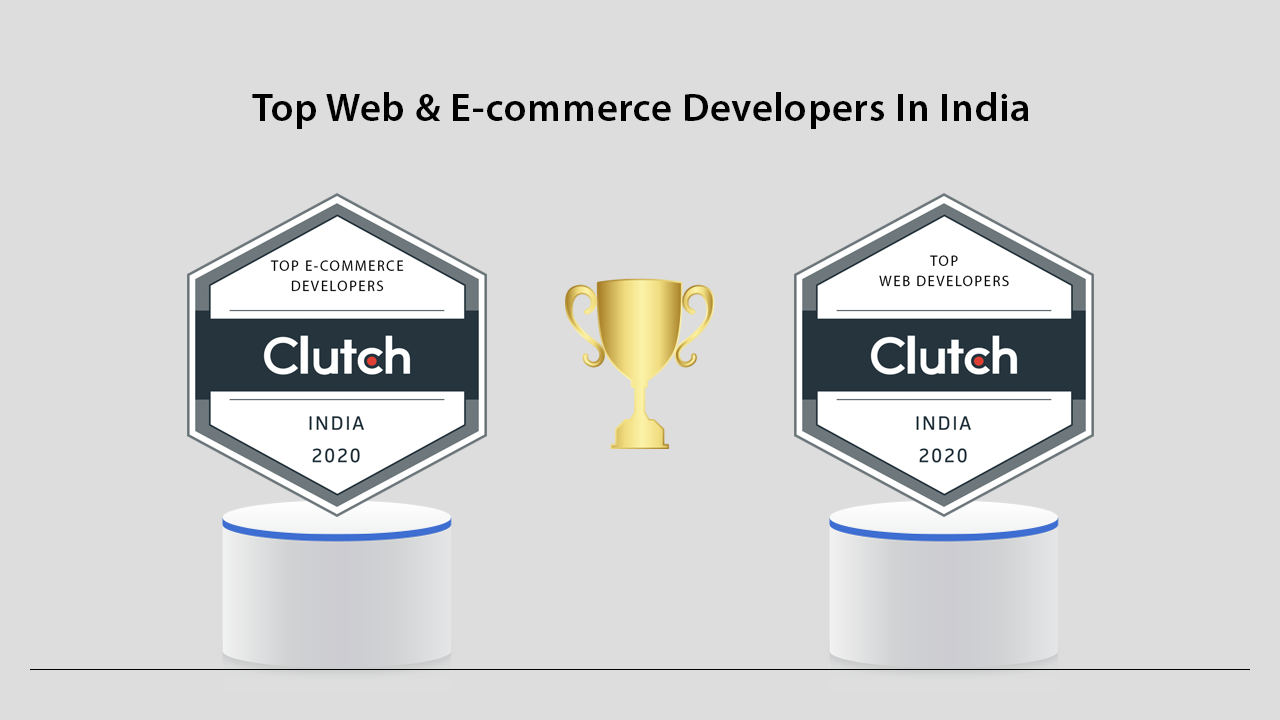
iDentixweb Featured in Clutch Leader Award 2020 | E-commerce Expert
Identixweb Limited is an outstanding web and Ecommerce development company located in India with around 60+ employees having the aim to convert ideas into reality. Since 2017 we have been delivering web development and E-commerce services in all sectors around the globe. With 7 years of experience, we are able to offer award-winning work to top-class brands. We generally endeavor to provide a natural experience to our clients. Our mission is to provide value-centric IT solutions for our clients by maintaining long-lasting relationships. With years of experience in the development field, we have been able to deliver high-quality services to our clients with the highest satisfaction which has been recognized by the top review firm Clutch too.View what our CEO has to say about our Clutch award! “Today we are very much proud to receive this award as it matters a lot for the growth of our organization. We hope this award is the reflection of the efforts that we have put into delivering the best services for our clients.” – CEO, Priyank Savani Clutch is a B2B ratings and reviews firm located in the heart of Washington D.C. They evaluate the quality of the services that we offer, quantity and quality of client reviews, market presence many more factors. There are many B2B ratings and review sites but the acknowledgment from Clutch is more precious for us than any other as we personally know the merit of Clutch’s rankings. And today we are very much proud and excited to announce that we have been featured as a 2020 Clutch Leader in the report of top web and e-commerce developers in India. Here’s a look at the report of our focus. Client reviews are really important for a business to improve the quality of services. We would like to say thank you to our loyal clients and every associate of Clutch for making this spotlight possible. Want to get our services? Check us out and tell us about your project.
Sajini Annie John
9 Min • 21 May 2026
4170 Views
Bhavesha Ghatode
8 Min • 4 June 2026
2411 Views
Bhavesha Ghatode
12 Min • 20 May 2026
2369 Views
Bhavesha Ghatode
9 Min • 3 March 2026
1900 Views

Bhavesha Ghatode
13 Min • 16 April 2026
1864 Views
Vineet Nair
9 Min • 29 April 2026
1485 Views
Vineet Nair
8 Min • 29 April 2026
1451 Views
Bhavesha Ghatode
10 Min • 9 February 2026
1324 Views
Vineet Nair
7 Min • 25 May 2026
838 Views
![How to Check Shopify Gift Card Balance Online in Just 2 Steps? [+Best Gift Card Apps]](https://www.identixweb.com/wp-content/uploads/2025/12/09-12-Tue-Blog-How-to-Easily-Check-Shopify-Gift-Card-Balance_-1.webp "How to Check Shopify Gift Card Balance Online in Just 2 Steps? [+Best Gift Card Apps]")
Vineet Nair
5 Min • 17 June 2026
765 Views
![The 20 Best Shopify Beauty Store Examples [Latest Update]](https://www.identixweb.com/wp-content/uploads/2025/11/14-11-Fri-Blog-The-20-Best-Shopify-Beauty-Stores.webp "The 20 Best Shopify Beauty Store Examples [Latest Update]")
Vineet Nair
10 Min • 29 April 2026
720 Views
Sajini Annie John
8 Min • 9 February 2026
520 Views