





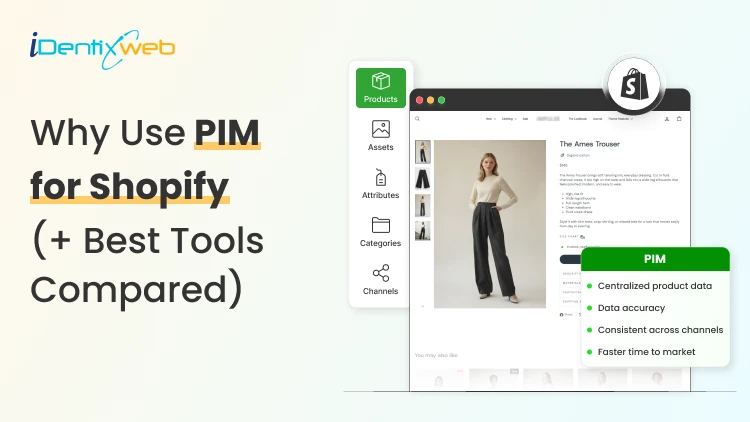

PIM (Product Information Management) for Shopify is a centralized system that helps merchants manage, enrich, and distribute accurate product data across Shopify, marketplaces, and other sales channels. It improves data consistency, reduces missing product information, supports faster catalog updates, lowers return risks, and strengthens multi-channel selling. Popular PIM options for Shopify include Plytix, Sales Layer, Apimio, Jasper PIM, Akeneo, Salsify, inRiver, and Pimcore.
Most Shopify stores lose sales because the information around their products is inconsistent or confusing to customers. A PIM for Shopify fixes that by giving you one clean source of info for every title, spec, image, and attribute, then pushing it out everywhere you sell.
Better product data helps you get more revenue, fewer returns, and products that actually show up when a shopper asks an AI what to buy.
I'll walk you through what a PIM really does for a Shopify store, whether you need one yet, and what the good options cost in 2026.
What is a PIM for Shopify?
A PIM (product information management) system is a central hub where you create, enrich, and manage all your product data. For a Shopify store, a PIM sits alongside your admin and gives clean, complete, consistent product content into Shopify and out to marketplaces, feeds, and AI channels.
Shopify already stores product data. A PIM is different because it's built for scale and structure. You get flexible attribute models, validation rules that catch missing or wrong fields, and digital asset management for images and videos.
The reason store owners search for a PIM is that their catalog has grown, the channels multiplied, and keeping product data accurate has become difficult.
How does better product information turn into more sales?
1. Fewer returns and refunds
Returns are one of the first places where inconsistent product data starts eating into margins.
The National Retail Federation estimates the average retail return rate at nearly 17%, with returns costing retailers close to $850 billion annually.
Accurate sizing, specifications, images, and product descriptions reduce the gap between what customers expect and what they actually receive.
2. Higher conversion and less abandonment
Incomplete product information can send shoppers directly to a competitor.
Akeneo found that:
- 70% of consumers would choose a different product when information is missing.
- 65% would abandon the purchase completely.
This is where a Product Information Management (PIM) system becomes useful. A PIM can enforce mandatory product attributes before a SKU is published.
For example, every product can be required to include:
- Dimensions
- Materials
- Care instructions
- Product specifications
- Multiple product images
Instead of relying on someone to notice missing information manually, the system helps prevent incomplete product listings from reaching the storefront.
3. Better Visibility in AI Shopping Channels
In 2026, consistent product data matters beyond your Shopify storefront. It also affects how products appear in AI-powered shopping experiences.
Shopify has expanded product discovery through channels such as:
- ChatGPT
- Perplexity
- Microsoft Copilot
- Google AI Mode
These systems rely heavily on structured and complete product information to understand what a product is, who it is suitable for, and when it should be recommended.
A product with:
A vague description, missing GTIN, limited specifications, and a few structured attributes gives an AI shopping assistant far less information to work with.
Do you actually need a PIM for Shopify yet?
A lot of Shopify stores don't need a standalone PIM. If you sell a few hundred products on one or two channels and your data is manageable, Shopify's native tools should be your choice.
Shopify's metafields and metaobjects are the reason. Metafields let you add structured custom fields to products, variants, collections, and more, so you can store specs, size guides, and warranty details that Shopify's default fields don't cover.
Metaobjects let you build reusable content objects, like a brand or a care guide, and connect them across many products.
If you're not using them yet, here are a few of my guides and articles you can go through.
What to look for in a PIM for Shopify?
Focus on five things:
- How does it connect to Shopify?
- How flexible is its data model?
- How well does it handle assets?
- How does it syndicate to channels?
- How does it keep data clean?
Connection comes first, and it splits into two camps. Some PIMs offer a native Shopify integration or a listed Shopify app, so product data flows straight into your store with minimal setup. Others connect through a middleware layer or a third-party connector, which works but adds a moving part to maintain.
If you search "PIM for Shopify app," you're looking for that first camp, and it's the smoother path for most stores that don't have a developer on call. Check the current Shopify App Store listing and recent reviews before you commit, since integrations and pricing change often.
Beyond the connection, here's what actually matters:
- A flexible data model and taxonomy, so you can define the exact attributes your products need and enforce them.
- Data validation and governance, so incomplete or malformed data can't reach your storefront.
- Digital asset management for images and video, ideally with variant-level control. If you want icons and trust badges on product pages, our guide on displaying images with metafields shows the native version of the same idea.
- Channel syndication and localization, so one enriched record can publish to Shopify, marketplaces, feeds, and AI channels in the right format each time.
- Automation and AI enrichment to fill gaps, generate copy, and score data quality, which saves the most tedious hours.
If a tool nails those five and connects cleanly to Shopify, it'll serve you far longer than one that just has a long feature list.
A PIM Is Only as Good as Its Integration
The value of a PIM also depends heavily on how well it connects with Shopify and the rest of a merchant's technology stack.
When a native connection does not cover the required workflow, Identixweb develops custom Shopify integrations that help businesses connect product data and other systems around their specific operational requirements.
Best PIM for Shopify in 2026
Plytix
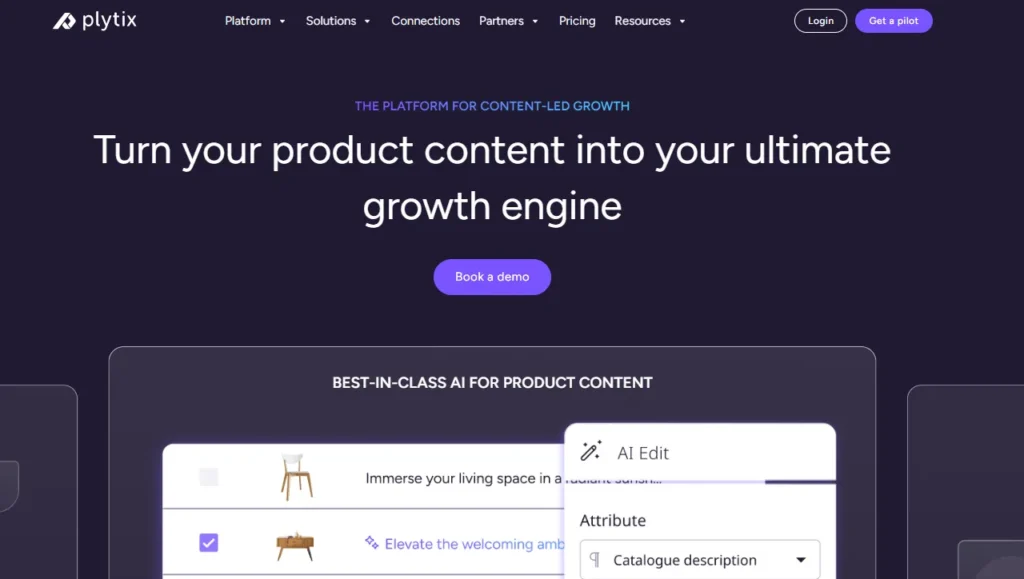
Plytix is a common starting point for growing brands because it offers a free tier for smaller catalogs and supports unlimited users.
Its paid plans scale based on SKU requirements, making it suitable for businesses that expect their catalogs to grow over time.
Akeneo
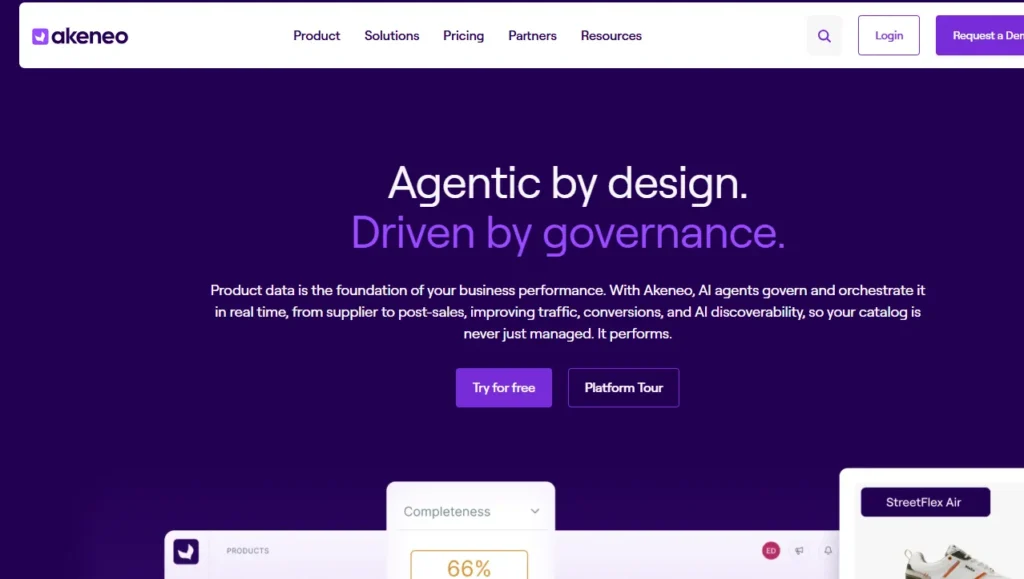
Akeneo is designed for businesses that need advanced product information management across large catalogs, teams, markets, and languages.
Salsify
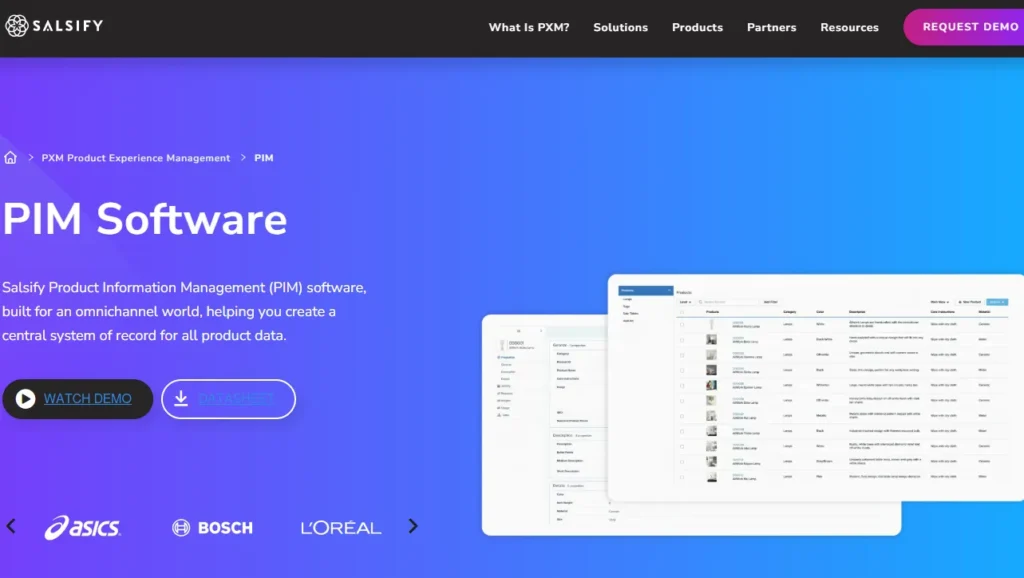
Salsify combines product information management with broader product experience and syndication capabilities, making it more suitable for brands distributing product data across multiple channels.
Pimcore
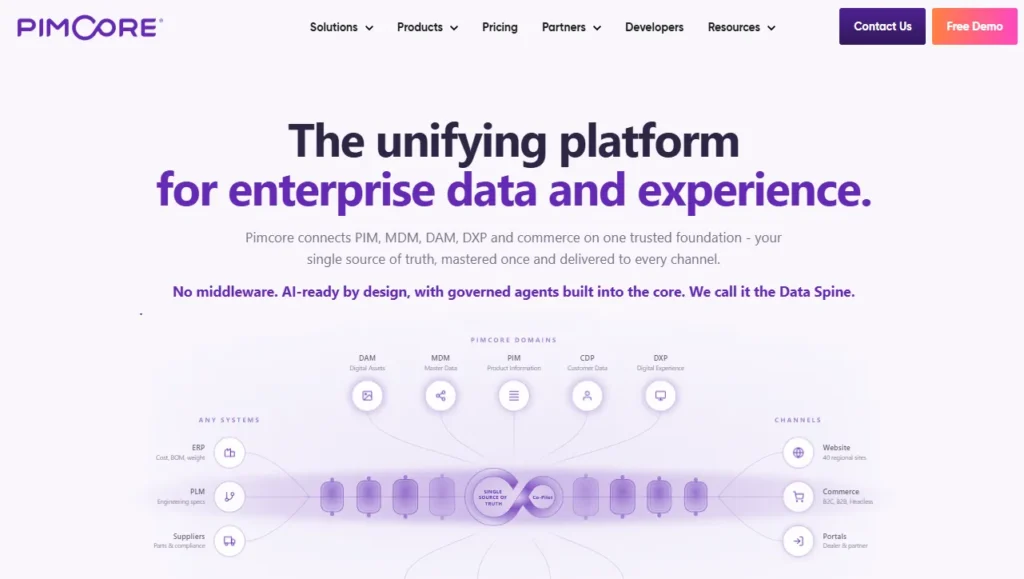
Pimcore supports sophisticated product data models and is often considered when businesses need greater flexibility around product information, digital assets, and other connected data.
Sales Layer, Apimio, and Jasper PIM
Sales Layer, Apimio, and Jasper PIM target a similar segment.
They are generally suited to brands that need:
- Centralized product information
- Better product data consistency
- Multi-channel syndication
- Easier catalog management
- Shopify integration without a complex enterprise implementation
What does a PIM for Shopify actually cost in 2026?
PIM pricing in 2026 runs from free to well over $50,000 a year, and the plan name matters less than your catalog complexity.
Most SaaS PIMs price by the number of SKUs, users, channels, and outputs, while enterprise platforms quote custom deals you won't see without a demo.
Here's the rough shape of the market, based on current published pricing and PIM cost breakdowns from vendors like Plytix and Akeneo:
- Free and entry SaaS tiers cover small catalogs, often up to around 1,000 SKUs, with limited features. Good for testing the idea.
- Mid-market SaaS plans commonly start in the few-hundred-dollars-a-month range and scale with SKU count. Plytix, for example, publishes a Pro tier starting around $499 a month for larger catalogs, and other SaaS PIMs sit in a similar band.
- Enterprise platforms like Akeneo, Salsify, and inRiver don't publish full pricing. Budgeting guidance from these vendors points to five figures a year and up once services are added, and first-year totals can climb much higher with implementation.
PIM for Shopify Plus and high-volume catalogs
For Shopify Plus and high-volume stores, a PIM shifts from optional to close to essential, because the whole reason you're on Plus is scale, and scale is where manual product data breaks.
The specific wins for a PIM on Shopify Plus:
- One source of truth across multiple Plus storefronts and regions, so a single edit propagates everywhere instead of being redone per store.
- Localization at scale, with translated attributes and region-specific data flowing to the right storefront automatically.
- B2B and wholesale support, where different buyers need different data, pricing, and catalogs from the same underlying products.
- Governance and workflows, so a team of merchandisers, marketers, and suppliers can all contribute without corrupting the catalog.
How to roll out a PIM the right way?
To close out this blog, here's the sequence I'd follow:
- Audit your current data first. Pull your catalog, find the gaps, the duplicates, and the inconsistencies. You'll fix these no matter which tool you pick, so do it before you buy.
- Design your attribute model before importing anything. Decide the fields every product must have, the allowed values, and the rules. A governed model is what keeps a PIM clean six months later.
- Start with a pilot, not the whole catalog. Migrate one category or your best-sellers, get the Shopify sync working end-to-end, and confirm the data lands correctly on your storefront and channels.
- Assign ownership. Someone has to own product data quality, or the system slowly drifts back to the mess you were escaping.
- Then scale. Roll out category by category, syndicate to your channels, and layer in automation and AI enrichment once the foundation is solid.
FAQs
1. What is PIM for Shopify?
A PIM system for Shopify is software that centralizes, organizes, and manages product data such as titles, descriptions, specifications, images, variants, and attributes before syncing it to your Shopify store and other sales channels. It is useful for merchants with large catalogs because it helps maintain accurate, consistent product information across channels.
2. Is Shopify a PIM system?
No. Shopify stores and manages product data, and its metafields and metaobjects add structured custom fields, but it lacks the multi-channel syndication of a dedicated PIM. For a single store with a small catalog, native Shopify is often enough. For large catalogs across many channels, a PIM will help.
3. What is the best PIM for Shopify?
For most small and mid-sized stores, Plytix, Sales Layer, or Apimio fit well and connect to Shopify easily. For large, complex catalogs, enterprise platforms like Akeneo, Salsify, or inRiver are a better choice.
4. Do I need a PIM system for Shopify multi-channel selling?
If you have thousands of SKUs, multiple variants of products, and content that is localized and sold across global markets, you need a PIM system for Shopify multi-channel selling.

About the author
Vineet Nair
Vineet is an experienced content strategist with expertise in the ecommerce domain and a keen interest in Shopify. He aims to help Shopify merchants thrive in this competitive environment with technical solutions and thoughtfully structured content.