

Shopify Insights for Smarter Ecommerce Growth
Explore actionable ecommerce tips, Shopify how-to guides, industry trends, and proven strategies built around the challenges merchants face every day.
8 Min • 27 March 2026
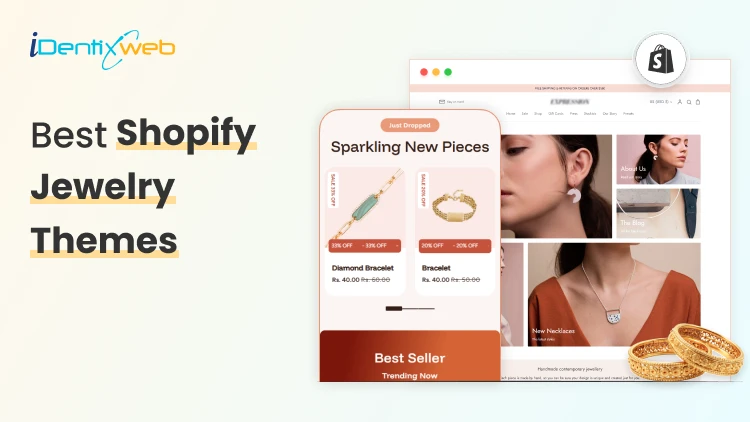
Best Shopify Jewelry Themes for Small vs Large Product Catalogs
Jewelry is one of the most visually competitive niches in ecommerce. Customers do not just buy a ring or necklace; they buy the feeling of luxury, trust, and desire that your store creates before they ever click 'Add to Cart.' That means choosing the right theme from Shopify jewelry themes category itself matters. The wrong theme wastes your budget, frustrates your customers, and tanks your conversion rate. The right theme makes every photo shine and every checkout feel effortless. This guide covers 10 of the best Shopify jewelry themes available on the Shopify Theme Store right now. Whether you are just launching or scaling an established brand, you will find the right fit here. What to Look for in a Shopify Jewelry Theme Before diving into specific recommendations, it helps to understand what separates a good jewelry theme from a great one among other Shopify jewelry themes. Here are the six factors that matter most: 1. Image Quality and Presentation Jewelry photography is everything. Your theme must support high-resolution images, image zoom, multiple product angles, and ideally image rollover (hover-to-change-photo). Anything that lets your product shine without distraction is a win. 2. Catalog Navigation Small catalogs need simple, elegant browsing. Large catalogs need mega menus, advanced filtering, and infinite scroll or pagination so customers can find what they want without bouncing. Mismatching these to your catalog size is the most common theme mistake jewelry sellers make. 3. Conversion Tools Look for themes with built-in countdown timers, back-in-stock alerts, quick buy, sticky carts, trust badges, and cross-selling sections. Every one of these features can be the difference between a browser and a buyer. 4. Mobile Experience More than 70% of jewelry shoppers browse on mobile. A theme that looks breathtaking on desktop but clunky on a phone will cost you. Always check mobile responsiveness, touch-friendly navigation, and fast load speeds. 5. Customisation Depth You want a theme with enough sections, blocks, and settings to build your ideal storefront without hiring a developer. Look for themes that advertise 20+ custom sections, flexible layouts, and intuitive drag-and-drop editors. Top 10 Shopify Jewelry Themes 1. Atlantic Atlantic is one of the most reliable and well-established themes on the Shopify store. It is made for merchants who want their products to look great without overcomplicating the shopping experience. The design is clean and familiar shoppers feel comfortable navigating it, but it still looks visually impressive. What makes it stand out is how well it handles product discovery. Features like image zoom, live search, and multi-column menus make it easy for customers to find exactly what they are looking for. It is built to handle medium to large catalogs, so if your jewelry store is growing, Atlantic grows with you. 5 Presets: Atlantic, Plush, Cotton, Atrium, Parfum 2. Whiff Whiff is the theme you buy when you are tired of paying for a dozen different Shopify apps every month. It packs 52+ built-in sections that cover almost everything a growing jewelry store needs upsells, bundles, cross-selling, back-in-stock alerts, pre-order, countdown timers, and a lot more. All of it comes included in the one-time price. The design feels luxurious and warm, which works really well for fine jewelry and accessories. It is the kind of store that makes visitors feel like they are shopping somewhere premium, even if you are just starting out. 5 Presets: Whiff, Eurus, Breeze, Breath, Swirl 3. Broadcast Broadcast is the theme built for serious, high-volume stores. If you are managing hundreds of jewelry SKUs across many collections, this is the theme that keeps everything organized and shoppable without overwhelming your customers. It comes with 30+ fully customizable sections and some genuinely unique features like 1-click add to cart and advanced product upsell tools that most themes simply do not offer. The mobile experience is fast and clean, which matters a lot when most of your shoppers are browsing on their phones. 5 Presets: Broadcast, Relay, Airwave, Signal, Amplify 4. Vivid Vivid is for jewelry brands that want their store to look genuinely unique not like every other Shopify store out there. The theme is built with SEO baked into its foundation, which means your products have a better chance of showing up in Google searches without you doing extra technical work. It gives you 20+ sections to customize, so you can build a store that actually reflects your brand identity rather than looking like a template. The before/after image slider is a nice touch for jewelers who want to show custom work or engraving transformations. 4 Presets: Vivid, Beachly, Pure, Aero 5. Lyra Lyra was clearly designed with jewelry stores in mind from the very beginning. The mobile experience is especially refined layouts are built specifically for how jewelry shoppers actually browse on their phones, which is how most of your customers will find you. The standout feature is its 31+ custom sections. The mega menu is also smartly designed for jewelry navigation, letting customers browse by metal type, stone shape, or collection style. 5 Presets: Lyra, Thread, Pixel, Glossy, Bonsai 6. Dazzle Dazzle is the best-value theme in this roundup. At just $160, it gives you a polished, professional jewelry store look that genuinely punches above its price. The design is elegant and refined nothing about it looks cheap or templated. It has all the core features a jewelry seller needs: image zoom and rollover for showcasing product detail, mega menu for collection navigation, quick view, product videos, and a clean slide-out cart experience. Pre-order support is a nice bonus for made-to-order or limited edition pieces. 5 Presets: Dazzle, Cello, Strings, Snitch, Crescendo 7. Oldmoney Oldmoney is the most affordable theme on this list and it earns its name well. The entire design philosophy is about understated luxury; clean layouts, refined typography, and a fast-loading experience that makes your brand feel credible and high-end from the first click. Speed is a real priority here. Swissuplabs built this theme with performance at its core, and a fast store genuinely reinforces a premium brand perception for jewelry buyers. It works best for small, curated jewelry catalogs where you want every product to feel special. 3 Presets: Oldmoney, Divine, Enduro 8. Shimmer Shimmer is built around one idea: making your products look as stunning as possible while keeping your store lightning fast. Brickspace Lab made performance a core part of the Space theme family, and Shimmer reflects that it handles image-heavy jewelry stores without slowing down. Like Whiff, it takes a "replace your apps" approach. The built-in features cover enough ground that most jewelry stores will not need to add extra paid apps to handle upsells, promotions, and merchandising. That saves you real money every month. 5 Presets: Shimmer, Space, Silk, Spice, Saga 9. Aurum Aurum is a hidden gem in the Shopify Theme Store. For $160 you get a theme that looks and performs like something that should cost twice as much. The design feels genuinely boutique soft transitions, elegant typography, and a warmth that jewelry buyers respond well to. But it is not just pretty. Aurum is specifically built to convert upsell sections, cross-selling, countdown timers, back-in-stock alerts, and a smooth checkout experience are all baked in. The UTD team from Belgium is also consistently praised for fast, technically strong support, which makes it a safe choice if you are not a confident Shopify developer. 5 Presets: Aurum, Noom, Reflections, Jade, Boutique 10. Edge Edge is for the jewelry merchant who wants it all-in-one theme. The feature list is one of the longest in this guide back-in-stock alerts, preorder, gift wrapping, quick order list, before/after image slider, lookbooks, countdown timers, press coverage sections, RTL support it is all there from day one. The design is elegant and adaptable. Unlike some feature-heavy themes that look cluttered, Edge keeps things visually clean while packing in serious functionality underneath. Mobile performance is fast and the navigation is smart the mega menu and swatch filters make even a large catalog feel easy to browse. 5 Presets: Edge, Layer, Sundown, Step, Linea Conclusion Choosing the right Shopify theme for your jewelry store is not just a design decision; it is a business decision. The wrong theme can make even the most beautiful pieces look average. The right one can turn a first-time visitor into a loyal customer before they ever reach the checkout page. The most important thing to remember is that every single theme on this list offers a free trial. You can install it, customise it with your real products and branding, test it on mobile, and see exactly how it looks before spending anything. Take full advantage of that. A theme is a long-term investment in your brand - it deserves a proper test drive before you commit. Frequently Asked Questions 1. Which Shopify theme is best for jewellery? There are many Shopify Jewelry Themes. It depends on your store size and budget. For overall performance, Whiff is the top pick with a 99% rating across 495+ reviews. For small boutique catalogs, Lyra and Dazzle are excellent. For large collections with hundreds of products, Broadcast is the most powerful option available right now. 2. Does jewelry sell well on Shopify? Yes, jewelry is one of the best-performing niches on Shopify. It is a high-margin, visually driven product category that translates extremely well to ecommerce. 3. Which Shopify jewelry theme is best for beginners? Dazzle and Aurum are the easiest to get started with. Both look professional right out of the box, work with Shopify's drag-and-drop editor, and come with support teams that are consistently praised for helping beginners. Oldmoney is also a great pick if you want the most affordable entry point.
Read Blog
6 Min • 13 August 2026
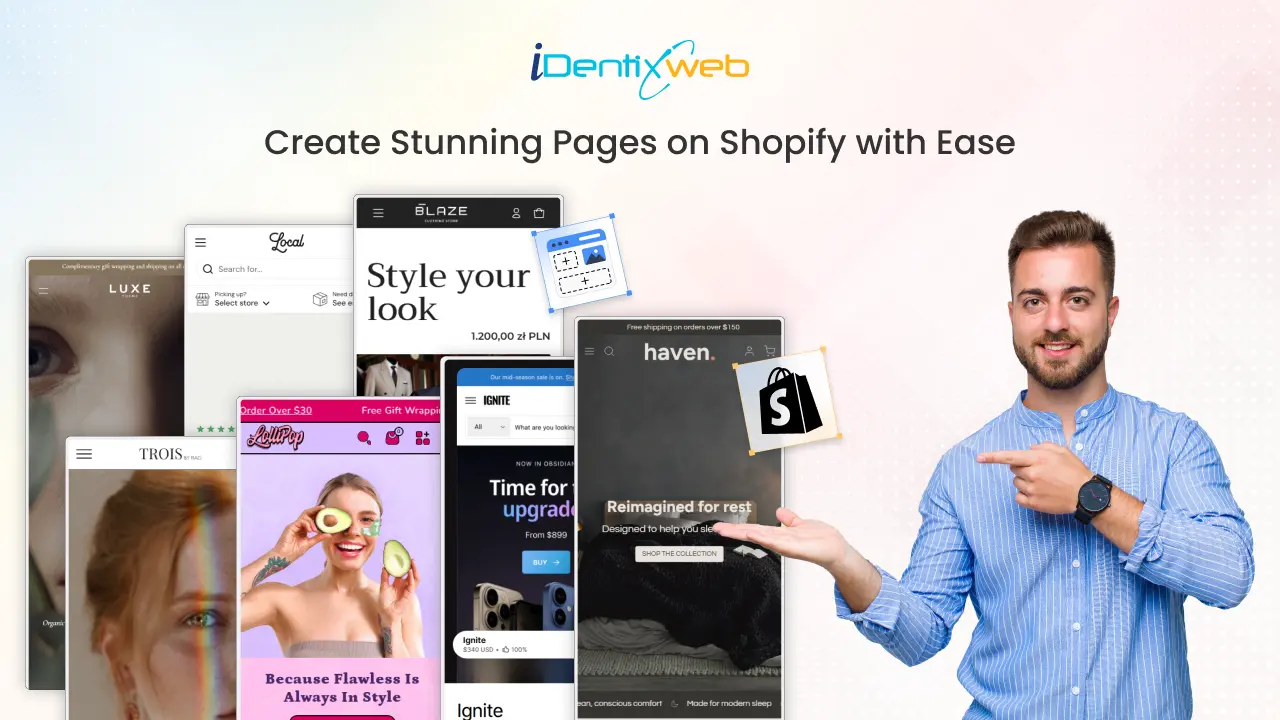
How to Add Pages in Shopify: Guide to Building and Optimizing Your Store
Creating custom pages for your Shopify store is just as important as adding products. Pages like About Us, FAQ, Shipping Policy, and Contact help build trust, share useful information, and create a smoother shopping experience. The best part is? Shopify makes it super easy to add these pages with no technical skills required! Even if you’re starting with a Shopify blank store page, you can quickly turn it into a professional-looking store by adding the right pages. In this guide, we’ll walk you step by step through how to create a new page in Shopify. What Are Shopify Pages? Shopify pages are static content areas that live alongside your product and collection pages. They serve different purposes: some tell your brand story, others provide essential policies, while some are purely designed to drive conversions. Unlike product pages (which are generated automatically when you add products), pages like About, Contact, or FAQ must be created manually in your Shopify admin. Looking for ways to add customization on your Shopify product page? Explore this guide that explains the steps, benefits, and best practices for adding custom product options Why Shopify Pages Matter Shopify makes sure every store comes with responsive, ready-to-use page templates. That means even if you’re new to ecommerce, you already have all the building blocks to create a complete website. Here’s why they’re valuable: Instant Access: No coding required, everything is ready inside Shopify admin. Responsive Design: Pages adapt to mobile, tablet, and desktop automatically. Customizable: Change layouts, fonts, and colors through the theme editor. SEO-Friendly: Each page comes with fields for search engine optimization. With the right mix of pages, your store looks professional, builds trust, and guides customers smoothly toward checkout. Looking for Shopify product page optimization tips? Summarize the key strategies and best practices from this guide to help increase conversions and improve user experience Types of Shopify Pages for Your Store You can create many types of pages in Shopify, and each serves a unique purpose. Together, they improve user experience, provide information, and build customer trust. Here are the most common ones: Shopify Page TypeDescriptionHomepageThe first impression of your store, showcasing products and branding.Collection PagesGroup products into categories for easier browsing.Product PagesHighlight individual products with details, images, and pricing.About Us PageShare your brand story and values to connect with customers.Blog PagesPublish content that educates or inspires shoppers.Contact Us PageGive customers a way to reach you easily.Checkout PagesWhere customers complete their purchases securely.Password PageProtect your store while it’s under construction or invite-only.Landing PagesCreate focused pages for campaigns or promotions.Promotion PagesHighlight special deals, discounts, or seasonal offers.FAQ PageAnswer common customer questions to save time and build trust.Policy PagesClearly state shipping, return, privacy, and other store policies.Blog List PagesDisplay all your blog articles in one place.Login/Account PagesLet customers access their accounts and order history. Creating a new page in Shopify is simple and doesn’t require any technical skills. Whether you need an About Us, FAQ, Contact, or Policy page, you can set it up in just a few clicks. Follow these steps: Step-by-Step: How to Add a Pages in Shopify Step 1: Log in to Your Shopify Admin Go to Shopify.com and sign in with your account details. Once logged in, you’ll land on the Admin Dashboard, where you can manage your store. Step 2: Go to Online Store > Pages From the left-hand navigation menu, select: Online Store → Pages This section lists all your store pages. If you’re just starting, the list may be empty, but you’ll soon add your first page. Step 3: Click on “Add Page” In the top right corner, click the Add Page button. This opens the page editor, where you can design your new page. Step 4: Enter Page Title and Content Now it’s time to add details: Page Title – The name of the page (e.g., Our Story, Shipping Policy). Content Area – Use the editor to add text, images, videos, links, or lists. The editor also includes formatting tools to add headings, bold text, or even HTML code for advanced customization. Step 5: Optimize for SEO (Optional but Recommended) How to Get Your Shopify Page on the First Page of Google? These steps help your page rank better on Google and makes it more appealing in search results. Scroll down to the Search Engine Listing Preview and click Edit Website SEO. Here you can: Add a unique Meta Title Write a clear, engaging Meta Description Customize the URL handle Step 6: Adjust Page Visibility On the right side of the editor, you’ll see Visibility settings: Visible – Publish the page immediately. Hidden – Save it as a draft for later. Schedule – Choose a date and time for it to go live automatically. Step 7: Save Your Page Once you’re satisfied, click the Save button. Your new page will now be live or scheduled based on your settings. How to Customize Shopify Pages You have main options to customize Shopify pages: 1. Using Shopify Themes Go to Online Store > Themes > Customize. Use the Theme Editor to change layout, text, and design. Shopify’s free and paid themes offer different levels of flexibility. 2. Editing the Code (Advanced) Go to Online Store > Themes > Actions > Edit Code. Modify page templates directly (requires coding knowledge). Wrapping Up: Enhance Your Store with Powerful Pages Creating custom pages in your Shopify store is more than just an add-on it’s an essential step toward building credibility, guiding shoppers smoothly, and addressing their questions upfront. Pages like About Us, Contact, FAQs, and Policies work together to provide a seamless shopping journey that keeps customers coming back. As Shopify Experts, we help you create professional pages that build trust and improve customer experience. From About Us and FAQs to custom landing pages, we design them to match your brand perfectly. Let us craft the right pages to elevate your Shopify store and boost conversions. FAQs 1. How many pages can I create in Shopify?There’s no strict limit you can create as many pages as your store needs, such as About Us, FAQs, policies, or landing pages. However, it’s best to keep your navigation simple and user-friendly. 2. Can I delete pages in Shopify?Yes. Go to Online Store → Pages, open the page you want to remove, and click Delete Page. Keep in mind that deleted pages can’t be recovered unless you recreate them. 3. How do I edit page SEO in Shopify?Open the page in your Shopify admin and scroll to Search Engine Listing Preview. Click Edit Website SEO to update the meta title, description, and URL handle. 4. How to optimize a Shopify product page?Focus on clear product titles, keyword-rich descriptions, quality images, reviews, and fast loading speed. A well-optimized page improves both SEO and conversions. 5. How to make sub pages in shopify?You can’t create true sub-pages in Shopify, but you can organize pages under dropdown menus in your navigation. Go to Online Store → Navigation → Main Menu, add your page, then drag it under another menu item to create a “sub-page” effect.
7 Min • 6 March 2026
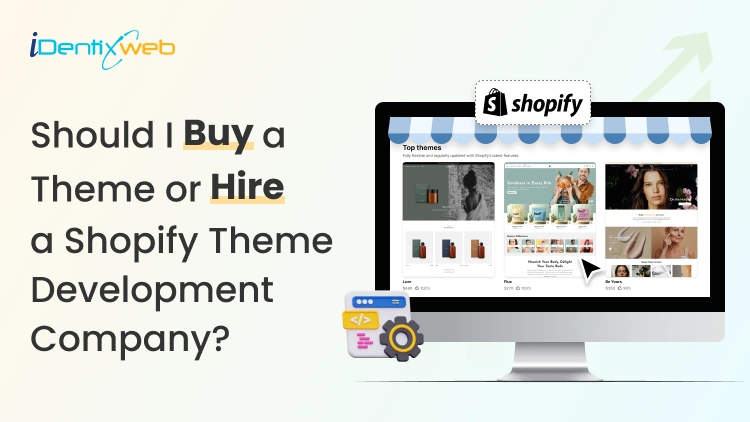
Should I Buy a Theme or Hire a Shopify Theme Development Company? The Real Answer
If you want to launch your Shopify store quickly with built-in features of the theme, buy a Shopify theme that fits your product category. For deeper customization that is not available in themes but is unique to your brand, hire a Shopify theme development company. You’re ready to launch your Shopify store. Now you’re stuck on one decision that feels way bigger than it should: "Should I buy a theme or hire a Shopify theme development company?" One option feels affordable. The other sounds “more professional,” but also risky if you don’t know what you’re paying for. Here’s the truth. Most new stores don’t need custom theme development on day one. But some stores do, and picking the wrong company can cost you more money. In this guide, you’ll learn when you should buy a theme and when you should hire a company for theme development. Buying themes vs hiring a theme development agency If you want to get your store live this week, buy a theme. You’ll pick a layout, swap in your branding, load products, and start selling. For most new stores, this works 100%. But what if your store needs custom sections that match how you sell This is where you hire a Shopify theme development company. Here’s a checklist for you to decide. Buy a Shopify theme when…. You want to launch fast and start selling without deeper customization. You have a small catalog and you’re fine with a proven layout that works for thousands of stores. You’d rather spend your budget on product photos, reviews, and marketing than custom code. You also don’t want to maintain custom changes in your store. Hire a Shopify theme development company when... You need custom layouts that match how you sell. This includes custom sections for landing pages, collections, or product pages. You want a unique UX that helps customers for better conversion. Your store feels slow after basic fixes. Your business is scaling, and you need a team to constantly customize your store. What features should I look for in a Shopify theme? (Things you get) Shopify’s Theme Store lists 1000+ free and paid themes, and you can filter them by industry, catalog size, and features. You can install free themes like Dawn, which is a great theme for beginners. Paid themes start from $100 and go to $500. Pricing depends on features and presets. You can also test a paid theme before you buy it. Shopify lets you preview and customize it in your admin, and your changes carry over if you purchase it. Are Shopify themes a one time purchase? Yes. Shopify themes are a one time purchase. A paid theme can only be used on one store at a time, and if you move it to another store, you need to follow licensing rules. So if you’re thinking, “I’ll buy it once and use it on two stores,” don’t plan on that. What’s included in Shopify’s theme updates and support If you buy a Shopify theme, you can receive theme updates. Updates matter because Shopify adds new storefront features regularly. Theme support depends on the theme maker, and for third-party themes, support comes from the theme developer, not Shopify. Shopify warns that unlicensed themes aren’t eligible for updates. If you didn’t buy it properly, you don’t get the benefits that make paid themes worth it in the first place. Wondering which Shopify theme to buy? Here’s a complete guide on how to choose a Shopify theme for online store in 2026. How to hire a Shopify theme development agency? A Shopify theme development company does their best work when you give them clear outcomes. 1) Decide what you need: customization vs full build In my experience as a Shopify expert, most projects are theme customization, not a theme built from scratch. If you’re new, this is usually the best choice because you keep the theme’s structure and still get custom sections. 2) Find agencies in the right place Use Shopify’s Partner Directory. It’s built for merchants who want to hire vetted Shopify partners. They offer 30+ service categories, including theme customization. 3) Send a brief that explains exactly what you want Keep it short, but include all the necessary information. Your store URL 3 reference stores you like (say what you like about each) Pages in scope (home, product, or collection) Must-have features (custom sections, filters, bundles, upsell placements) Deadline and budget range What you want after launch (support window, training, documentation) 4) Ask questions to the company This is standard for anyone who wants a service. If you are hiring a Shopify theme development company, ask the following questions. “Show me 2–3 stores you built that feel like mine.” “Are you customizing an existing theme or building from scratch?” “How do you handle performance?” “How will you protect SEO during the redesign?” “How do you test changes before pushing live?” “What happens after launch if something crashes?” 5) Take care of ownership and handover Before you pay the final invoice, make sure you get: Theme files and full access A short walkthrough of your customized sections A list of what they changed and where A support plan after launch for a certain amount of duration. 6) Red flags you need to watch out for If they promise a custom theme in just 3 days. Their proposal has no milestones, no deliverables, and no timeline. They push an unlicensed theme. You can lose support when you go with this. They can’t explain what happens when Shopify or the theme updates. Should you build your store or hire? Get a breakdown on how much does Shopify cost to plan your business. Buying a theme vs hiring a theme development agency? Cost breakdown If you buy a Shopify theme Free theme: $0 Paid Theme Store theme: Between $100–$500 + one-time. Setup cost $0, but you spend time configuring sections, menus, product pages, and templates. Hidden costs to watch Apps you add to fill gaps (bundles, upsells, reviews) if your theme doesn't have that feature. This will add up to your monthly costs. If you hire a Shopify theme development company Option A: Customize the theme Here you still buy a theme, but the agency upgrades it to match your brand and UX. Typical cost ranges: Minor changes: $500–$2,000 Extensive premium theme customization: $2,000–$10,000 Note: These prices may vary depending on various factors. Option B: Fully customized theme In this scenario, the company developed a fully customized theme. Many market estimates put fully custom theme design + development around $10,000–$30,000+. Note: These prices may vary depending on various factors. So what have you decided? If your goal is to launch a store quickly, buy a solid Shopify theme that matches your products. Work on product photos, clear copy, and a clean product page. You can always upgrade later, once you know what people actually click. This will cost you less. But if you need custom sections, hiring a Shopify theme development company is the smarter move. You’ll spend more up front, but you’ll avoid wasting time on changes required in your store. FAQs for Shopify theme development company 1. How much does a Shopify theme cost? Shopify has free themes and paid themes. Themes commonly range from about $100 to $500+ USD, depending on the theme. 2. Is it better to buy a Shopify theme or hire a Shopify theme development company? You should buy a theme if you want to launch fast and your store fits a standard layout. Hire a Shopify theme developer when you need custom sections that a theme cannot build. 3. Can I pay someone to make me a Shopify theme? Yes. You can hire a freelancer or agency to build or customize a theme. Shopify’s Partner Directory is a common place to find vetted service partners. 4. How much does Shopify theme development cost? It depends on the scope. Many agencies price theme customization in the low thousands. It typically lands between $2,500 to $10,000+. All these prices vary depending on various factors.
6 Min • 19 February 2026
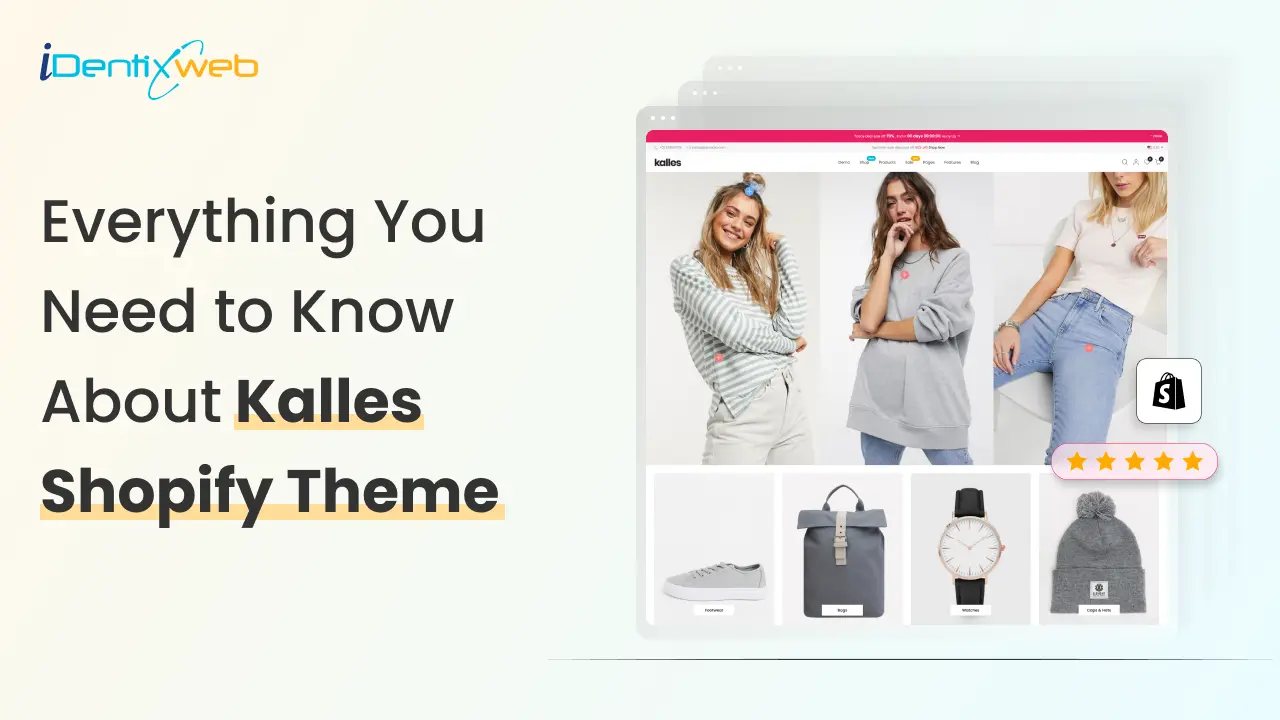
Kalles Shopify Theme Review: Features, Pros, and Cons
As more businesses shift online, choosing the right Shopify theme is crucial for store owners who want flexibility, speed, and a design that converts. The Kalles Shopify theme has gained popularity as one of the best converting Shopify themes, especially for merchants in fashion, lifestyle, and multipurpose industries. With sleek layouts, advanced customization, and powerful integrations, Kalles is often considered a top contender for the best SEO theme for Shopify. If you’re wondering whether the Kalles theme is the right fit for your store, let’s explore its features, benefits, pricing, and drawbacks to help you decide. What You Need to Know About the Kalles Shopify Theme The Kalles theme Shopify is designed to support a wide range of businesses, from clothing and fashion brands to electronics, home décor, beauty, and more. It focuses on high conversion design, smooth navigation, and flexible customization options. One of its biggest advantages is the availability of 20+ ready-made demos across industries. Whether you run a clothing brand or a tech store, you can launch quickly with a pre-built layout that fits your niche. Why Kalles is a Popular Choice 23,032 sales+ worldwide. 4.9-star rating with thousands of positive reviews. Regularly updated with new demos and features. Trusted by thousands of Shopify merchants globally. Kalles Shopify Theme Pricing & What’s Included The Kalles Shopify theme is priced at $89 on ThemeForest, making it an affordable option compared to other premium themes. Here’s what’s included in the package: The theme file with license. 6 months of free support (extendable for an additional fee $27.75). Lifetime updates. Access to demo content. The Kalles theme is fully responsive, lightweight, and mobile-optimized, ensuring excellent performance on desktops, tablets, and smartphones. It’s also compatible with major browsers like Chrome, Safari, and Firefox. Who Should Use the Kalles Shopify Theme? Clothing & Fashion Stores Kalles is often recommended as one of the best Shopify themes for clothing. With modern product pages, lookbook layouts, and quick-shop features, it’s built to showcase apparel and accessories beautifully. Want to start your own online clothing business? Follow our step-by-step guide that covers everything from setting up your Shopify store to making your first sale. Electronics & Gadgets The theme supports high-resolution images, product videos, and technical details — perfect for electronics and gadget retailers who need to highlight product specifications. Beauty & Lifestyle If you sell cosmetics, skincare, or wellness products, Kalles offers clean layouts and engaging product displays that capture attention. Furniture & Home Decor With large image sections and product galleries, Kalles is also an excellent choice for furniture and home goods stores. Key Features of the Kalles Shopify Theme Here’s a closer look at what makes it one of the best converting Shopify themes: Responsive Design – First and foremost, Kalles is fully optimized for all devices, ensuring your store looks great on desktops, tablets, and mobile screens. 20+ Ready Demos – In addition, you get access to industry-specific layouts that make launching your store faster and easier. Smart Product Filtering – Customers can quickly find what they’re looking for with filters for size, color, price, and more. Advanced Mega Menu – To enhance navigation, the mega menu lets you customize categories with images, labels, and links. Quick Shop & Product Quick View – Moreover, shoppers can view product details or add items to their cart without leaving the page. Lookbook Feature – Especially useful for fashion stores, this feature allows you to display collections in a visually engaging way. SEO-Optimized Code – On top of that, the theme is lightweight and SEO-friendly, making it a strong candidate for the best SEO theme for Shopify. Customizable Homepage Sections – Store owners can easily tailor homepage layouts with flexible content blocks. AJAX Cart – Adding items to the cart is seamless thanks to AJAX technology, which avoids page reloads. Wishlist & Compare – These features improve the shopping experience by allowing customers to save and compare products. Instagram Integration – You can also connect your store to Instagram, showcasing user-generated content for added trust. Product Reviews Integration – Finally, product reviews are built in, helping you build credibility and drive conversions. Upsell & Cross-Sell Widgets – To boost sales, Kalles includes built-in tools for upselling and cross-selling. Want more control than the built-in upsell blocks? Kalles covers basic upsells, but if you want a fully customizable cart experience, you need a Shopify upsell app iCart Cart Drawer Cart Upsell is the best upsell Shopify app that helps you run targeted upsells, cross-sells, bundles, and a free-shipping progress bar without custom development. Want to grow your Shopify sales? Explore our guide on creating a conversion-focused store that turns visitors into paying customers. How to Install the Kalles Shopify Theme Step 1. Purchase the Theme Visit ThemeForest and search for “Kalles Shopify Theme.” Buy the regular license ($89) to get the theme file and updates. Step 2. Install the Theme Log into your Shopify admin panel. Go to Online Store > Themes > Upload Theme. Upload your downloaded Kalles theme file. Publish it and start customizing your store. Pros and Cons of the Kalles Shopify Theme Pros Fully responsive and mobile-optimized for all devices. 20+ pre-built demos tailored to different industries. Advanced product filtering and customizable mega menu. Flexible design options with minimal coding required. Fast-loading, lightweight, and SEO-friendly structure. Regular updates with dedicated customer support. Cons Higher price compared to free Shopify themes. Some advanced customizations may require coding knowledge. Limited compatibility with certain third-party apps. Conclusion: Is Kalles the Right Shopify Theme for You? The Kalles theme Shopify stands out as one of the best converting Shopify themes thanks to its modern design, flexible layouts, and conversion-focused features. Whether you’re in fashion, beauty, or electronics, it gives you all the tools to build a professional and high-performing store. If you’re looking for the best Shopify theme that balances SEO, customization, and high conversion potential, Kalles is definitely worth considering. Explore More Shopify Theme Reviews Prestige Shopify theme review Empire Shopify theme review Impact Shopify theme review Impulse Shopify theme review Ella Shopify theme review Symmetry Shopify theme review Warehouse Shopify Theme Focal Shopify Theme Shopify Pipeline Theme Minimog Shopify theme FAQs About Kalles Shopify Theme 1. Is Kalles the best SEO theme for Shopify? Yes. Kalles is lightweight, fast, and SEO-friendly, which helps your store perform well in search engines. 2. Can I use Kalles for a clothing store?Kalles is one of the best Shopify themes for clothing, with lookbook layouts, swatches, and fashion-focused demos. 3. Does Kalles support product upsells and cross-sells? Yes, Kalles has built-in upsell and cross-sell features, which help increase average order value. 4. How much does the Kalles Shopify theme cost?The theme costs $89 on ThemeForest and comes with 6 months of support plus lifetime updates. 5. Is Kalles beginner-friendly?Yes. While advanced customization may require some coding, beginners can easily use its drag-and-drop and demo import features.
![Flow Shopify Theme Review | Features, Pros, Cons [2026]](https://www.identixweb.com/wp-content/uploads/2025/09/02-09-Tue-Blog-Flow-Shopify-Theme-Complete-Review-Features-Pros-Cons-.webp "Flow Shopify Theme Review | Features, Pros, Cons [2026]")
Vineet Nair
8 Min • 17 February 2026
912 Views

Vineet Nair
8 Min • 13 February 2026
994 Views
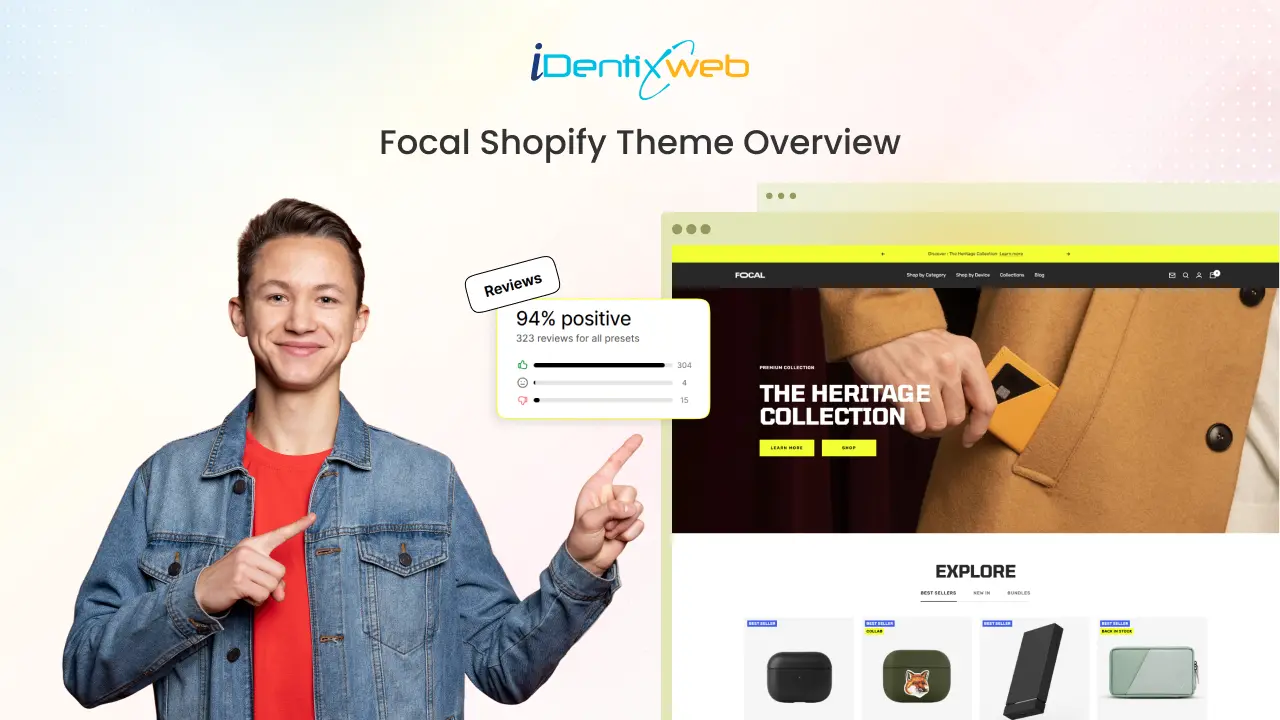
Bhavesha Ghatode
8 Min • 1 September 2025
1031 Views
![Concept Shopify Theme Review [2025]: Latest Features & Pricing](https://www.identixweb.com/wp-content/uploads/2025/08/29-08-Fri-Blog-Concept-Shopify-Theme-Review-2025-Latest-Features-Pros-Cons.webp "Concept Shopify Theme Review [2025]: Latest Features & Pricing")
Vineet Nair
7 Min • 29 August 2025
1006 Views
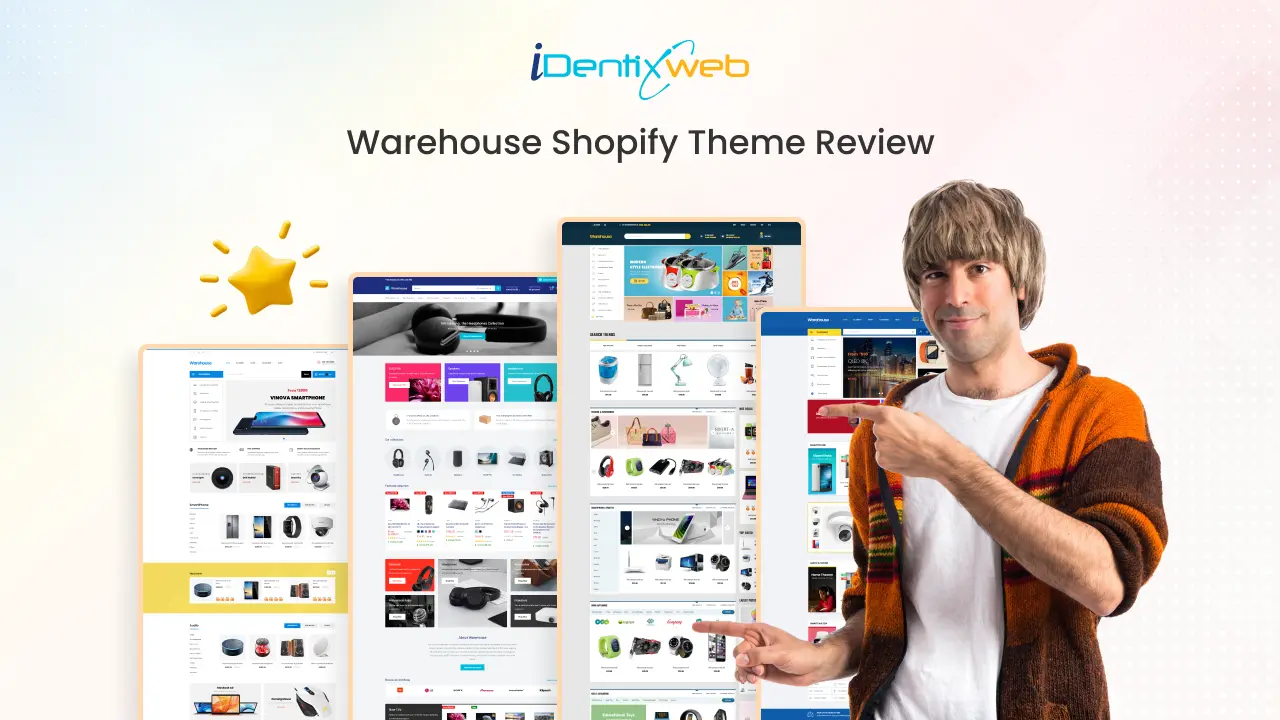
Bhavesha Ghatode
9 Min • 25 August 2025
1122 Views
![Broadcast Theme Shopify Review [2025]: Features and Ratings](https://www.identixweb.com/wp-content/uploads/2025/08/25-08-Mon-Blog-Broadcast-Shopify-Theme-Review-2025.webp "Broadcast Theme Shopify Review [2025]: Features and Ratings")
Vineet Nair
7 Min • 26 August 2025
1083 Views
![Symmetry Shopify Theme Review [2025]: Pros, Cons & Features](https://www.identixweb.com/wp-content/uploads/2025/08/21-08-Thu-Blog-Symmetry-Shopify-Theme-Review-2025_-Pros-Cons-Features.webp "Symmetry Shopify Theme Review [2025]: Pros, Cons & Features")
Vineet Nair
8 Min • 21 August 2025
1116 Views
![Motion Shopify Theme Review [2025]: Features, Pros, & Cons](https://www.identixweb.com/wp-content/uploads/2025/08/18-08-Mon-Blog-Motion-Shopify-Theme-Review-2025_-Features-Pros-Cons.webp "Motion Shopify Theme Review [2025]: Features, Pros, & Cons")
Vineet Nair
8 Min • 18 August 2025
1126 Views
![Impact Shopify Theme Review [2025]: Features, Pros, & Cons](https://www.identixweb.com/wp-content/uploads/2025/08/14-08-Thu-Blog-Impact-Shopify-Theme-Review-2025_-Features-Pros-Cons.webp "Impact Shopify Theme Review [2025]: Features, Pros, & Cons")
Vineet Nair
7 Min • 16 January 2026
1170 Views

Bhavesha Ghatode
9 Min • 14 August 2025
1140 Views
![10 Best Shopify Themes for Dropshipping in 2026 [Free+Paid]](https://www.identixweb.com/wp-content/uploads/2025/08/10-Best-Shopify-Themes-for-Dropshipping-Free-Paid.webp "10 Best Shopify Themes for Dropshipping in 2026 [Free+Paid]")
Vineet Nair
12 Min • 18 July 2026
1154 Views
![10 High Converting Shopify Themes For Your Store [Free+Paid]](https://www.identixweb.com/wp-content/uploads/2025/08/12-08-Tue-Blog-Top-10-high-converting-Shopify-themes.webp "10 High Converting Shopify Themes For Your Store [Free+Paid]")
Vineet Nair
8 Min • 13 August 2026
1149 Views