

Shopify Apps
Gather knowledge about the latest insights, updates, tips, and tricks in the Ecommerce industry.

5 Min • 29 April 2026
How Anua Unlocked 5X AOV Growth with iCart’s Smart Cart Features
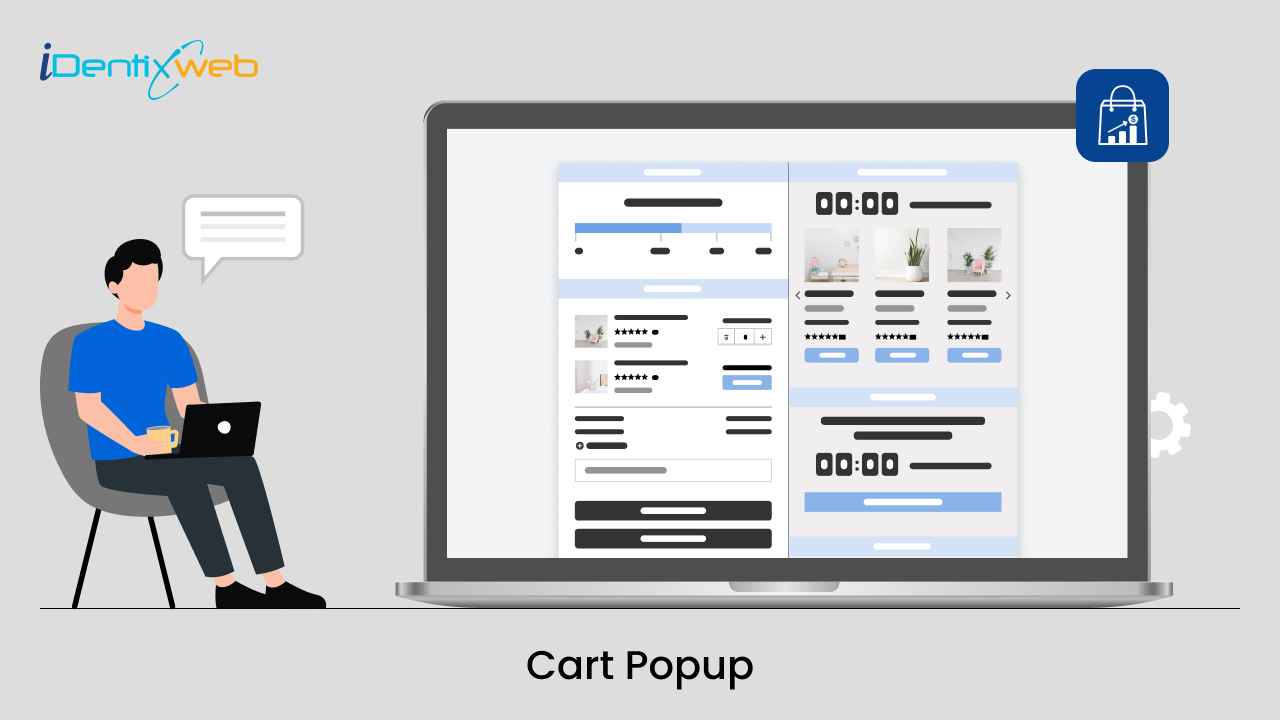
delivery customization Challenges Solutions drive results Scale business delivery customization Challenges Solutions drive results Scale business delivery customization Challenges Solutions drive results Scale business delivery customization Challenges Solutions drive results Scale business Anua is a globally recognized Korean skincare brand known for its minimalist philosophy and focus on gentle yet effective formulations. Built on the idea of simplifying skincare routines, Anua develops products that deliver visible results while avoiding harsh or irritating components, making them suitable for sensitive skin types. Initially using a traditional full cart experience, Anua transitioned to iCart’s side cart solution in August 2025, to create a more seamless and engaging shopping journey. This shift allowed customers to easily explore complementary skincare products without disrupting their browsing flow, making it more intuitive to discover items that fit into a complete routine. By surfacing relevant recommendations directly within the cart, the brand enhanced product visibility across its range. Challenges Before implementing iCart’s side cart solution, Anua faced limitations with their existing full cart experience, which created friction in the customer journey. The traditional cart setup redirected users away from product pages, interrupting their browsing flow and reducing opportunities to explore additional products. As a skincare brand built around routines rather than single-item purchases, this made it difficult to effectively showcase complementary products and encourage customers to build complete regimens. Additionally, the lack of in-cart personalization and strategic upsell opportunities meant that customers were often unaware of related products that could enhance their skincare results. This limited the brand’s ability to increase average order value (AOV) and fully leverage its diverse product range. Anua needed a more dynamic and intuitive cart experience that could seamlessly introduce relevant recommendations while maintaining a smooth and engaging shopping journey. ❌ Cart Value Barriers Low average order value (AOV) due to single-item focus Most customers completed purchases with one primary product instead of building multi-step routines. Cart abandonment near shipping thresholds Customers were not clearly informed or motivated to reach free shipping or discount thresholds. Missed savings opportunities Customers were unaware of potential value in purchasing bundled routines or multiple complementary products. ❌ Absence of Progress-Based Incentives No free shipping or discount progress bar Customers were not motivated to increase their cart value due to lack of visible incentives. Missing tiered rewards system There were no structured milestones (e.g., “Spend more to unlock offers”), reducing upsell opportunities. ❌ Ineffective Cart UI/UX (Pre-Side Cart) Full-page cart disrupted shopping flowCustomers had to leave their browsing journey, increasing friction and drop-offs. No quick add/remove functionality Users couldn’t easily modify their cart or add suggested products without navigating away. Solution To overcome these challenges, Anua implemented iCart’s side cart solution to transform their traditional cart into a high-converting, interactive experience. By replacing the full-page cart with a seamless side cart, the brand ensured that customers could continue browsing while viewing their cart, significantly reducing friction in the shopping journey. Additionally, features like product recommendations & progress bars for free shipping and discounts motivated customers to increase their cart value. By combining personalization, incentive-driven messaging, and a user-friendly interface, Anua successfully turned their cart into a powerful revenue-driving touchpoint rather than just a checkout step. To maximize their cart effectiveness, they implemented two powerful features: ✅ Progress Bar with Multi-Reward Incentives Implemented a tiered progress bar to encourage higher cart value Customers are guided with a clear message like “Add $3.10 to unlock secret offer,” motivating them to continue adding products. Generated over $5M+ in revenue through incentive-driven cart progression Used product-based rewards to align with customer intent Instead of generic discounts, Anua incentivized purchases with relevant skincare items like Dark Spot Pads and mini serums. Built visual motivation for routine expansion As customers add products, they can clearly track progress toward unlocking multiple rewards, encouraging them to build a complete skincare routine. ✅ Product Recommendations Implemented “Frequently Bought Together” recommendations Customers adding a single product (e.g., toner) are shown complementary items like serums, moisturizers, or pads to complete their routine. Generated over 275K revenue through in-cart recommendations Encouraged full skincare regimen building Instead of isolated purchases, the cart suggests step-by-step product combinations aligned with common skincare routines. Increased product discovery at the final stage By surfacing relevant items directly in the cart, Anua ensured customers explore more of their catalog without leaving the checkout flow. Results Achieved in Last 180 Days 22932 Total Store Orders 45101 Total iCart Orders 5X iCart Generated AOV 65.70% Upsell Affected Conversion Rate These improvements reflect a clear shift in customer behavior on Anua’s store. Cart abandonment reduced as shoppers discovered complementary skincare products and felt encouraged to build complete routines. Engagement also increased, with customers interacting more with in-cart recommendations and exploring relevant product pairings. Results & Impact And...Results is Our Main Clarification By implementing iCart’s cart drawer, product recommendations, and progress bar, Anua transformed its cart into a high-performing conversion touchpoint. Shopping Experience Enhancement The improved cart experience encouraged customers to discover complementary products and understand the value of sustainable beauty routines. For instance, the clear presentation of subscription savings alongside one-time purchase options helped customers make more informed decisions about their long-term hair care needs. As Anua continues to optimize its cart experience, the brand is closely monitoring: Routine-based purchasing behavior - tracking how customers move from single items to multi-step regimens Engagement with in-cart recommendations - measuring interaction with suggested products Cart value progression - analyzing how incentives influence higher spending [related_cases_slider] Ready to Write Your Success Story? Try icart App Join successful businesses like Anua and Master your delivery scheduling Delight customers with precise timing Grow your special occasion orders Expand your delivery reach
Read Blog
1 Min • 15 April 2026
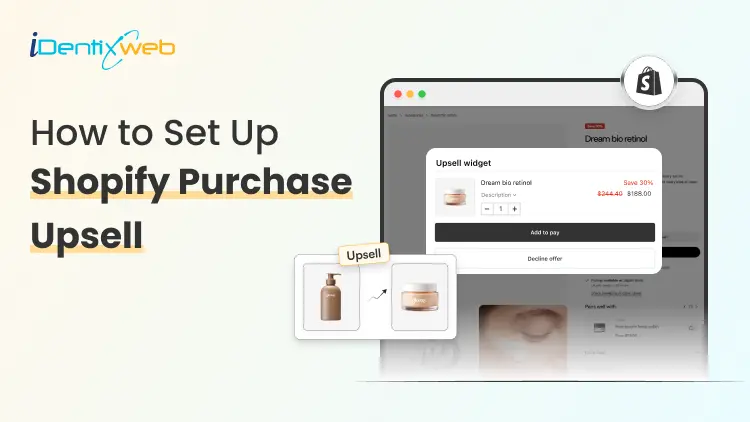
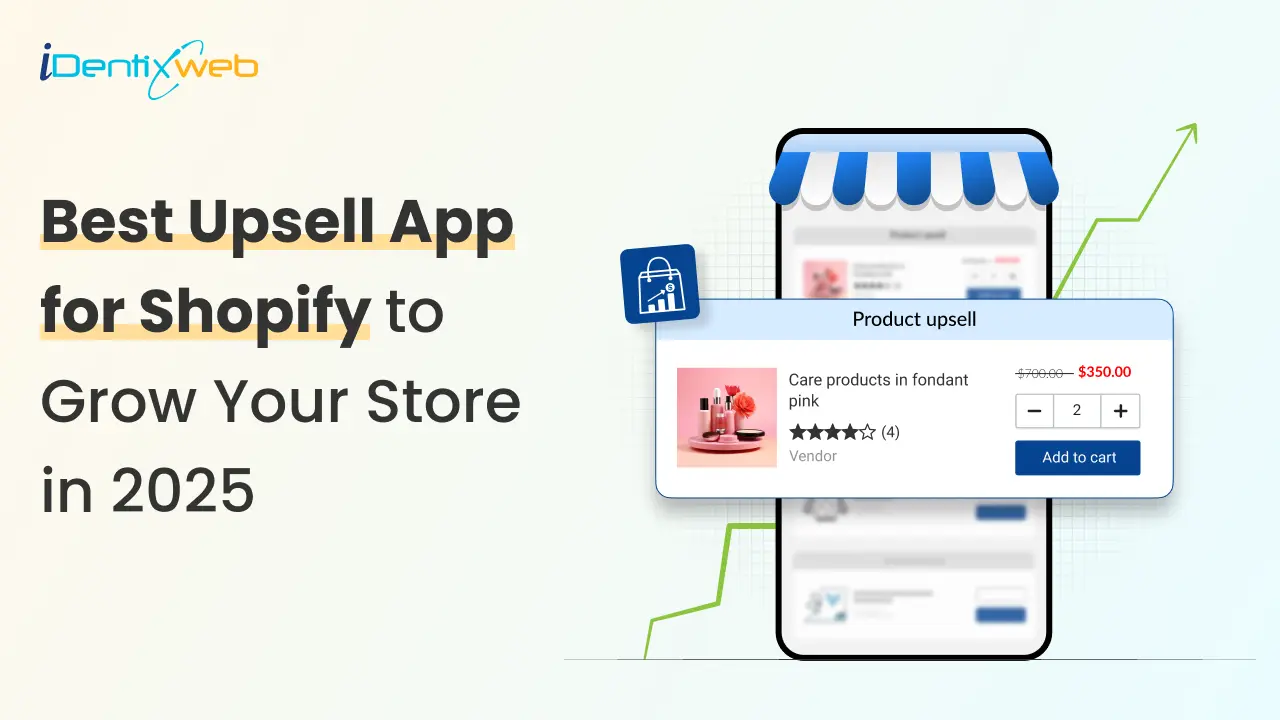
How to Set Up Shopify Post Purchase Upsell (No Coding Needed)
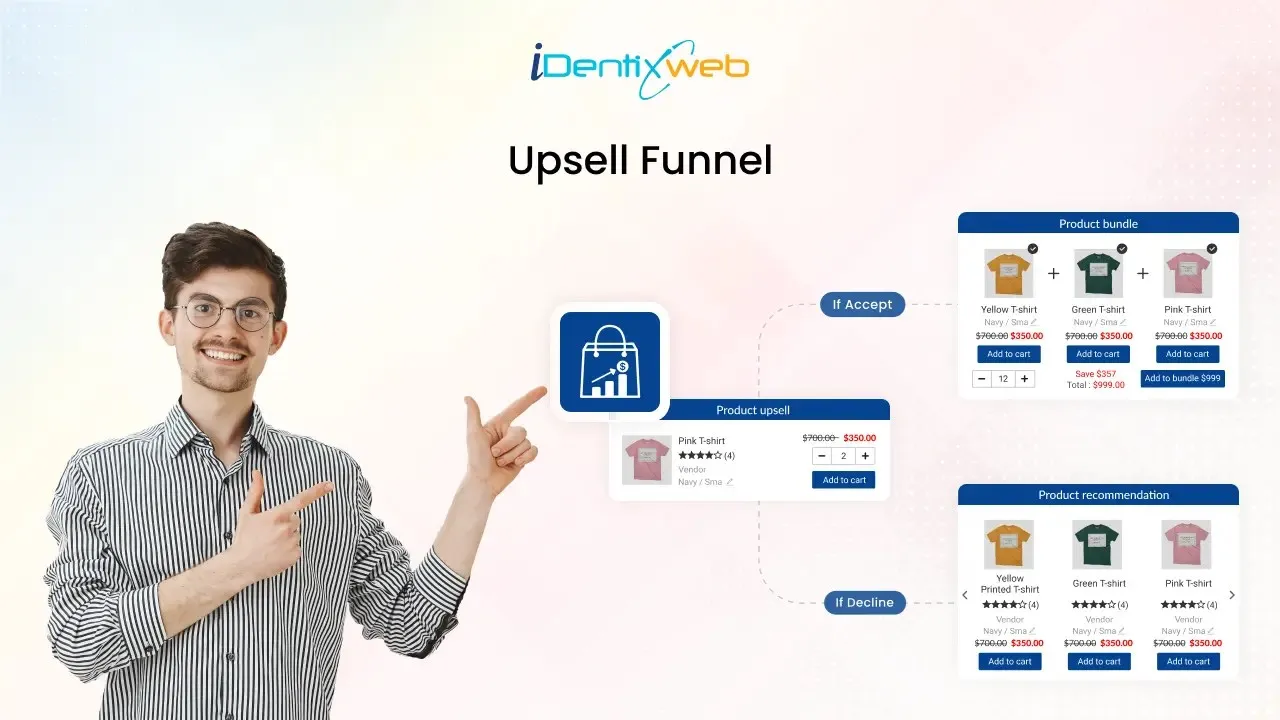
Setting up a Shopify post purchase upsell involves installing a dedicated upsell app, enabling it within your checkout settings, and creating a funnel that presents a targeted, one-click offer immediately after payment but before the thank-you page. This approach allows customers to add additional products to their order without re-entering payment details, making the process seamless and highly effective for increasing average order value. In this guide, you’ll learn how to set up Shopify post-purchase upsells without any coding, along with shopify post purchase upsell strategies to maximize conversions and boost your store’s revenue. What is a Shopify post purchase upsell? A Shopify post purchase upsell is an offer shown to your customer after they've completed checkout but before they leave your store. It's a one-click offer that says: "Hey, would you also like this?" Because payment details are already captured, customers can accept the offer with a single tap. No re-entering card numbers. No second checkout. Just one click and the item is added to their order.
9 Min • 30 June 2026
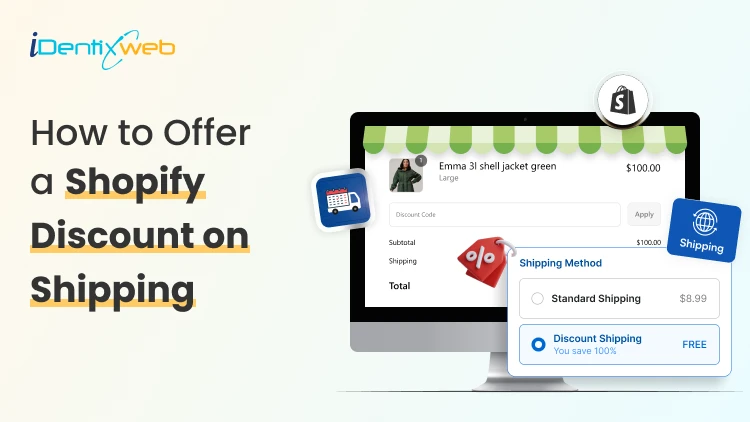
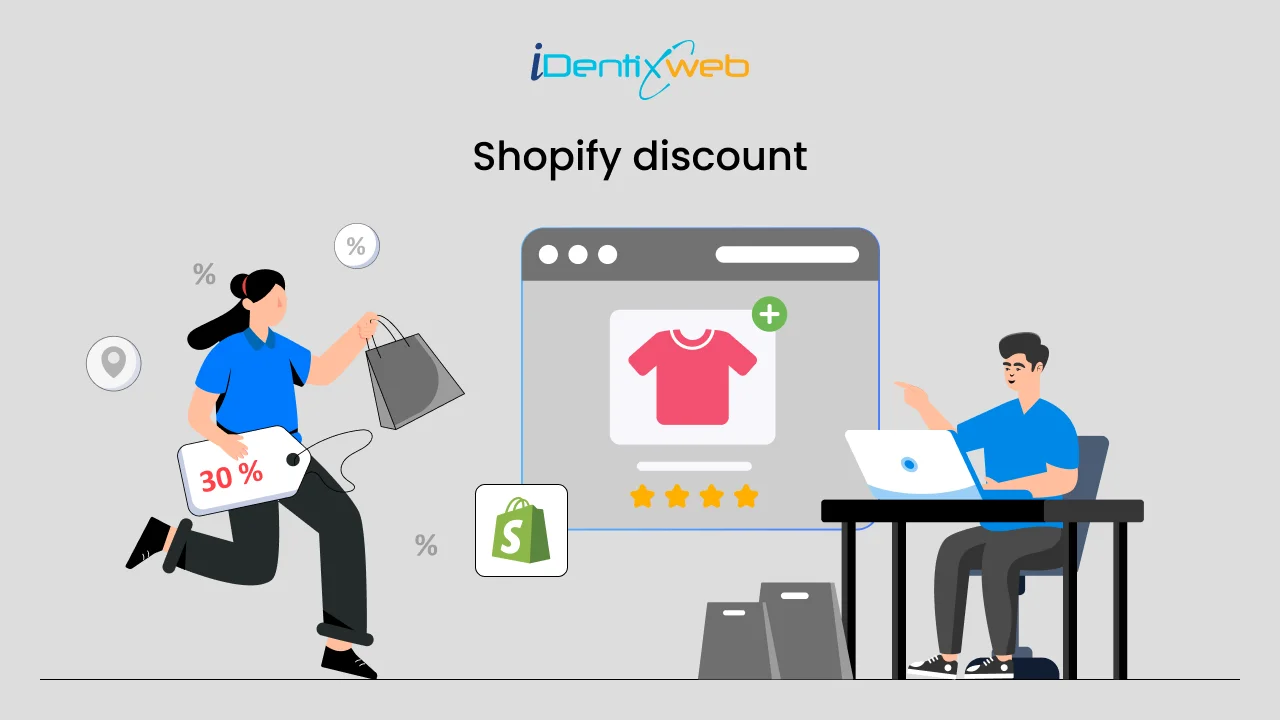
How to Offer a Shopify Discount on Shipping Without Hurting Profit Margins
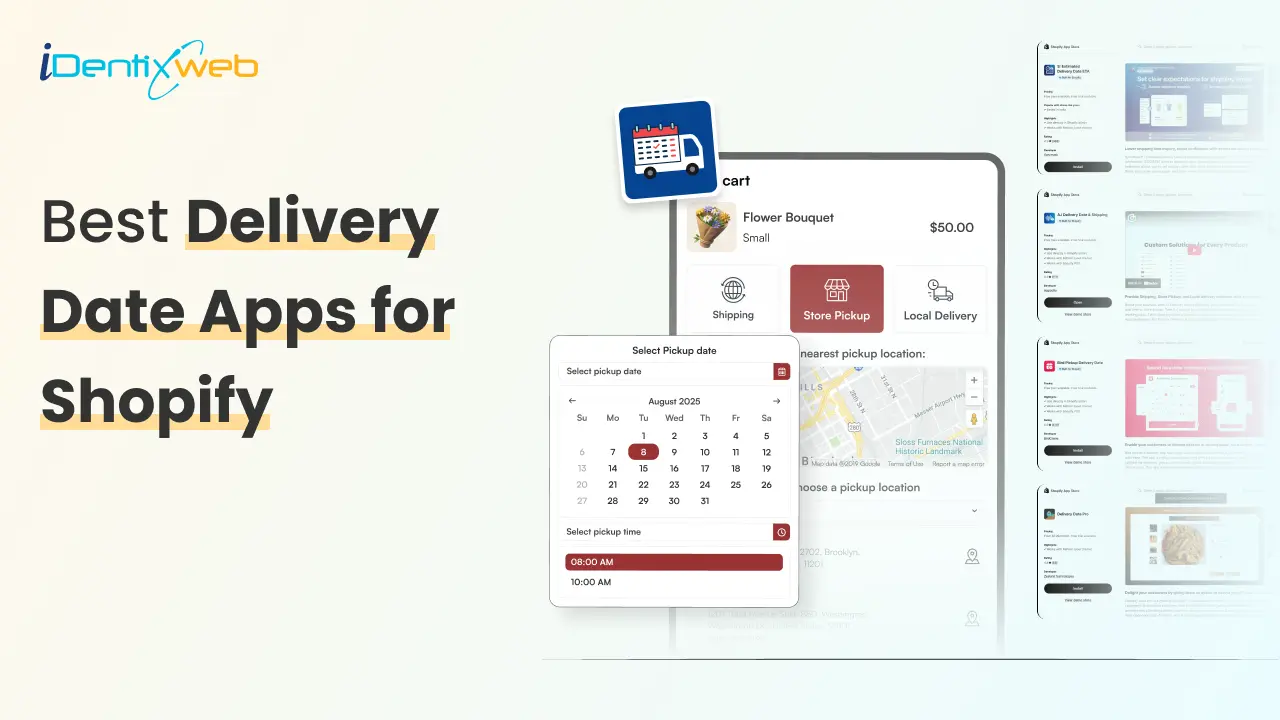
Shipping costs can make or break an online purchase. A customer may love your product, add it to the cart, and reach checkout with full buying intent. But when the final shipping charge feels too high, that order can disappear in seconds. That is why many merchants use a Shopify discount on shipping to reduce checkout friction and encourage customers to complete their purchase. The problem is simple: shipping is not actually free. If you reduce or remove the customer’s shipping cost without planning the numbers, the cost comes out of your profit. In this guide, we will cover how to offer a Shopify discount on shipping without hurting your profit margins, how to calculate the right threshold, which discount methods to use, and how to make shipping rates work better for your store. Why Shipping Discounts Matter for Shopify Stores Shipping is one of the most sensitive parts of the buying journey. Customers often compare the final checkout total, not just the product price. Even a small unexpected shipping fee can make the order feel less valuable. A shipping discount helps in three main ways: It reduces checkout hesitation. It encourages customers to add more products to qualify. It improves the perceived value of the order. The goal is not simply to make shipping cheaper. The goal is to make the customer feel rewarded while your store still protects its margin. What Is a Shopify Discount on Shipping? A Shopify discount on shipping is an offer that reduces or removes the shipping cost for eligible customers. In Shopify, this is commonly done through free shipping discounts, automatic discounts, shipping profiles, conditional shipping rates, or third-party apps. However, not every store should offer the same shipping discount. A fashion store selling lightweight products may have more flexibility than a furniture store shipping heavy items. A local bakery may need different rates for same-day delivery, weekend delivery, store pickup, and standard shipping. That is why the best shipping discount strategy starts with cost control, not just marketing. Best Ways to Offer Shipping Discounts on Shopify There are several ways to offer shipping discounts. The right option depends on your product type, margins, average order value, and fulfillment setup. 1. Free Shipping Above a Minimum Order Value This is one of the safest and most popular methods. Instead of offering free shipping on every order, set a minimum cart value. For example: Free shipping above ₹1,999 Free shipping above ₹2,499 for metro cities Free shipping above ₹3,999 for bulky products A simple way to calculate your threshold is: Free shipping threshold = average order value + average shipping cost + desired profit buffer If your current AOV is ₹1,500 and average shipping cost is ₹150, you might test a threshold of ₹1,999 or ₹2,000. This gives customers a clear reason to add one more product. 2. Product-Specific Shipping Discounts Some products are easier to ship than others. If you sell both lightweight and heavy products, do not use the same shipping rule for everything. You can offer free or discounted shipping only on: Lightweight products High-margin products Slow-moving inventory Product bundles Digital-plus-physical combinations Selected collections This keeps your shipping offer attractive without applying it to products that are expensive to deliver. You can try Delivery Date & Pickup Stellar app to offer shipping options on specific products. 3. Discounted Flat Shipping Rate Not every store can afford free shipping. In that case, a discounted flat rate can work better. For example: ₹49 shipping on all prepaid orders ₹99 shipping for orders below ₹1,000 ₹149 shipping for remote locations ₹0 store pickup This helps customers feel that the shipping cost is predictable. It also avoids the margin risk of free shipping on small orders. A discounted shopify shipping rate is especially useful when your product margins are moderate but you still want to reduce checkout friction. 4. Free Shipping Discount Code A discount code gives you more control. You can share it with selected customers, email subscribers, first-time buyers, or seasonal campaign traffic. For example: FREESHIP SHIPFREE2000 WEEKENDSHIP VIPSHIP This method works well when you want to track campaign performance. You can see how many customers used the code and whether it improved conversions. However, discount codes also have one drawback: customers need to remember and apply them. If they forget, they may feel disappointed at checkout. 5. Automatic Free Shipping Discount An automatic discount applies when the customer meets your conditions. This creates a smoother checkout experience because customers do not need to enter a code manually. For example, when a customer’s cart reaches ₹2,000, free shipping can apply automatically. This is useful for sitewide offers, festive campaigns, and AOV-based shipping rewards. Just make sure the conditions protect your profit margin. 6. Location-Based Shipping Discounts Shipping cost changes by location. Nearby zones may be cheaper, while remote or international zones may cost more. Instead of one blanket offer, create location-based rules. For example: Free local delivery within 5 km Discounted delivery for nearby cities Standard paid shipping for other regions No free shipping for remote zones unless cart value is high This is a practical way to stop shipping discounts from eating into your margin. Margin-Friendly Shipping Discount Strategies A profitable shipping discount is not just about setup. It is about strategy. Offer Free Shipping Only on Prepaid Orders COD orders often have higher risk due to returns, failed deliveries, and extra handling. If your store supports prepaid orders, offer better shipping benefits to prepaid customers. For example: Free shipping on prepaid orders above ₹1,999 ₹99 shipping on COD orders Extra COD fee for low-value orders This encourages prepaid payments and reduces fulfillment risk. Use Bundles to Increase Cart Value Shipping discounts work better when customers buy more in one order. Product bundles help increase AOV and reduce per-item shipping cost. For example: Buy 2 skincare products and get discounted shipping Buy a complete meal kit and get free delivery Buy 3 accessories and unlock free shipping This works because the shipping cost may not increase much with one or two extra lightweight products, but your revenue and margin improve. Give Store Pickup as the Best Discount If you have a physical store, warehouse, bakery, florist shop, or local pickup point, store pickup can be your most profitable shipping discount. You can offer: Free pickup Faster pickup slots Pickup-only discounts No delivery charge for nearby customers who collect orders This improves customer convenience without adding delivery cost. Use Shipping Discounts for Loyal Customers Not every customer needs the same offer. You can reserve better shipping discounts for repeat buyers, VIP customers, or members. For example: VIP customers get free shipping above ₹1,499 New customers get free shipping above ₹2,499 Wholesale customers get special shipping rules This protects your margin while rewarding customers with higher lifetime value. Avoid Free Shipping on Low-Margin Products Some products simply cannot support free shipping. These may include bulky, fragile, heavy, low-margin, or remote-shipping products. Instead of discounting shipping on these items, use clear messaging: “Shipping calculated based on product size” “Special handling charges apply” “Free pickup available” “Discounted delivery available on selected dates” Clear communication is better than offering a discount that makes the order unprofitable. Common Mistakes to Avoid Setting the Threshold Too Low If your free shipping threshold is too close to your current AOV, customers may qualify without adding more products. That means you are giving away shipping without increasing revenue. Ignoring Product Weight Two orders with the same cart value can have very different shipping costs. A ₹2,000 order of small accessories may be profitable, while a ₹2,000 order of heavy items may not. Offering Free Shipping Everywhere Remote zones, international orders, and urgent deliveries can be expensive. Keep your shipping discount limited to profitable locations and methods. Combining Too Many Discounts A product discount plus an order discount plus free shipping can quickly reduce your profit. Before stacking offers, calculate the final margin. Not Showing the Offer Early If customers discover free shipping only at checkout, you lose its full impact. Promote the offer on product pages, cart drawer, announcement bar, and checkout. For example: “Add ₹350 more to unlock free shipping.” This encourages customers to increase cart value before they reach checkout. Final Thoughts A Shopify discount on shipping can be one of the most effective ways to reduce checkout friction and increase average order value. But it should never be treated as a random offer. The safest strategy is to start with your real shipping cost, calculate a profitable threshold, limit discounts by product or location, and use delivery-date-based pricing when needed. If you manage local delivery, pickup, same-day delivery, or scheduled shipping, using a tool like Stellar Delivery Date & Pickup can give you better control over shipping charges based on delivery date, time, and fulfillment method. Shipping discounts should not hurt your margins. When planned correctly, they can help customers feel rewarded while your store keeps every order profitable. FAQs 1. What is the best way to offer a Shopify Discount on Shipping? The best way is to set a minimum order value that covers your shipping cost and protects your profit margin. For many stores, free shipping above a specific cart value works better than free shipping on every order. 2. Can I offer free shipping only for selected products? Yes, you can use shipping profiles or product-based rules to offer free shipping only for selected products or collections. This is useful for lightweight, high-margin, or promotional products. 3. How do I protect profit margins while offering shipping discounts? Calculate your real shipping cost, set a profitable threshold, avoid low-margin products, limit remote zones, and track profit per order after launch. Do not judge the offer only by sales. 4. Is free shipping better than discounted shipping? Not always. Free shipping is attractive, but discounted flat shipping can be safer for stores with tight margins. A ₹49 or ₹99 shipping rate can still reduce checkout friction without removing the shipping charge completely. 5. Can I charge different shipping rates by delivery date? Yes, with the right delivery date and pickup app, you can charge different rates based on the selected delivery date. This is useful for same-day delivery, weekend delivery, holidays, and store pickup. 6. How many times should I test my shipping discount strategy? Test it regularly, especially during festive seasons, sale periods, shipping rate changes, and changes in product pricing. Review conversion rate, AOV, and profit per order before making it permanent.
6 Min • 13 August 2026
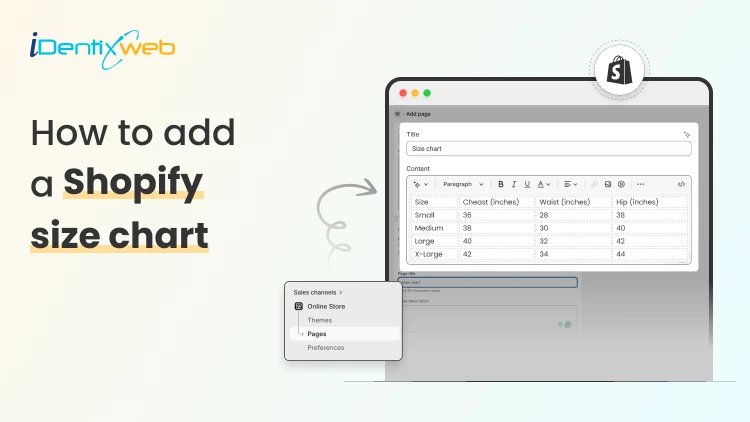
How to Add a Shopify Size Chart Within 5 Minutes
To add a size chart in Shopify under 5 minutes, use Shopify apps like TablePress where you can just select the template, the page on which the tables are to be displayed and add the details. This quick guide is perfect for Shopify store owners who want to reduce returns and boost customer confidence without the technical headache. We will walk you through choosing the right method for your store and show you exactly how to install your solution step-by-step. Plus, you will discover simple tweaks to make your size charts work harder for your business and keep customers happy. What is a Sizing Chart? A sizing chart (or size chart) is a structured reference table that helps customers determine which product size fits them based on body measurements or product dimensions. It translates abstract size labels (S, M, L, 8, 42, etc.) into specific numerical measurements, such as inches or centimeters, so shoppers can choose the correct size before purchasing. Why Every Shopify Store Needs a Size Chart 1. Reduces Costly Returns and Exchanges Sizing issues are one of the leading causes of ecommerce returns, especially in apparel, footwear, and accessories. A clear, accurate size chart minimizes uncertainty and reduces reverse logistics costs, restocking labor, and refund processing fees. 2. Increases Customer Confidence Online shoppers cannot try products before purchasing. A detailed Shopify size chart replaces the in-store fitting room experience with structured measurement guidance. When customers feel confident about fit, hesitation decreases and purchase intent increases. 3. Improves Conversion Rates When sizing information is easy to access, especially near the size selector, customers can make faster decisions. This reduces bounce rates and shortens the buying cycle. For fashion and footwear stores, clear sizing guidance often becomes a decisive conversion factor. 4. Enhances Mobile Shopping Experience The majority of ecommerce traffic comes from mobile devices. On smaller screens, shoppers are even less likely to search through long product descriptions for sizing information. A visible, mobile-optimized size chart (such as a popup or collapsible guide) ensures customers can quickly verify fit without disrupting their browsing flow. 5. Builds Brand Trust and Professionalism Professional stores provide detailed product information. A well-designed size chart signals that your brand is organized, customer-focused, and transparent. 6. Reduces Customer Support Load Without size charts, customers frequently contact support asking: “Does this run small?” “Should I size up?” “What’s the inseam length?” By proactively answering these questions on the product page, you reduce repetitive support tickets and free up operational resources. 7. Supports International Sales If you sell globally, customers may use different sizing systems (US, UK, EU, CM) for scenarios like converting size chart from asian size to US size. A comprehensive size chart that includes measurement conversions removes confusion and expands your international conversion potential. How to Add a Size Chart to Shopify Visit Shopify app store and install Tablepress app in your store. Log in to your Shopify admin account. From the left-hand menu, click on Apps. Select TablePress from the list of installed apps. You will be redirected to the dashboard page and enable the app. Click on Add table. Now, click on the create size chart button. Next, you need to select any one template that you want to create from the available templates. Or else you can create a custom table using the create custom option. To see what each template looks like, you can hover over the templates and click on Preview, where you can see the preview of that particular template. If you liked any template after previewing, you can click on use button and edit the table by adding the details of your choice in the fields given, as shown below: After adding all the details, click on the Save button and that’s it, your size chart will be live on your storefront. How to Test if your Shopify Size Chart is Working A size chart is only effective if it reduces returns, increases confidence, and supports conversions. Testing its performance requires measurable ecommerce metrics not guesswork. Below is a structured evaluation framework. 1. Monitor Return Rate Trends The primary KPI is size-related return rate. Track: Overall return rate (before vs after implementation) Percentage of returns due to “wrong size” Return rate by product category (e.g., dresses vs shoes) Benchmark goal: If sizing was a major issue, you should see measurable improvement within 30–60 days. If returns remain unchanged, the issue may be: Inaccurate measurements Confusing layout Poor chart visibility 2. Track Conversion Rate Changes A good size chart reduces hesitation. Monitor: Product page conversion rate Add-to-cart rate Checkout completion rate Compare data before and after adding or improving the size chart. If conversions improve without increased returns, the chart is functioning properly. 3. Measure Size Chart Click Engagement If you use an app or custom event tracking in Google Analytics, monitor: Size chart click rate Time spent viewing chart Conversion after size chart interaction 4. Analyze Customer Support Data Track how often customers ask: “Does this run small?” “Should I size up?” “What’s the inseam?” Conclusion Getting a size chart up and running on your Shopify store really doesn't have to be complicated. By following these straightforward steps you can have everything working smoothly in just minutes. Once your size charts are live, you will likely see fewer returns and happier customers who feel confident about their purchases.Remember to test everything on mobile devices too, since that's where most of your shoppers are probably browsing. People Also Ask 1. Can I use multiple size charts for different product types in Shopify? Yes. You can create and assign different size charts for categories like tops, bottoms, shoes, and accessories to ensure the right sizing guidance matches each product type. 2. Can I include international sizes in my Shopify size chart? Yes. Including conversions for different sizing systems (e.g., US, UK, EU) makes your size charts useful for global customers and helps them match their usual size more accurately. 3. How do I add a size chart on Shopify? You can add a size chart on Shopify using either built-in features or third-party app to get more additional features. 4. How can I make my size chart more visible on product pages? Place the size chart near the size selector or as a clear “Size Guide” popup so customers can find it easily while making a purchase decision. This increases usability and reduces friction.
Bhavesha Ghatode
14 Min • 12 February 2026
2382 Views

Bhavesha Ghatode
7 Min • 12 February 2026
2963 Views
Bhavesha Ghatode
11 Min • 25 March 2026
3160 Views
Sajini Annie John
4 Min • 12 February 2026
4666 Views
Sajini Annie John
5 Min • 28 February 2024
4132 Views
Sajini Annie John
10 Min • 10 February 2026
4977 Views
Sajini Annie John
7 Min • 8 May 2026
7241 Views
Bidisha Saha
6 Min • 1 October 2025
5174 Views
Bidisha Saha
8 Min • 25 February 2026
4204 Views

Sajini Annie John
6 Min • 12 February 2026
6016 Views

Sajini Annie John
11 Min • 26 March 2026
5531 Views
Sajini Annie John
5 Min • 1 December 2023
4086 Views