






Here’s the honest answer from a Shopify expert who’s seen a lot of first-time stores.
Yes. Shopify is beginner-friendly.
But only when you build in the right order. Most beginners fail because they do things out of sequence. They spend hours editing a theme before the basics work. Or they install ten apps because they think more apps equals a better store.
If you do this, the store feels confusing, slow, and messy.
In this blog, you’ll get a clear answer on why Shopify is easy to use for beginners. I’ll share practical Shopify tips for beginners that save you time and prevent common mistakes.
And I’ll list the best Shopify apps for beginners based on my experience with hundreds of Shopify store owners.
Is Shopify easy to use for beginners?
Yes. Shopify is easy to start with because it walks you through the basics step by step.
You get one dashboard for products, orders, payments, and shipping, so you don’t feel like you’re using five tools together.
Most beginners don’t struggle with Shopify itself. They start adding themes, apps, and features before doing proper research. If you avoid some common mistakes while setting up your Shopify stores, you can run your business without touching a line of code.
Why is Shopify easy to use compared to other platforms?
1) Setup speed
Shopify feels beginner-friendly because you can start building right away.
You add a product, choose a theme, and get a working storefront without technical expertise. Then you connect your domain when you’re ready, straight from the Shopify admin.
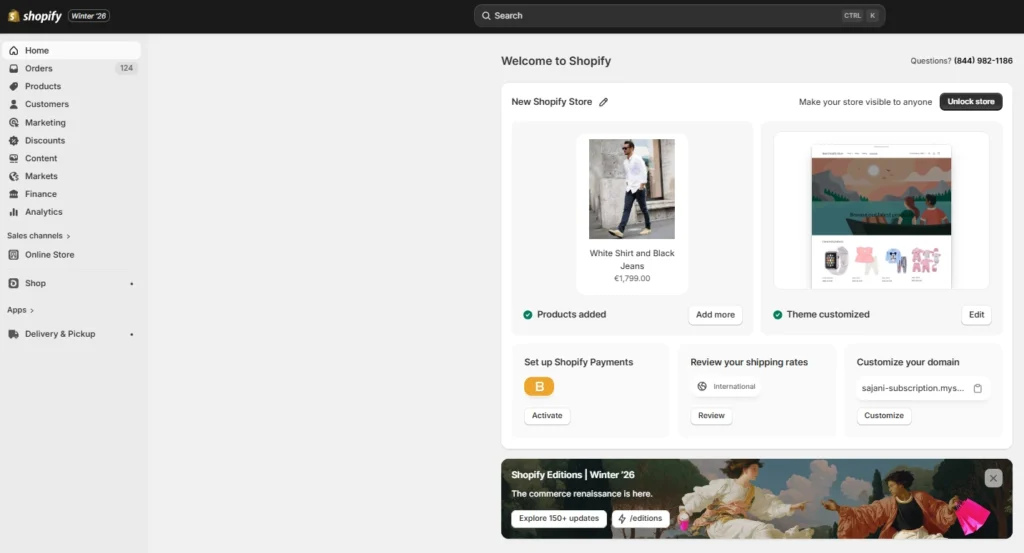
A Shopify admin panel
This matters because going live quickly is important. When you can see your store taking shape fast, you stay motivated. On other platforms, you often spend day one just “setting up the setup.”
2) One dashboard
As a beginner, you don’t want five tabs open to analyze your store's performance. Shopify gives you one admin where you manage products, orders, payments, and shipping.
Also, your daily store work becomes simpler. You process orders, update inventory, and check basics without feeling like you’re doing tech work.
3) Shopify Sidekick
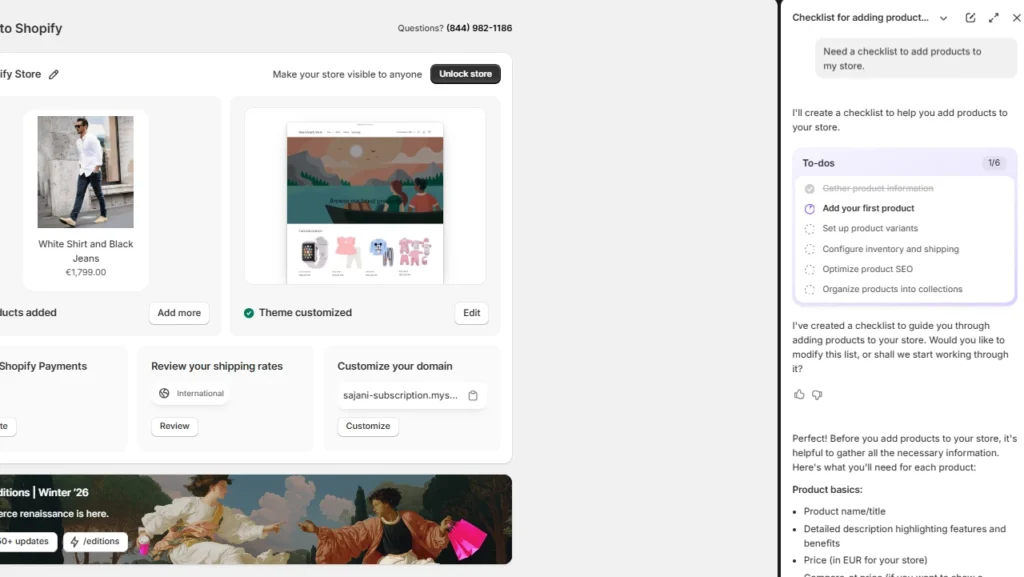
This is one of the most underrated reasons Shopify is easy to use for beginners in 2026.
Shopify Sidekick is built right into your Shopify admin, so when you get stuck, you don’t have to open ten tabs or search random YouTube videos.
You just ask Sidekick in plain language, and it guides you to the right setting or the next step. It’s like having a Shopify expert sitting inside your dashboard.
4) Apps for everything
Realistically, every store needs a few add-ons.
Shopify makes that part simple because you can add features through 8000+ Shopify apps instead of custom development.
Key features Shopify apps work with include:
- Online store & theme customization:
- Inventory & product management
- Order & shipping fulfillment
- Customer support & analytics
- Shopify POS (Point of Sale)
- Automation (Shopify Flow)
- Sales
Start your Shopify store with experts
Most beginners lose sales in the last 10 seconds of the journey: the cart.
Shoppers hesitate, compare totals, and decide if they really need to check out right now. When you improve that moment, you usually see two things move fast:
Conversion rate and AOV.
Shopify upsell apps like iCart help to increase both. It can show relevant cross-sells and upsells right when intent is highest, so customers can add an extra item in one click instead of going back to search.
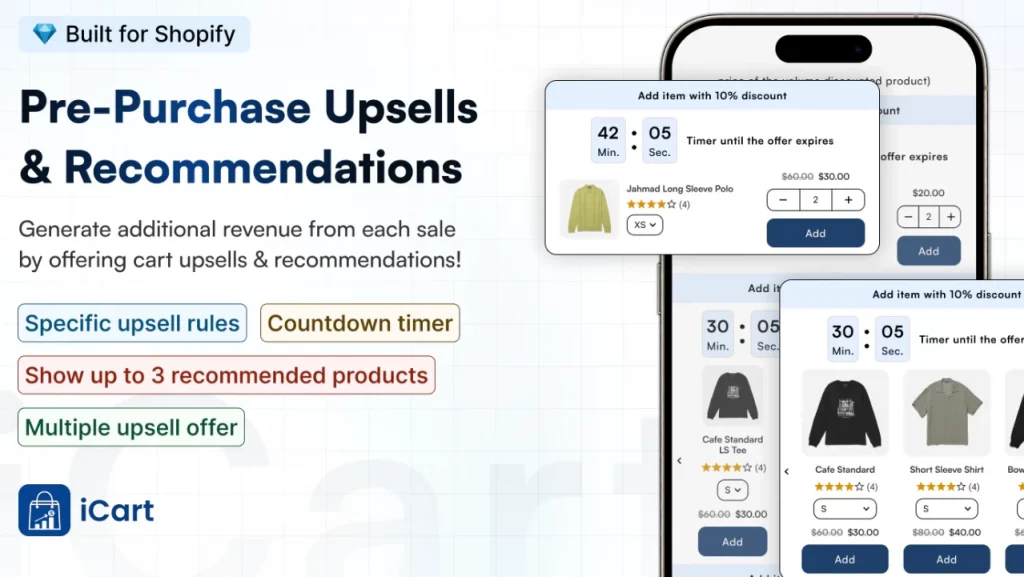
It also helps you increase cart value with simple motivators that beginners can set up without code:
- Cart drawer/pop-up cart
- Easy bundles in Shopify
- Progress bar
- BOGO offers
- Free gifts
- Countdown timer
Best Shopify apps for beginners
iCart Cart Drawer Cart Upsell
iCart upgrades your cart with a slide cart and one-click offers like cross-sells, upsells, product bundles, a progress bar (free shipping or free gift goals), discounts, and gift-style add-ons.
It’s beginner-friendly because you can set these up with a no-code editor, so your cart starts selling more without you hiring a developer.
Klaviyo
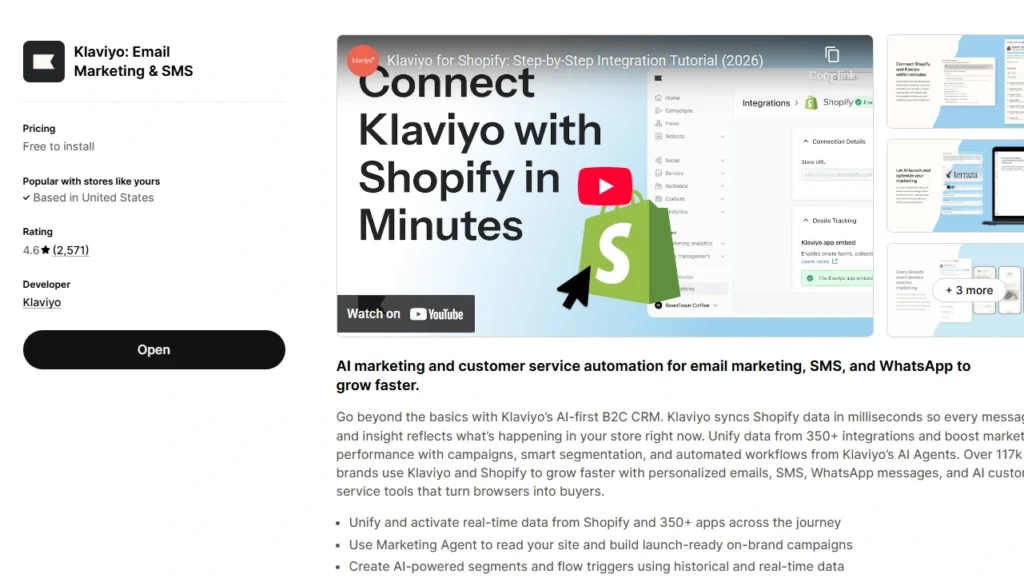
Klaviyo helps you run email and SMS marketing that feels personal, like welcome messages, abandoned cart reminders, and post-purchase follow-ups.
Beginners like it because Shopify connects cleanly with Klaviyo, and you can start with templates and pre-built flows instead of building everything from scratch.
JudgeMe
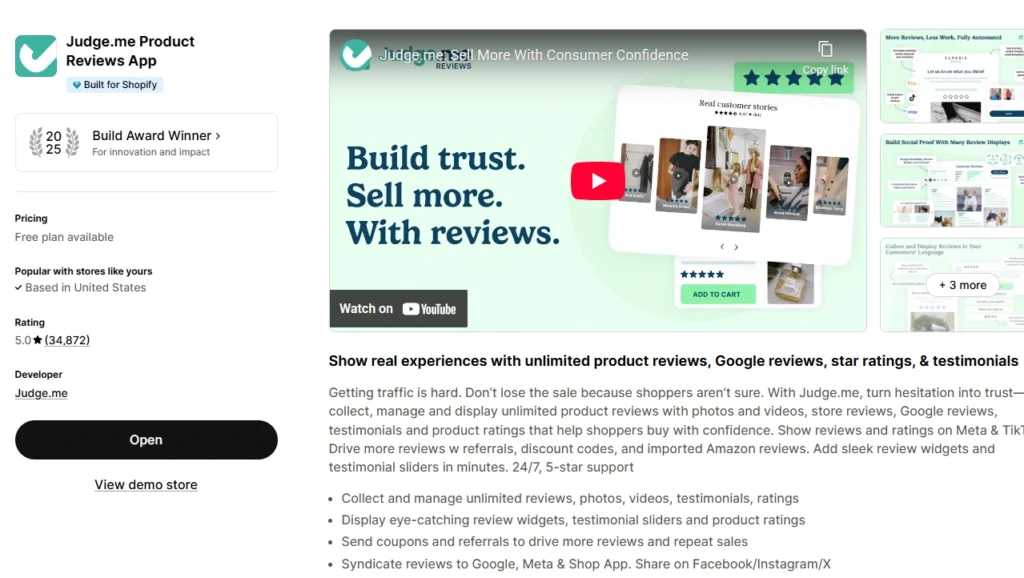
Judge.me collects and displays product reviews (including photos and videos), which builds trust fast when your store is new.
It’s beginner-friendly because setup is quick, review requests can run automatically, and you can add review widgets without coding.
PageFly
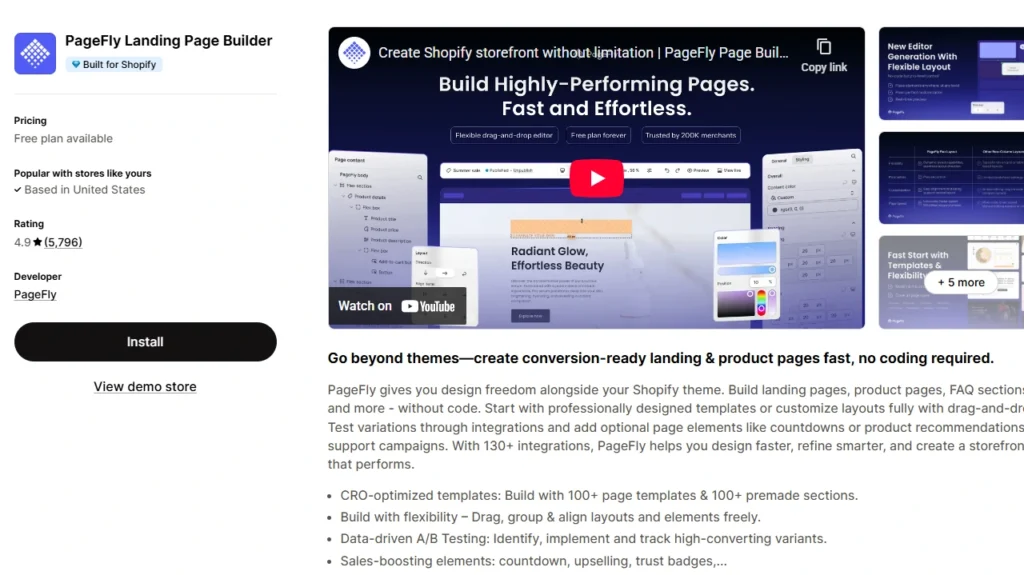
PageFly is a drag-and-drop page builder that helps you create better product pages, home sections, and landing pages without touching code.
It's one of the best page builder apps for businesses because you can start from ready-made layouts, then customize visually as you learn what your store needs.
DSers
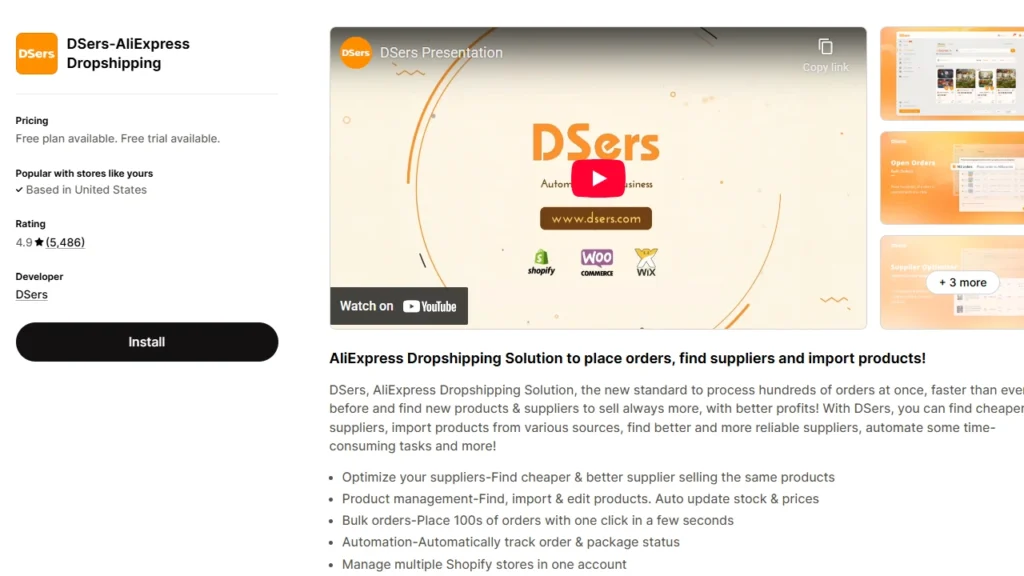
DSers is built for AliExpress dropshipping and helps you import products, manage suppliers, and place bulk orders faster.
It’s great for beginners, because it automates time-consuming tasks like order processing and tracking updates, which matters when you’re running the store solo.
Shopify Inbox
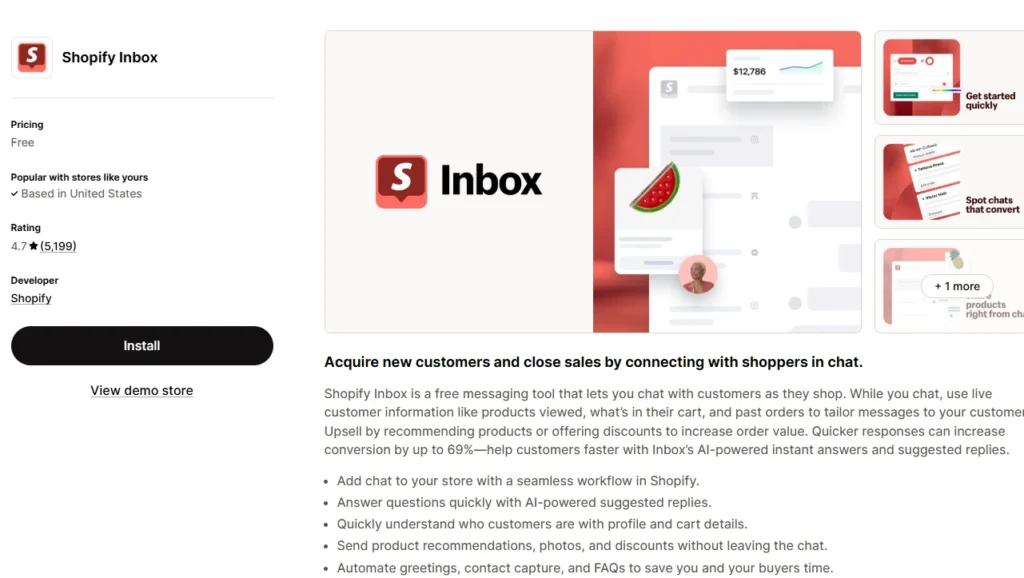
Shopify Inbox lets you chat with shoppers while they browse, and you can share product links and discount codes right inside the conversation.
It’s beginner-friendly because it lives inside Shopify, shows context like what the customer viewed or added to cart, and helps you reply faster without extra tools.
Conclusion: So, is Shopify Easy to Use for Beginners?
If you’re a beginner, Shopify is worth it because you can launch without getting stuck technical tasks.
The platform gives you the base you need, and the right apps fill the gaps fast.
Keep it simple at the start. Pick a small stack that covers the essentials: support (Shopify Inbox), trust (Judge.me), pages (PageFly), retention (Klaviyo), sourcing (DSers if you’re dropshipping), and conversion (iCart).
Once those basics are in place, you stop guessing and start improving what matters: growing your business.
FAQs for Is Shopify easy to use for beginners?
1. Is Shopify worth it for beginners?
Yes, Shopify is worth it for beginners if you want a simple way to launch an online store without dealing with any complicated setup. The biggest reasons are Shopify’s all-in-one dashboard, Sidekick, support, and apps for store setup and optimization.
2. How easy is it to sell on Shopify?
It’s easy to start selling once you finish the basics: add products, set up payments, set shipping rates, then place a test order so you know checkout works end-to-end. Most Shopify stores fail because store owners skip shipping or payments and try to launch anyway.
3. How to sell on Shopify for beginners?
Start with Shopify’s setup flow: build your store foundation, add products, configure payments, set shipping zones and rates, then preview and prepare for launch. Before you remove the password, run a test order so you catch issues early.
4. What is the easiest thing to sell on Shopify?
Digital products and services are usually the easiest because you can skip shipping complexity and sell instantly after purchase. Shopify supports selling digital products or services, and you can also pick simple models like print-on-demand once you’re ready.
5. Which are the best Shopify apps for beginners?
Based on our expertise, apps like iCart Cart Drawer Cart Upsell, JudgeMe, Klaviyo, Pagefly, and TinyIMG are some of the best beginner-friendly apps.
6. Which is easier to use, Amazon or Shopify?
Amazon is easier to start selling to existing marketplace traffic, while Shopify is easier for building your own branded store and owning the customer experience. Many sellers use both: Amazon for reach, Shopify for control and long-term brand building, but Shopify does require you to drive your own traffic.


About the author
Vineet Nair
Vineet is an experienced content strategist with expertise in the ecommerce domain and a keen interest in Shopify. He aims to help Shopify merchants thrive in this competitive environment with technical solutions and thoughtfully structured content.