





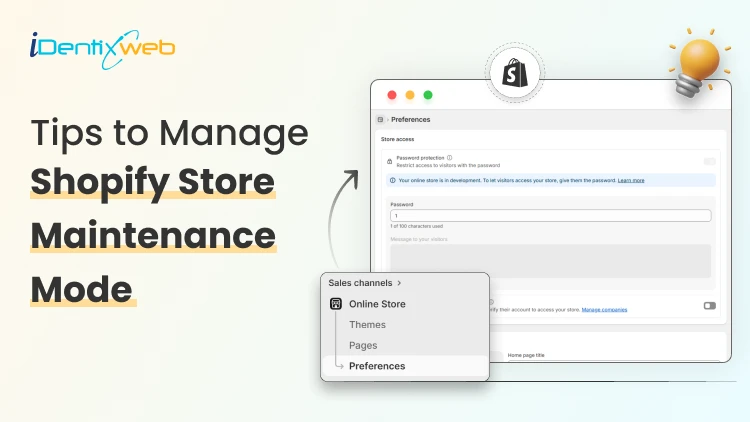
You finally decided to build your Shopify store. You picked a theme. Added products. And then reality hit: something wasn’t ready. The design felt incomplete. Checkout needed testing or product pages weren’t convincing enough.
So, just like many merchants do, you put your store under construction, but here’s the problem no one talks about. An under-construction store can quietly leak opportunity. Visitors who land on an empty site may never return. Remember, this “Shopify store maintenance phase” isn’t a delay. It’s leverage.
In this guide, we will walk through 5 practical Shopify store maintenance tips that will help you reopen with confidence and improve conversions from day one.
5 Practical Shopify Store Maintenance Tips to Keep Your Store
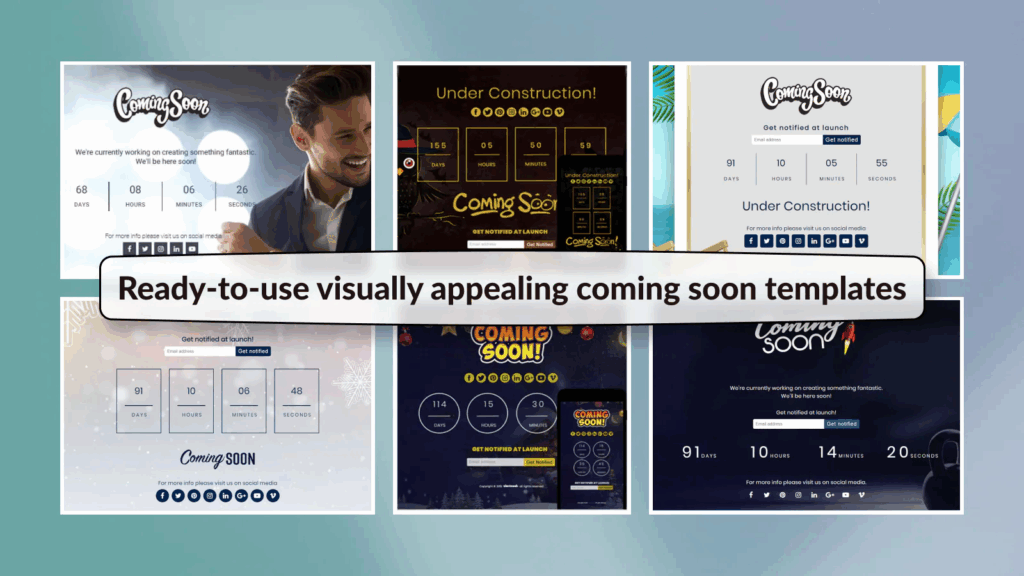
1. Use a Professional “Coming Soon” Page
Imagine clicking on an Instagram ad, landing on a store and seeing nothing. No products. No message. No explanation. Most visitors won’t come back. Instead of letting customers see an incomplete storefront, use a structured “Coming Soon” page. A professional under-construction page does three critical things:
- Communicates credibility
- Builds anticipation
- Captures early traffic interest
If you’re running an under construction store, an app like LaunchX - Under Construction helps you:
- Add a polished coming soon page instantly
- Display a countdown timer for your launch
- Schedule auto-launch timing
- Add age verification
- Password-protect your store
- Use pre-built customizable templates
2. Clean Your Theme Performance & Speed
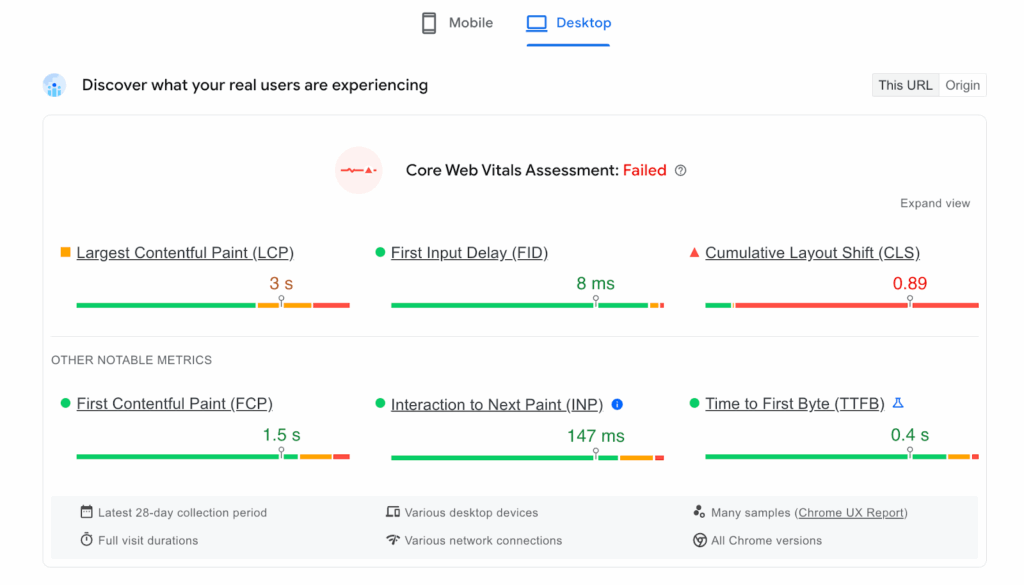
Site speed directly impacts conversion rate. A widely referenced Google study found that as page load time increases from 1 second to 3 seconds, the probability of bounce increases dramatically.
During maintenance mode:
- Remove unused apps
- Compress large images
- Eliminate redundant scripts
- Test mobile responsiveness
If your store feels slow, customers may hesitate before checkout. If checkout feels unstable, they may not reach the stage where your post-purchase upsell shopify offer appears.
3. Rework Product Pages With a Conversion Mindset
Your product page is not a catalog entry. It’s a sales conversation. Many merchants describe features but forget to address emotional triggers and objections.
During maintenance, evaluate:
- Are benefits clearly explained?
- Are FAQs addressing hesitation?
- Is shipping transparent?
- Are refund policies easy to find?
When product pages convert better, more customers complete checkout. And when more customers complete checkout, your post purchase upsell Shopify system becomes more effective.
4. Turn Your Launch Into an Event
Don’t quietly remove password protection and hope traffic appears. Create anticipation. Build hype with a launch soon countdown timer showing your launch date and time that tells everyone you’re launching soon instead of showing a blank under maintenance page.
During your under-construction phase:
- Build an email waitlist
- Display a launch countdown timer
- Announce your official launch date
- Offer early-bird incentives
A professional coming soon page helps frame your launch as an event, not a technical update. And when launch day arrives, higher first-day conversions mean more customers entering your post purchase upselling flow immediately.
5. Rework Product Pages With a Conversion Mindset
Your product page is not a catalog entry. It’s a sales conversation. Many merchants describe features but forget to address emotional triggers and objections. When product pages convert better, more customers complete checkout.
And when more customers complete checkout, your post purchase upsell Shopify system becomes more effective. This is where using a dedicated solution like SellMore – Post Purchase Upsell becomes strategic.
During maintenance, evaluate:
- Are benefits clearly explained?
- Are FAQs addressing hesitation?
- Is shipping transparent?
- Are refund policies easy to find?
Why Shopify Store Maintenance Is Important
Most merchants think store maintenance is something you do when something breaks. In reality, Shopify store maintenance is what prevents things from breaking in the first place and what keeps revenue compounding instead of leaking.
Whether your store is under construction or already live, regular maintenance directly impacts conversions, trust, SEO visibility, and even how well your post purchase upselling systems perform.
- It Protects Your Conversion Rate
- It Prevents Revenue Leaks You Don’t See
- It Improves Customer Trust
- It Strengthens Your SEO & Long-Term Visibility
- It Makes Scaling Easier
- It Maximizes Customer Lifetime Value (CLV)
- It Turns “Under Construction” Into Strategy
Conclusion
Shopify store maintenance isn’t about fixing bugs or adjusting colors. It’s about strengthening the systems that directly impact revenue from faster page speed and smoother checkout to optimized product messaging and well-structured post purchase upselling flows. Because here’s what truly separates growing brands from struggling ones.
Frequently Asked Questions
1. What is Shopify store maintenance?
Shopify store maintenance refers to the ongoing process of optimizing, updating, and testing your store to ensure it runs smoothly, loads quickly, and converts efficiently.
2. How often should I perform Shopify store maintenance?
Ideally, you should conduct light maintenance checks weekly and a deeper audit monthly.
3. What’s the biggest mistake merchants make during maintenance?
The biggest mistake is treating maintenance as a technical pause instead of a strategic growth phase.
4. How do I know if my Shopify store needs maintenance?
There are several warning signs that indicate your store needs immediate maintenance like declining conversion rate, increasing bounce rate, checkout abandonment spikes, slower page load times and lower average order value.
Post Tags


![How to Build a Top Shopify Grocery Store [Examples & Themes + Best Apps]](https://www.identixweb.com/wp-content/uploads/2026/02/11-02-Wed-Blog-How-to-Build-a-Shopify-Grocery-Store-Examples-Must-Have-Apps.webp "How to Build a Top Shopify Grocery Store [Examples & Themes + Best Apps]")

About the author
Sajini Annie John
Meet Sajini, a seasoned technical content writer with a passion for e-commerce and expertise in Shopify. She is committed to helping online businesses to thrive through the power of well-crafted content.