






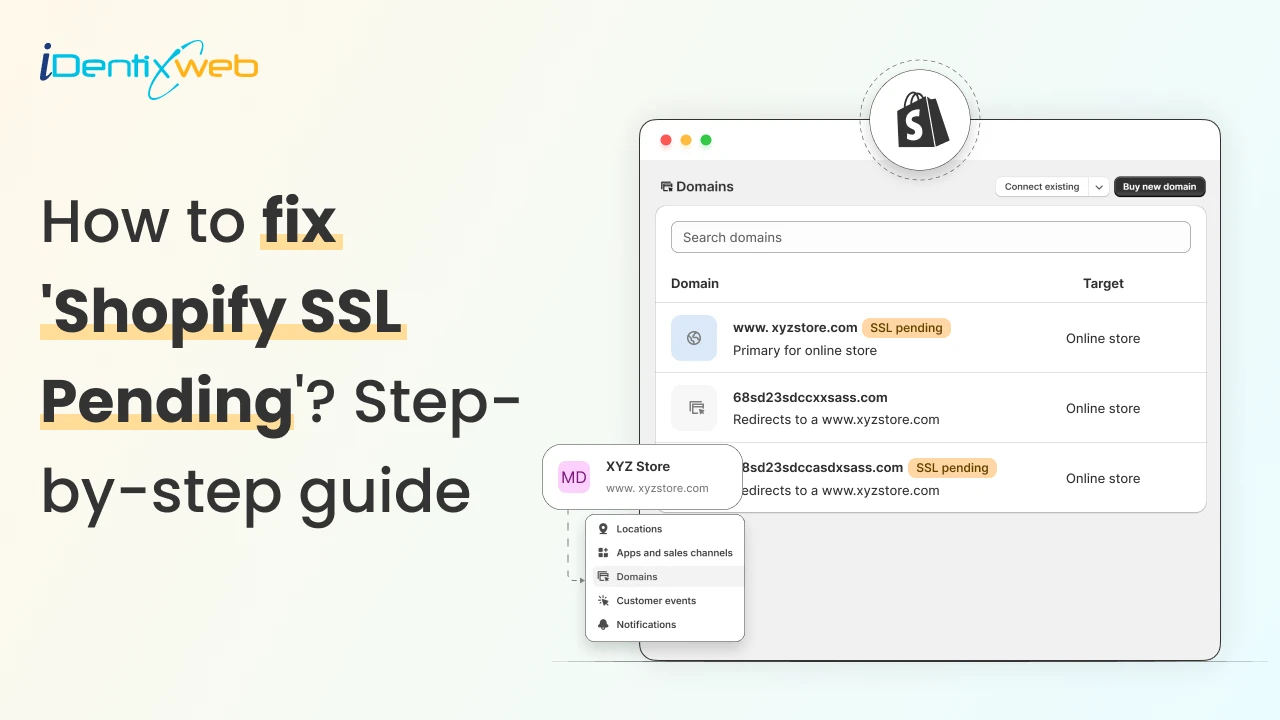

To fix the Shopify SSL pending error, first, you need to wait 48 hours so that the DNS changes get updated. Shopify takes time to provide you with the SSL certificate. If the issue persists, verify the DNS records, check for any content that loads over HTTP, or contact Shopify support.
Seeing Shopify SSL Pending on your store dashboard can stop you in your tracks. It directly affects how shoppers feel the moment they land in your store. When customers do not see a secure connection, trust drops instantly.
As a Shopify expert, we have come across this issue often. Here is the good news. In most cases, Shopify SSL pending is easy to fix once you know where to look. It usually comes down to timing, domain settings, and DNS records.
By the end of this guide, you will know exactly what Shopify domain SSL means and how to fix the Shopify SSL pending error.
What Does Shopify SSL Pending Mean?
Shopify SSL pending means Shopify has not finished securing your custom domain yet. Your store exists, but Shopify cannot issue the SSL certificate because it has not verified your domain connection.
Until that process completes, your site may load as “Not secure” in browsers.
Why You Shouldn’t Ignore Shopify SSL?
- Browsers may flag your store as “Not secure,” which scares first-time visitors instantly
- Lower trust leads to fewer add-to-carts and completed checkouts
- Google favors HTTPS sites, so SSL pending can hurt search visibility
- Payment gateways rely on SSL for secure transactions
- Delaying the fix increases the risk of lost sales and credibility

Step-by-step Guide to Fix SSL Pending Error in Shopify
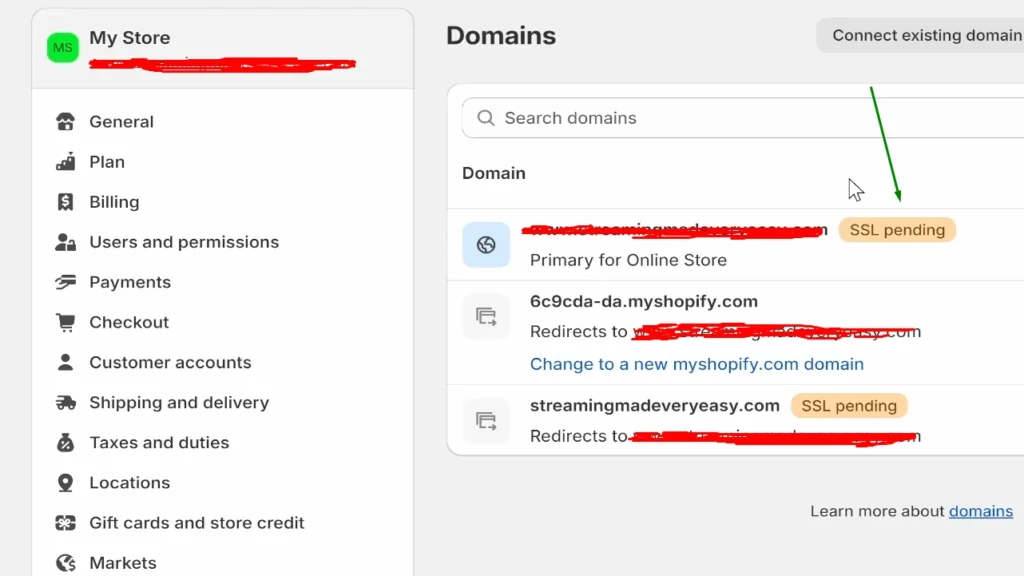
Step 1: Wait for 48 hours
The first step is patience. Shopify may take up to 48 hours to issue an SSL certificate. If the issue still persists after that, you can move on to the next steps.
Step 2: Check your cache and content
This is a common fix that you first need to try. Clear your browser’s cache and look for any mixed content that loads over HTTP. If you find any mixed content, make sure it loads over HTTPS.
Step 3: Verify your DNS records
This step fixes most Shopify SSL pending issues. If your DNS records are even slightly off, Shopify cannot verify your domain.
Correct A record value
Your A record tells the internet where your domain should point.
For Shopify, your root domain (example.com) must point to Shopify’s IP address: 23.227.38.65
If your domain points anywhere else, Shopify cannot activate SSL.
Correct CNAME value
The CNAME record is for your www version (www.example.com).
It must point directly to Shopify: www → shops.myshopify.com
This tells browsers that your www domain belongs to Shopify and is required for SSL to provision correctly.
Step 4: Contact Shopify support
Shopify has one of the best support systems in the ecommerce domain. If you still see ‘SSL pending’, contact Shopify support. Their support will instantly solve your SSL pending issues.
How to Check if You Have a Secured SSL Certificate?
The quickest way is to visit your store using https:// in the browser. If the page loads without a warning and you see a lock icon next to your domain, your Shopify SSL is active.
Next, log in to your Shopify admin and go to Settings → Domains. Find your primary domain and check the SSL status. If it shows connected, your store is fully secured. If it still says Shopify SSL pending, Shopify has not completed the setup yet.
Conclusion: Secure Your Store with an SSL Certificate
In most cases, the Shopify SSL pending issue comes down to DNS records. Once your DNS is configured, Shopify handles SSL automatically.
The key is not to ignore it. SSL affects trust, conversions, ads, and search visibility. A secure store sends the right signal to both shoppers and Google. Fixing the SSL pending issue early saves you from silent sales drops and unnecessary headaches later.
Shopify SSL Pending FAQs
1. What does SSL pending mean in Shopify?
When you see “SSL pending” on your Shopify domain, it means Shopify is still trying to issue and activate the SSL certificate for your custom domain. During this stage, Shopify is verifying your DNS settings and domain ownership in the background.
2. How to fix the SSL pending error on Shopify?
First, wait for 48 hrs. Shopify takes 48 hours to get your SSL certificate. If not, then check your DNS records with your domain provider: your A record should point to Shopify’s IP (23.227.38.65), and your www CNAME should point to shops.myshopify.com.
3. How long does the SSL pending issue take on Shopify?
In most cases, Shopify SSL activates within a few minutes to a few hours after your DNS records are set correctly. However, DNS propagation on the internet can take up to 48 hours, so it is normal to see SSL pending for a while after changes.
4. What is the price for getting an SSL certificate for your store?
If you are using Shopify’s supported domains and hosting, SSL certificates are included for free with every plan.
5. How to verify if your Shopify store has the SSL provisioned?
First, visit your store using https://yourdomain.com and check for the padlock icon in the browser’s address bar; if it is there and no warnings show, your connection is secure.

![How to Add Apple Pay to Shopify? [New & Easy Tutorial]](https://www.identixweb.com/wp-content/uploads/2026/03/20-03-Fri-Blog-How-to-Enable-Apple-Pay-in-Your-Shopify-Store_-.webp "How to Add Apple Pay to Shopify? [New & Easy Tutorial]")



About the author
Vineet Nair
Vineet is an experienced content strategist with expertise in the ecommerce domain and a keen interest in Shopify. He aims to help Shopify merchants thrive in this competitive environment with technical solutions and thoughtfully structured content.