






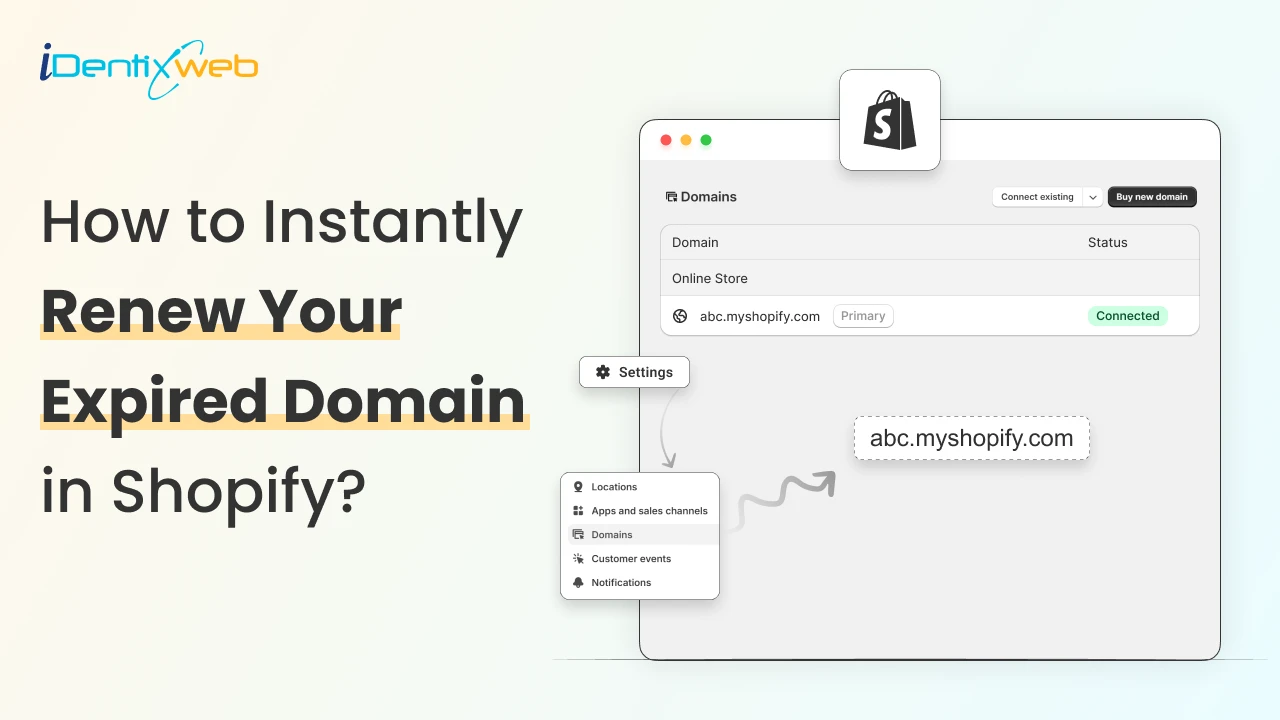

To renew your expired domain in Shopify, go to Settings > Domains. Here, select the domain you need to auto-renew. Next, make sure you enable the auto-renewal option every year.
If you’re using a Shopify-managed domain, understanding how renewal works is not optional.
Your domain is your store’s digital address, and once it expires, even temporarily, it can impact traffic, trust, and sales.
The good news is that Shopify gives you a clear recovery window if you act in time.
In this guide, you’ll learn exactly how to renew an expired Shopify domain, what grace and redemption periods are, and how to prevent this situation from happening again.
How to Enable Auto-renewal of Your Domain
Step 1: Go to Settings>Domains
Log in to your Shopify store and click on Settings. Go to the domains section.
Step 2: Choose your domain
Select the domain you want to auto-renew. This will open a section of settings related to that particular domain.
Step 3: Check the auto-renewal option
Here, select the auto-renewal option for your domain. Remember, the amount will be deducted automatically once your store is live.

What should you do once your Shopify domain expires?
#1 The 40-day grace period
Once your domain expires, Shopify offers a 40-day grace period. During this time, you need to contact Shopify support to renew your domain.
#2 The 30-day redemption period
If you forgot to renew your expired domain within 40 days after it expires, it enters a redemption period. This period lasts for 30 days.
In the redemption period, you can still contact Shopify support to renew your domain. But they will charge you additionally for renewal.
#3 After the redemption period
If you have still not renewed it during the redemption period, it gets removed from the Shopify domains system. Beware that other merchants can purchase your domain once this happens.
What happens once your Shopify domain expires?
- Lost sales from downtime: If your domain stops resolving, customers hit an error page instead of your storefront, which directly kills conversions.
- Someone else can buy it: After deletion, the domain might become available again via Shopify or another provider, but Shopify is clear that there’s no guarantee.
- After redemption, the domain gets deleted from the registry: If it isn’t renewed by the end of redemption, Shopify says it’s deleted from the registry.
Wrapping Up: Don’t let a domain expiry hurt your store
An expired Shopify domain doesn’t have to mean the end of your store, but timing matters more than most merchants realize.
As long as you act within the grace or redemption period, you still have a chance to recover your domain and get your store back online.
That said, prevention is always easier than recovery. Turning on auto-renew and regularly checking your domain status inside the Shopify admin can save you from downtime and extra fees.
Expired Shopify Domain FAQs
1. Can I buy a domain name through Shopify?
Yes, you can buy a domain through Shopify, and you can choose to turn on auto-renew during purchase (or enable it later in your admin).
2. How to find your Shopify domain?
In your Shopify admin, go to Settings > Domains to see your connected domains and which one is set as your primary domain. From there, you can click a domain to view its renewal date and auto-renewal status.
3. What do I do if my Shopify domain has expired?
If your Shopify-managed domain expires, contact Shopify Support to renew it because you can’t renew an expired domain on your own.
4. How to auto-renew my expired Shopify domain?
Auto-renew won’t retroactively fix an already-expired domain, so you’ll need to contact Shopify Support first to renew it. After it’s active again, turn on auto-renew in Settings > Domains by selecting Auto-renew this domain every year.
5. What happens once my Shopify domain expires?
Most domains enter a grace period (often up to 40 days) where you can still renew by contacting Shopify Support. After that, they may move into a redemption period (up to 30 more days) with extra costs. If you still don’t renew, the domain gets deleted from the registry.




About the author
Vineet Nair
Vineet is an experienced content strategist with expertise in the ecommerce domain and a keen interest in Shopify. He aims to help Shopify merchants thrive in this competitive environment with technical solutions and thoughtfully structured content.