





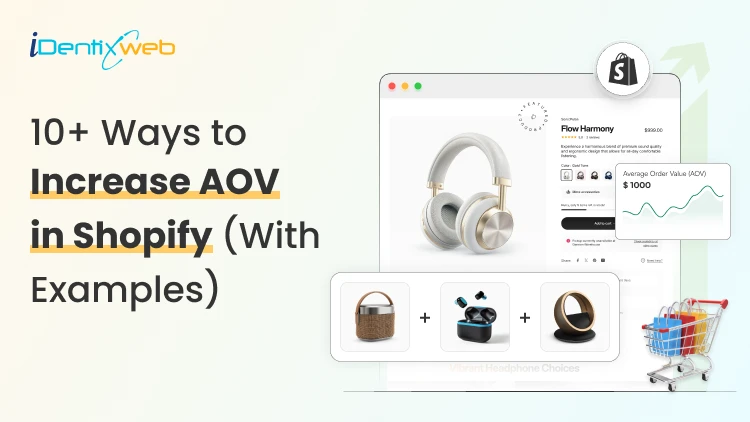

The best way to increase Shopify AOV in 2026 is by offering product bundles, relevant upsells and cross-sells, volume discounts, free gifts, and a free-shipping threshold. Keep offers useful and reasonably priced, then test their effect on AOV, conversion rate, and profit margin.
Being a store owner, your dream will always be to increase your revenue by applying different strategies.
Am I right? But many of you might think that gaining more customers can only take your profit graph to the top.
No, but it’s a misconception. Don’t get me wrong. Yes, getting more customers is great, and without them, there will be no business.
But at the same time, there are many other ways that you can use to increase the average order value of your Shopify store. Before moving to the topic, let’s have a look at the average order value.
Otherwise, let's get straight into the tactics.
What is the average order value?
Average order value (AOV) is the amount that is spent by the customer when placing an order in your store. The average order value is calculated by dividing your store’s total revenue by the number of orders taken.
The general formula is:
AOV= Total Revenue ÷ Number of Orders.
But in Shopify Analytics, there is a more specific calculation. It is Average Order Value= (Gross Sales − Discounts) ÷ Number of Orders. This excludes shipping, taxes, and post-order adjustments.
10+ ways to increase the AOV of your Shopify store
Give free shipping, discounts, or gift cards
This is one of the easiest ways to increase your store’s average order value. You may know that not every customer wants to pay shipping.
The part that actually moves the needle here is setting a minimum spend to unlock the perk, rather than giving it away on every order.
A line like "Free shipping on orders over $25" gives shoppers who are close to that number a reason to add one more item. This is one of the simplest Shopify AOV optimization moves you can make without installing anything new.
This can make your customers attracted and will tend to purchase more from your store. Also, the increase in the number of customers will increase your average order value.
Create product bundles
Providing product bundle deals can impact your average order value. You can bunch related products, giving customers more value for their buck. For example, if a customer comes to purchase a shirt, then you can show them the product bundle, which will contain pants.
You can apply this method to best-selling products. Test various product bundle campaigns and check which one is getting the best conversion rate for your Shopify store, and apply them.
Provide an option to choose the delivery date and time for orders
Every customer likes the concept of getting an option to select their desired date and time for getting their orders delivered.
But the main fact is that not everybody gives that option, or they don’t get that option, most of them while they are shopping.
Allow your customers to choose their custom delivery date and time. This especially helps for bakery, grocery, and floral stores because they sell perishable items.
Give Customers Control Over Their Delivery
A convenient delivery experience can make customers more confident about placing an order.
Losing orders because buyers want flexible delivery?
A simple calendar at checkout fixes that.
Start Your Free Plan
With Stellar Delivery Date & Pickup, shoppers can choose a delivery date and time that fits their schedule while you maintain better control over daily order capacity.
Display cross-sell and up-sell items
A cross-sell is an item that a customer may like, but it will be different from the item that they are looking for.
For example, if a customer is looking for a saree, you can recommend them to show a pair of earrings. By showing this, customers will be more likely to purchase them in combination.
While an upsell is when you encourage customers to buy more costly products. This strategy will help you to sell more products of the same type. And this works well for beauty products.
Doing this manually means updating product pages by hand every time your catalog changes.
Stop Managing Every Upsell Manually
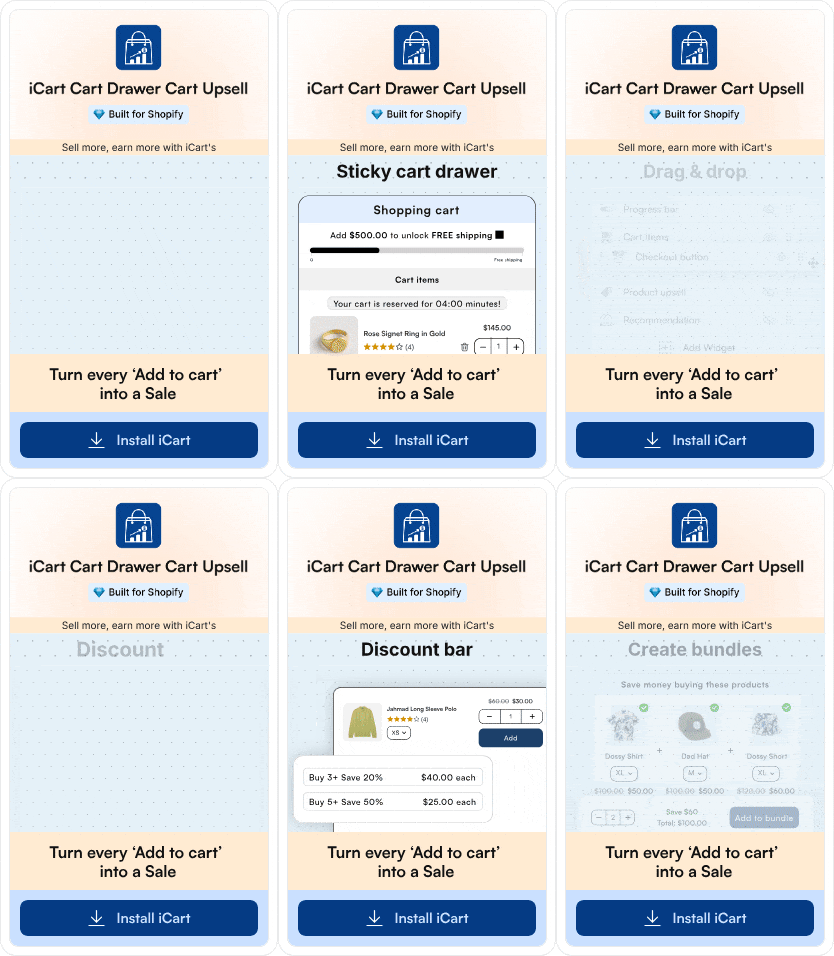
With iCart Cart Drawer Cart Upsell, you can display relevant upsells and cross-sells directly inside your Shopify cart.
Create product recommendations, bundles, discounts and free gift offers without manually updating every product page whenever your catalogue changes.
Start a customer loyalty program
Starting a customer loyalty program will help you to build a strong relationship with your customers, along with increasing the average order value of your Shopify store.
The loyalty program means offering discounts to repeat customers who come back again and again.
By doing this, you are building trust between them, and the chances of purchasing higher-value products may also increase compared to new customers.
Offer post-purchase upsells
A post-purchase upsell shows a customer one more relevant offer right after they've completed checkout. This can also be before the confirmation page loads, while they're still in a buying mindset.
Because payment is already done, there's no extra friction or cart-abandonment risk.
Add volume or bulk-order discounts
Tiered pricing, like "buy 2, save 10%" or "buy 3, save 15%", nudges customers who planned to buy one item to add more to unlock the discount.
This works especially well for consumable or repeat-purchase products like skincare, supplements, or snacks, where buying extra isn't wasted.
Even a simple table on the product page showing per-unit savings at each quantity tier can lift average order value without needing a separate app.
Use AI-powered product recommendations
Generic widgets are being replaced by recommendation engines that factor in a shopper's browsing behaviour.
Because the suggestions are more relevant, they tend to convert better than static cross-sell blocks.
You don't need a custom build to test this. Most modern Shopify recommendation and upsell apps now include an AI-personalization option you can turn on for your product and cart pages.
Add social proof and urgency to product pages
Showing recent order counts, star ratings, or stock-level indicators ("Only 4 left") helps shoppers add higher-value items.
I would advise keeping this honest. Only show real stock counts and real review data. Fabricated urgency will negatively impact your trust, and shoppers are quick to notice when a "low stock" badge never actually runs out.
Optimize your checkout page
All the bundling, upselling, and cross-selling above only pay off if customers actually complete checkout.
Keep the number of steps low and show a progress indicator. Trust signals like secure-payment badges and return policy on the checkout page also work.
If you're on Shopify Plus, checkout extensibility lets you add a one-click upsell directly inside checkout. It is currently one of the highest-converting placements for increasing average order value that Shopify merchants have access to.
Increasing AOV in 2026
With new technologies coming into the Shopify domain, increasing AOV has become easy. I would also like to point out that it has become competitive because every merchant can now use Sidekick to add strategies to boost average order value.
Be on top of Shopify trends so that you never miss out on boosting AOV no matter what.
FAQ
1. How to increase average order value in Shopify?
Increase Shopify AOV by offering product bundles, relevant upsells and cross-sells, volume discounts, free gifts, and a free-shipping threshold. Keep offers useful and reasonably priced, then test their effect on AOV, conversion rate, and profit margin rather than measuring revenue alone.
2. Does Shopify AOV include shipping?
No. Shopify Analytics calculates AOV using gross product sales minus discounts, divided by the number of orders. Shipping charges, taxes, and post-order adjustments are excluded. However, some other Shopify metrics labelled “order value” include shipping and taxes, so confirm the metric definition before comparing reports.
3. How to find AOV in Shopify?
From your Shopify admin, go to Analytics and check the Sales section of the overview dashboard, where average order value appears alongside sales and order metrics. For a detailed breakdown, open Analytics > Reports > Average order value over time and select the date range you want to analyse.
4. How to calculate the average over value for my store?
Select a specific period, subtract discounts from your gross product sales, and divide the result by the number of orders placed during that period. For example, if your store generated $10000 in gross sales, offered $1000 in discounts, and received 100 orders, your AOV would be $90.
5. Which are the best Shopify apps to boost AOV?
Good options include iCart for cart drawer upsells, product recommendations, progress bars, and free gifts. Selleasy for frequently bought together offers and cross-sells. AfterSell for one-click post-purchase offers. Shopify’s free Shopify Bundles app is another option for stores that only need fixed bundles.
6. What is the formula to find average order value?
The general formula is Average Order Value = Total Revenue ÷ Number of Orders. In Shopify Analytics, the more specific calculation is AOV = (Gross Sales − Discounts) ÷ Number of Orders, excluding shipping, taxes, and post-order adjustments.


About the author
Sajini Annie John
Meet Sajini, a seasoned technical content writer with a passion for e-commerce and expertise in Shopify. She is committed to helping online businesses to thrive through the power of well-crafted content.