



Picking the best CRM for Shopify comes down to one thing: how cleanly it syncs your store data so you can actually act on it.
Not every CRM offers native Shopify CRM integrations. The ones that do vary a lot in how much they sync, how fast, and what it costs.
Choosing the right platform decides how easily you can connect your store, unify customer records, and run marketing that converts.
In this guide, I cover the CRMs that work best with Shopify in 2026. This includes popular Shopify CRM integration options like Zoho CRM, HubSpot, Salesforce, and Pipedrive, and walks through exactly how you can integrate your CRM with Shopify.
Is Shopify a CRM?
Shopify is not a full CRM. It stores customer profiles, order history, and basic segments, and Shopify's built-in customer tools cover the essentials.
What it misses is the sales pipeline, lead scoring, deal tracking, and multi-channel automation that a dedicated CRM provides. Most growing stores I have worked with keep Shopify as the store of record and connect a CRM, so sales and marketing teams get a complete customer view.
Why do you need a CRM & Shopify integration?
There are many reasons why ecommerce businesses need a CRM, but integration with Shopify is often a key factor. A Shopify CRM can automate tasks, track customer interactions, and segment your customers for targeted marketing.
Shopify is one of the most popular eCommerce platforms, and businesses of all sizes use it. While it offers a great set of features out of the box, many companies need CRM to take their customer management to the next level.
The right CRM can help you automate tasks, track customer interactions, and segment your customers for targeted marketing. It can also make it easier to upsell and cross-sell products, offer support, and manage returns.
Here are some reasons to integrate CRM and Shopify-
- Custom orders require systematic communication
- Maintain close ties with your most important clients
- Tag your merchants in the system to organize them
- Organize your wholesale customers
Best CRM for Shopify integration you need to consider
Below are the top CRMs for Shopify integration in 2026.
We have kept the practical picks from earlier editions and added the platforms most merchants search for by name, so you can match a CRM to how your team actually sells.
1. Zoho CRM
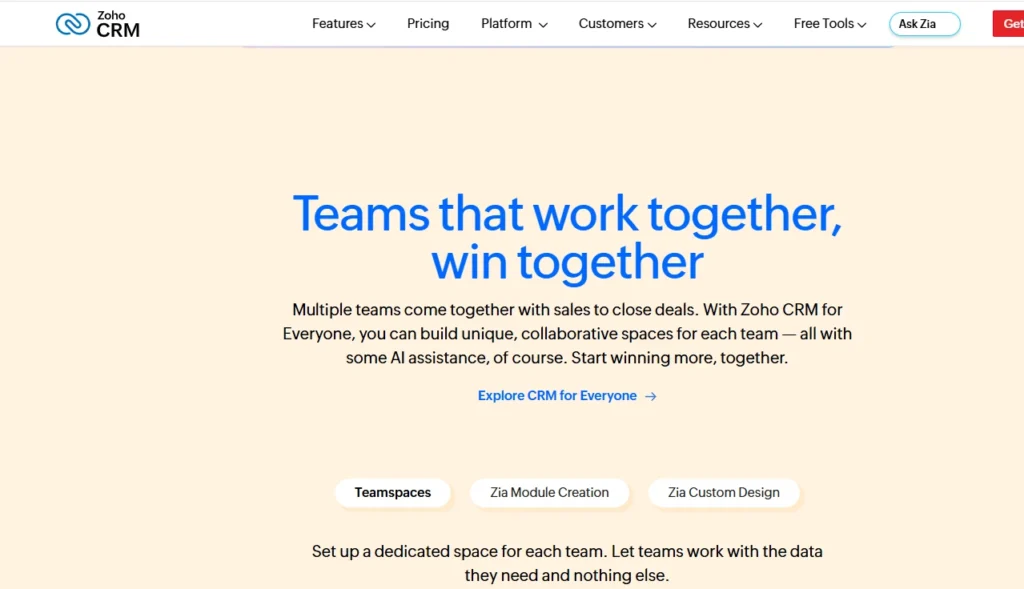
Zoho CRM is one of the most affordable full-featured CRMs and a strong pick for small to mid-size Shopify stores.
The Zoho CRM Shopify integration is available as an official extension in the Zoho Marketplace. It keeps customers, products, and orders in sync between your store and CRM without manual data entry or duplicate records.
What the Zoho CRM Shopify integration does:
- Sync Shopify customers into Zoho CRM as contacts, with purchase history and spend
- Bidirectional sync of customers, products, draft orders, and orders
- Segment buyers for targeted email and workflow automation inside Zoho
- Connects to Zoho's wider suite (Books, Desk, Campaigns) as you scale
2. HubSpot CRM
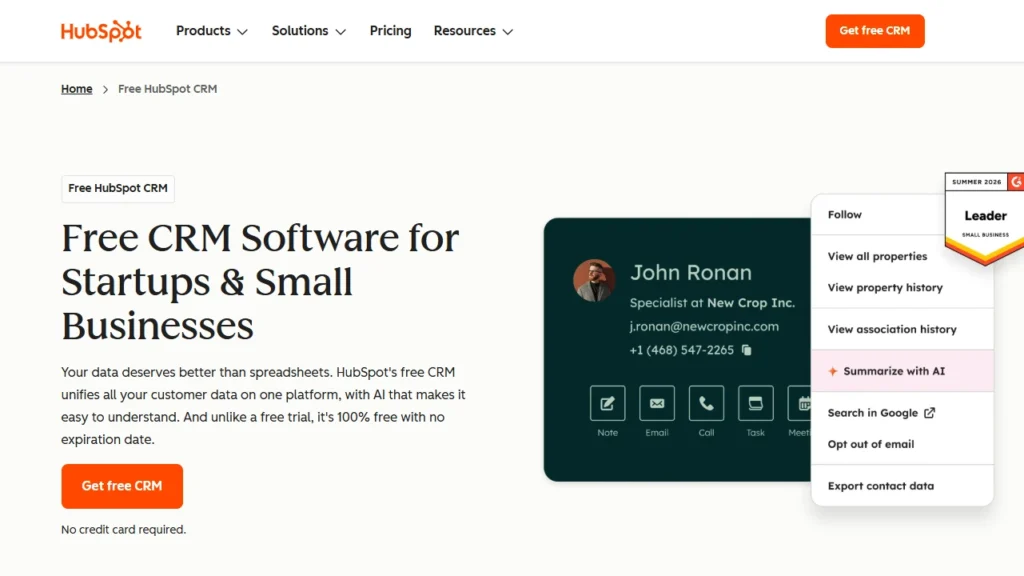
HubSpot is the go-to when marketing automation matters as much as sales. Using HubSpot CRM with Shopify is straightforward:
Install the official HubSpot app from the Shopify App Store, enter your store URL, and data starts flowing. After the initial sync, records update within about 10 minutes of a change, and e-commerce reports are added to your HubSpot dashboard automatically.
What HubSpot CRM with Shopify gives you:
- Automatic sync of contacts, products, and orders.
- Abandoned-cart and post-purchase workflows.
- Built-in email marketing, forms, and reporting.
- Custom field mapping on Data Hub Starter and above.
Note: HubSpot's free CRM covers the basics; custom field mappings require at least a Data Hub Starter subscription. (Needs manual verification of current plan pricing.)
3. Salesforce
Salesforce is built for larger and fast-scaling merchants that need enterprise-grade reporting and automation. There is no single native button, so the Salesforce CRM Shopify sync is handled through AppExchange connectors and integration tools (such as eShopSync, Sync Made Easy, or middleware like MuleSoft) that sync customers, orders, products, and inventory between the two systems.
What a Salesforce CRM Shopify sync covers:
- Customers with contact details, purchase history, and lifetime value
- Orders with payment status and fulfillment tracking
- Products, pricing, and stock levels
- Leads from website visitors and abandoned carts
4. Salesmate
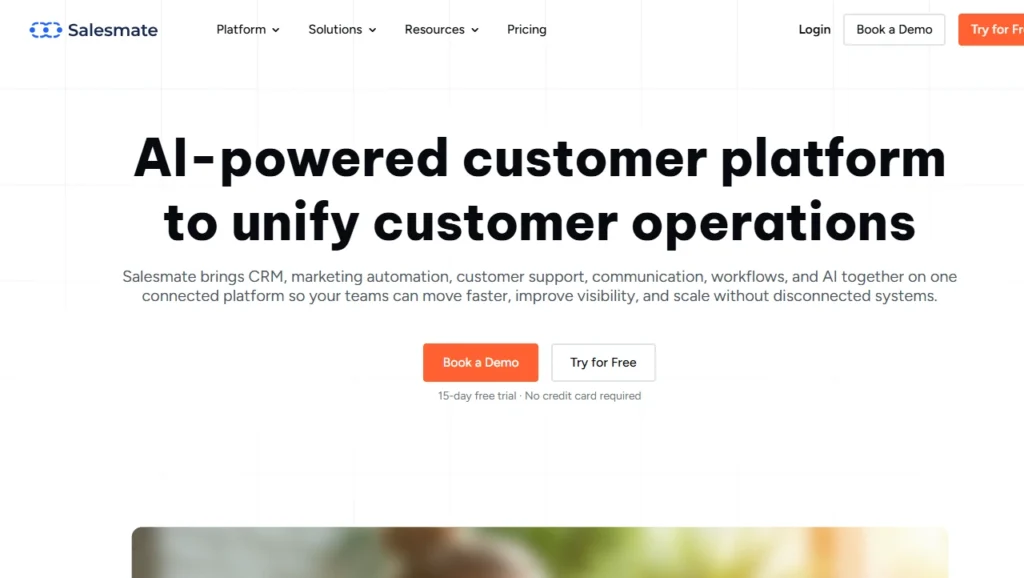
Best for: Shopify businesses that need CRM, sales pipelines and multichannel customer communication in one platform.
Salesmate is a CRM and engagement platform that combines contact management, visual sales pipelines, marketing automation, email, built-in calling, text messaging and mobile CRM tools.
Its Shopify integration can sync customers, products and orders with Salesmate, allowing ecommerce and sales teams to manage customer relationships without manually transferring store data.
Shopify customers are created or updated as Salesmate contacts. Shopify orders can be converted into deals and mapped to different sales pipeline stages.
Merchants can import new orders, their complete order history or orders from a selected date range. Product variants and inventory information can also be synchronized.
It also supports Shopify-related automation triggers, including new orders, fulfilled orders and abandoned carts. After configuring tracking events, customer profiles can display recently viewed products, products currently in the cart and recent searches.
Key features of Salesmate
- Sync Shopify customers as CRM contacts.
- Convert Shopify orders into Salesmate deals.
- Map Shopify order statuses to sales pipeline stages.
- Import historical orders from a selected date range.
- Sync products, variants and inventory information.
- Automate follow-ups for orders, fulfilment and abandoned carts.
- View recently browsed products, cart activity and customer searches.
- Communicate through email, calls and text messages.
- Manage contacts and deals through its iOS and Android apps.
How to connect Salesmate with Shopify?
An administrator must configure the integration from Salesmate’s Apps & Add-ons section. The current setup requires creating a Shopify custom app and supplying an admin access token, storefront access token or client credentials.
5. EngageBay All-in-One CRM
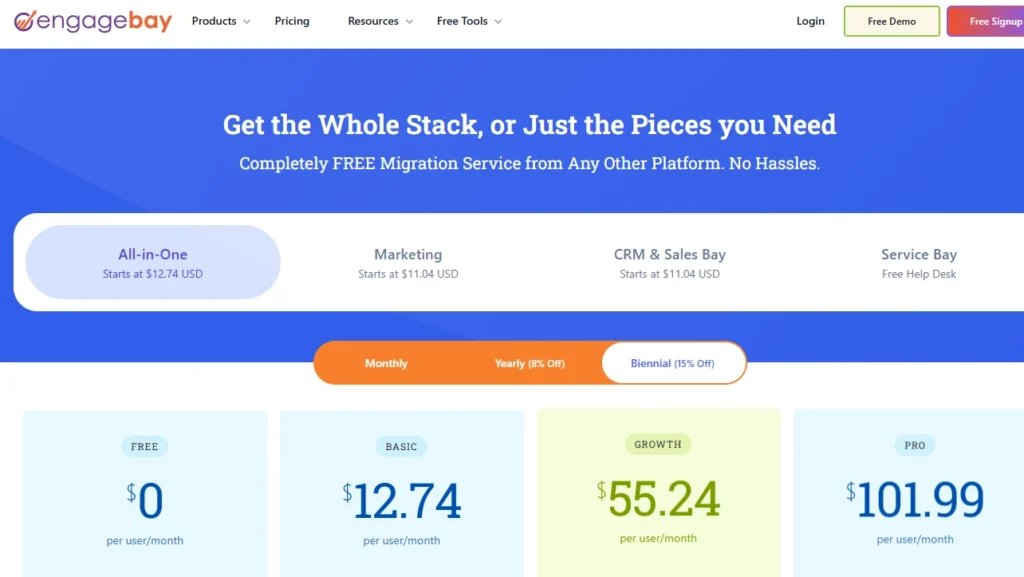
Best for: Small Shopify businesses that want CRM, marketing automation and customer support in one system.
EngageBay is an all-in-one platform that brings together marketing automation, sales CRM, email marketing, live chat and helpdesk functionality.
Its built-in Shopify integration is also available through the Shopify App Store, making it one of the more direct connections in this list.
The integration synchronizes Shopify customers with EngageBay contacts, orders with deals, and products with products and deal tags. Merchants can use Shopify purchase information, customer activity and tags to create audience segments and launch targeted ecommerce campaigns.
Key features of EngageBay
- Sync Shopify contacts, orders, draft orders and products.
- Convert Shopify orders into CRM deals.
- Add Shopify products to relevant deals.
- Track browsing history and customer website activity.
- Segment customers using Shopify tags and custom events.
- Create cart-abandonment and post-purchase workflows.
- Run email sequences, drip campaigns and SMS campaigns.
- Manage sales opportunities through visual pipelines.
- Provide customer service through live chat and helpdesk tools.
- Maintain a 360-degree view of customer interactions.
How to connect EngageBay with Shopify
The EngageBay CRM app can be installed from the Shopify App Store. After authorizing the store, merchants can configure the customer, order and product information they want to use within EngageBay’s CRM, sales and marketing tools.
6. Pipedrive
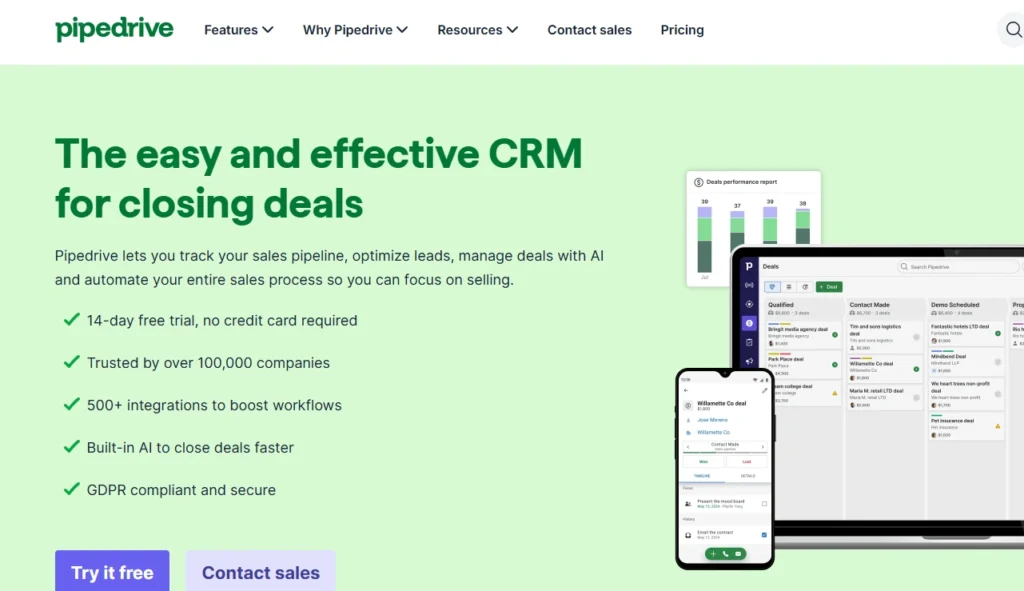
Best for: Shopify businesses with sales-assisted orders, wholesale enquiries or high-value leads that require structured follow-up.
Pipedrive is a sales-focused CRM built around visual pipeline management. It includes lead management, workflow automation, email synchronization, sales reporting, mobile CRM tools and AI-assisted features.
Unlike Salesmate and EngageBay, Pipedrive does not currently offer the same type of direct, built-in Shopify data sync. It is generally connected to Pipedrive using an automation platform such as Zapier or Make, or through another compatible Pipedrive Marketplace application.
Key features of Pipedrive for Shopify
- Create Pipedrive contacts from new Shopify customers.
- Convert new Shopify orders into sales deals.
- Add order values and product information to deal records.
- Create leads from abandoned Shopify carts.
- Assign ecommerce opportunities to sales representatives.
- Trigger calls, emails and follow-up activities.
- Automate deal stages and internal notifications.
- Track opportunities through customizable visual pipelines.
- Generate sales reports and forecasts.
- Manage deals through the Pipedrive mobile app.
- Use AI to prioritize deals and draft sales emails.
How to connect Pipedrive with Shopify?
Merchants can create a Shopify–Pipedrive workflow through Zapier or Make. A common setup uses a new Shopify order as the trigger and then creates or updates a person, organization or deal in Pipedrive.
More advanced workflows can search for existing contacts, add products to deals, update pipeline stages and initiate follow-up activities.
7. Capsule CRM
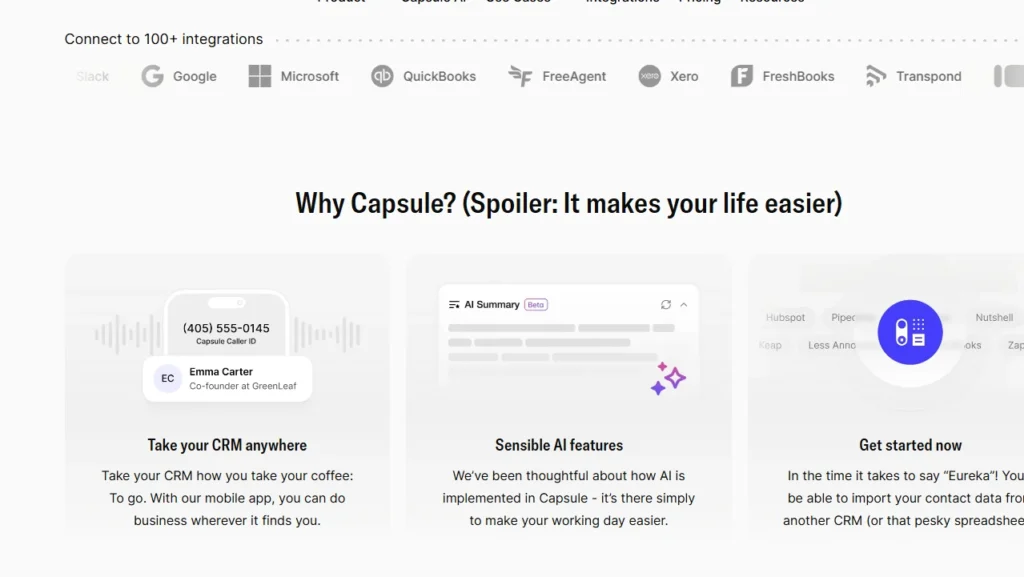
Best for: Small Shopify teams that want a straightforward CRM without a complicated enterprise setup.
Capsule is designed for businesses that want a simple way to organize customers and sales opportunities without managing a highly complex CRM environment.
It connects with Shopify through Zapier rather than through a direct native Shopify integration. A workflow can find or create a Capsule contact whenever a new customer is added in Shopify.
New Shopify orders can also be added to the customer’s Capsule record as activities, notes or custom-field updates.
Key Features of Capsule CRM for Shopify
- Create Capsule contacts from new Shopify customers.
- Find and update existing contacts using email addresses.
- Add Shopify order activity to customer records.
- Store order count, total spend and other data in custom fields.
- Add notes when customers place new orders.
- Create contacts from abandoned-cart events.
- Organize customers with tags, lists and custom fields.
- Move customers into sales or order-fulfilment pipelines.
- Create follow-up tasks and reminders.
- Access contacts and sales opportunities from mobile devices.
How to connect Capsule CRM with Shopify?
The integration is created through Zapier using Shopify triggers and Capsule actions. Capsule provides templates for workflows such as finding or creating a contact when a new Shopify customer registers and adding an activity when a new order is created.
How can I integrate my CRM with Shopify?
There are three common ways to set up a Shopify CRM integration, from easiest to most flexible:
- Native app or official connector: The simplest route. CRMs like HubSpot and Zoho CRM publish official apps. Install from the Shopify App Store or the CRM's own marketplace, enter your store URL, authorise, and data syncs automatically.
- Automation platforms (Zapier, Make, n8n): Best when there is no native app, as with the Shopify Pipedrive integration. You connect both accounts with API keys and build triggers such as "new Shopify order creates a contact in your CRM." No code required.
- Custom API integration: For enterprise needs like a Salesforce CRM Shopify sync, developers use the Shopify Admin API and the CRM's API (often through middleware) for full control over what syncs and when.
To wrap it up
The best CRM for Shopify depends on how you sell. I would pick Zoho CRM for small and mid-size stores. HubSpot wins on marketing automation, and Salesforce fits enterprises that need deep reporting.
Sales-led teams do well with Pipedrive and Salesmatel, while Capsule CRM keeps things simple.
Every option here supports Shopify CRM integrations through a native app, an automation platform, or a custom API sync.
Start by matching a CRM to your workflow, and confirm the Shopify CRM integration covers the data you care about. Use that unified customer view to attract new customers and grow repeat revenue.
FAQs
1. Is Shopify a CRM?
No. Shopify is an ecommerce platform, not a complete CRM system. It stores customer profiles, contact information, order history and purchasing behaviour. A dedicated CRM provides advanced features such as sales pipelines, lead tracking, customer segmentation and automated follow-ups.
2. Do I need a CRM with Shopify?
A small Shopify store may be able to manage customers using Shopify’s built-in tools. However, a CRM becomes valuable as your business grows and you need better customer segmentation, sales automation, support tracking or a centralized view of customer interactions.
3. Which CRM works best with Shopify?
The best CRM for Shopify depends on your business size, sales process and integration requirements. I suggest Salesmate and EngageBay for businesses seeking sales and marketing automation. Pipedrive and Capsule CRM are better for teams that want simple pipeline and contact management.
4. How can I integrate my CRM with Shopify?
You can integrate a CRM with Shopify using a native Shopify app, a built-in CRM integration, tools such as Zapier or Make, or a custom API connection. Before connecting the platforms, check which data can be synced, whether the integration supports two-way updates and how frequently customer and order information is refreshed.
Post Tags


About the author
Sajini Annie John
Meet Sajini, a seasoned technical content writer with a passion for e-commerce and expertise in Shopify. She is committed to helping online businesses to thrive through the power of well-crafted content.