






A Shopify store audit is a comprehensive evaluation of your eCommerce store’s performance, SEO, user experience (UX), and conversion funnel to improve sales and speed. Key steps include fixing site speed (under 3s), auditing apps, enhancing product pages with high-quality content, and verifying data tracking.
As a Shopify expert, I have seen many Shopify stores focus only on ads while ignoring the parts of the store that actually shape traffic, trust, and conversions. That is why a proper Shopify store audit matters. When you check your SEO, site speed, and user experience together, you get a much clearer picture of what is helping your store grow and what is holding it back.
This checklist will help you spot those gaps, fix them, and build a store that performs better for both search engines and shoppers.
| 💡 Who is this for? Shopify merchants who want to improve their Google rankings, increase site speed, reduce cart abandonment, and convert more of the traffic they're already getting. |
What Exactly is a Shopify Store Audit And Why Should You Care?
A Shopify site audit is a structured, systematic review of every critical element of your online store. Think of it as doing a 360° inspection of your store the way a mechanic checks a car before a long road trip. Many store owners either do it by themselves or take guidance from Shopify experts who offer Shopify speed optimisation services.
It covers three core pillars:
- SEO (Search Engine Optimization) - Can Google find, crawl, and rank your pages?
- Site Speed & Performance - Is your store fast enough to hold a shopper's attention?
- User Experience (UX) - Once someone lands on your store, is it easy and enjoyable to buy from you?
| 📊 Quick Stat: According to a Google study, 53% of mobile users abandon a site that takes more than 3 seconds to load. |
Shopify Site Audit Checklist 2026
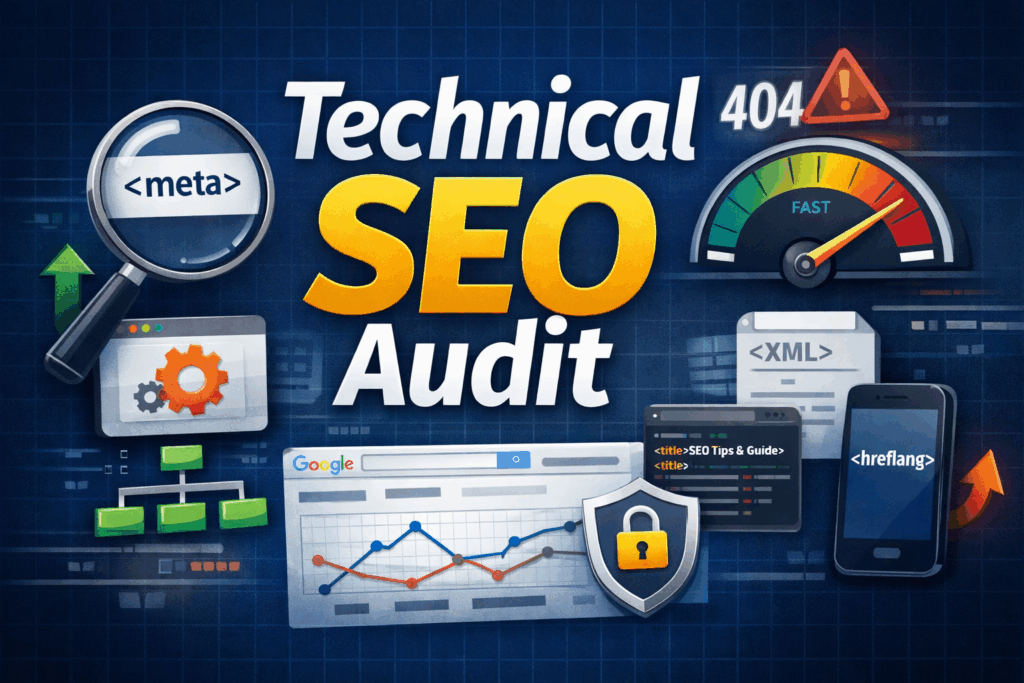
Technical SEO Audit
Technical SEO is the backbone of your Shopify store audit. These are the behind-the-scenes settings that determine whether search engines can properly read and index your store.
1.1 Crawlability & Indexation
Before anything else, you need to make sure Google can actually access and index your store correctly.
✅ Robots.txt - Check your robots.txt file. To check it, go to yourstore.myshopify.com/robots.txt. Make sure you haven't accidentally blocked important pages from being crawled.
✅ XML Sitemap - Submit your sitemap to Google Search Console. Your Shopify sitemap lives at yourstore.com/sitemap.xml. Submit it if you haven't already.
✅ Index Check - Use Google Search Console's URL Inspection Tool to verify key pages (homepage, top collections, bestsellers) are indexed.
✅ Crawl Errors - Check for crawl errors. In Google Search Console, go to Coverage > Errors. Fix any 404 pages or server errors.
✅ Noindex Tags - Ensure no important pages are accidentally tagged 'noindex' in your theme code or Shopify page settings.
1.2 URL Structure & Canonical Tags
Shopify has some quirks with URL structure that can create duplicate content issues, a silent SEO killer.
✅ Duplicate URLs - Check if your collections are creating duplicate product URLs, e.g., /collections/dresses/products/blue-dress vs /products/blue-dress. Use canonical tags to point to the preferred URL.
✅ Canonical Tags - Make sure every page has a canonical tag pointing to its primary version.
✅ Domain Consistency - Check that your domain is consistent; www vs non-www, http vs https. One should redirect to the other.
✅ URL Cleanliness - Keep URLs short, descriptive, and keyword-rich. Avoid long strings of numbers or random characters.
1.3 HTTPS & Security
This one's non-negotiable. Google won't fully trust or rank a site that isn't secure.
✅ SSL Certificate - Confirm your store runs on HTTPS (there should be a padlock icon in the browser). Shopify provides SSL by default, but verify it's active.
✅ Secure Internal Links - Check that all internal links use HTTPS, not HTTP.
1.4 Schema Markup
Schema markup is code that helps Google understand your content better and it's what powers those rich results (star ratings, prices, availability) you see in search results.
✅ Product Schema - Add Product schema to all product pages (includes name, price, availability, reviews).
✅ Breadcrumb Schema - Add BreadcrumbList schema to improve navigation display in search results.
✅ Organization Schema - Add Organization schema to your homepage.
✅ Schema Validation - Use Google's Rich Results Test tool to verify schema is set up correctly.
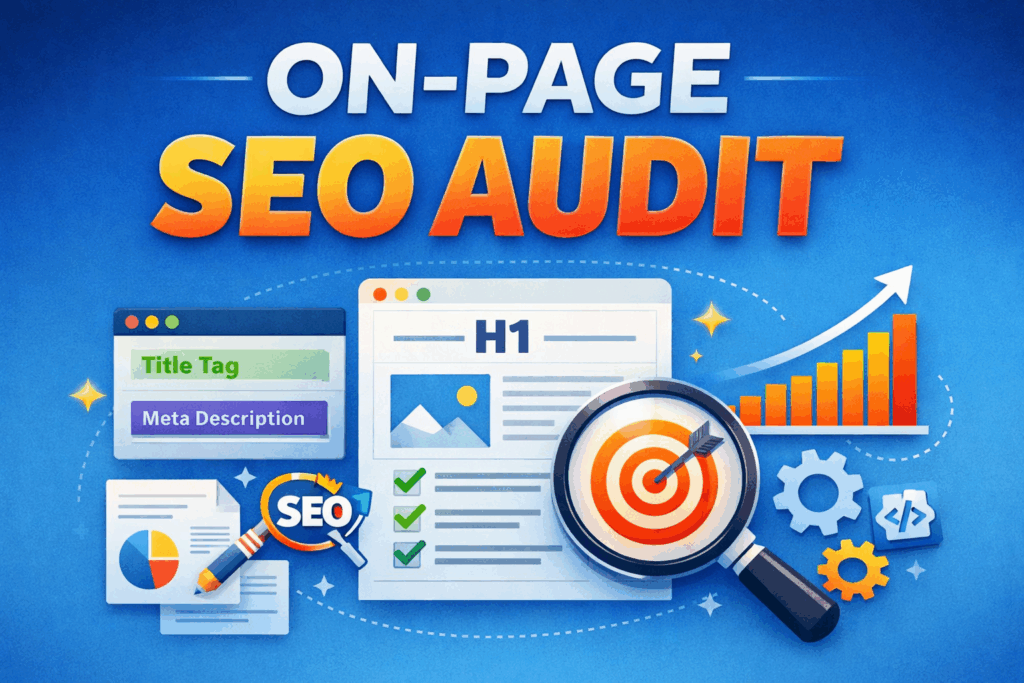
On-Page SEO Audit
Once the technical foundation is solid, on-page SEO is where the real ranking magic happens. This is all about optimising the content and structure of your individual pages.
2.1 Title Tags & Meta Descriptions
These are the first things shoppers (and Google) see in search results. Get them right, and your click-through rate skyrockets.
✅ Unique Title Tags - Every product, collection, and blog page should have a unique title tag. Keep it under 60 characters.
✅ Keyword in Title - Include your primary keyword naturally in the title don't just stuff it in.
✅ Meta Descriptions - Write compelling meta descriptions for every key page (150-160 characters). Think of it as your store's 'ad copy' in Google.
✅ No Duplicate Titles - Avoid duplicate title tags. Shopify sometimes auto-generates these. Audit your top pages manually.
2.2 Headings (H1, H2, H3)
✅ One H1 Per Page - Every page should have exactly one H1 heading containing the primary keyword for that page.
✅ Heading Hierarchy - Use H2s and H3s to break up product descriptions, collection pages, and blog content logically.
✅ Keyword in H1 - Product pages: your H1 should be the product name. Collection pages: the H1 should describe the collection with a keyword.
2.3 Product Page Optimisation
Your product pages are your money pages. They deserve serious attention in any Shopify store audit checklist.
✅ Unique Descriptions - Write unique product descriptions; don't copy-paste from the manufacturer. Google penalises duplicate content.
✅ Keyword Placement - Include target keywords naturally in the first 100 words of your product description.
✅ Image Alt Text - Add alt text to every product image, describe the image accurately and include a keyword where it fits naturally.
✅ Feature Bullets - Use bullet points or structured formats to highlight key product features. It improves both SEO and conversions.
✅ Customer Reviews - Ensure product pages have customer reviews as they add fresh content and social proof simultaneously.
2.4 Collection Pages
Collection pages rank for broader, high-volume keywords. Most merchants completely ignore them from an SEO perspective don't make that mistake.
✅ Collection Descriptions - Add a descriptive text block (150-300 words) to the top or bottom of each collection page.
✅ Collection Keyword Optimisation - Include the collection's primary keyword in the H1, title tag, meta description, and body text.
✅ Inter-Collection Links - Create logical internal links between related collections.
2.5 Internal Linking
✅ Blog-to-Product Links - Link from blog posts to relevant product and collection pages.
✅ Related Product Links - Link between related products on product pages.
✅ Navigation Links - Make sure your navigation clearly links to your most important collections.
✅ Anchor Text Quality - Use descriptive anchor text avoid 'click here'. Say 'shop men's running shoes' instead.
Site Speed & Core Web Vitals Audit
Site speed is now a direct Google ranking factor, and it's also one of the most impactful things you can fix in a Shopify site audit.

3.1 Measuring Your Current Speed
✅ PageSpeed Score - Run your store through Google PageSpeed Insights (pagespeed.web.dev). Aim for 70+ on mobile.
✅ Core Web Vitals - Check your Core Web Vitals in Google Search Console under Experience > Core Web Vitals.
✅ GTmetrix Report - Use GTmetrix for a detailed breakdown of what's slowing you down.
✅ Mobile Speed Test - Test on mobile, not just desktop most Shopify traffic comes from phones.
3.2 Image Optimisation
Images are almost always the #1 culprit for slow Shopify stores. A single unoptimised hero image can add 2-3 seconds to your load time.
✅ Image Compression - Compress all product images before uploading - use tools like TinyPNG or ShortPixel. Target under 200KB per image.
✅ WebP Format - Use WebP format where possible it's 25–35% smaller than JPEG with the same quality.
✅ Remove Unnecessary Images - Remove any images that aren't serving a real purpose.
✅ Image Dimensions - Make sure images are correctly sized don't upload a 3000x3000px image if it's being displayed at 600x600.
3.3 App & Script Bloat
Every Shopify app you install adds code to your store, even if you're not actively using it. This is one of the biggest hidden speed killers we see in a Shopify store audit.
✅ App Audit - Audit every installed app do you actually use all of them? Uninstall what you don't need.
✅ Leftover App Code - When you uninstall an app, check if it left behind code in your theme. Many apps leave scripts even after removal.
✅ Theme Code Audit - Use Shopify's built-in Theme Check tool or a developer to audit your theme's code for bloat.
✅ Duplicate Functionality - Avoid using multiple apps that do the same thing (e.g., two different review apps).
3.4 Theme Performance
✅Theme Selection - Choose a lightweight, performance-optimised theme. Shopify's own themes (Dawn, Sense, Craft) are generally fast.
✅ Animation Bloat - Avoid heavily customised themes with lots of animations and auto-play videos unless you've tested their impact on speed.
✅ Lazy Loading - Enable lazy loading for images. This means images only load when they're about to be seen on screen.
✅ Code Minification - Minify CSS and JavaScript files. Many themes do this automatically, but verify in your theme settings.
| Metric | Good Score | What It Measures |
| LCP (Largest Contentful Paint) | ≤ 2.5 seconds | How fast the main content loads |
| FID / INP (Interaction) | ≤ 200ms | How fast the page responds to clicks |
| CLS (Cumulative Layout Shift) | ≤ 0.1 | How stable the layout is during loading |
User Experience (UX) Audit
SEO gets people to your store. UX determines whether they buy. Google now uses user behaviour signals (bounce rate, time on site, scroll depth) as indirect ranking signals.

4.1 Navigation & Site Structure
✅ 3-Click Rule - Can a first-time visitor find what they're looking for within 3 clicks from the homepage?
✅ Clean Navigation - Is your main navigation clean and logical? Remove any collections or pages that confuse more than they help.
✅ Search Functionality - Do you have a search bar that works well? Test it with product names, categories, and misspellings.
✅ Breadcrumbs - Are breadcrumbs enabled? They help users navigate and improve SEO.
✅ Footer Links - Does your footer include links to important pages: Contact, About, FAQ, Shipping Policy, Return Policy?
4.2 Mobile Experience
Over 70% of Shopify store visits now happen on mobile. If your mobile experience is clunky, you're losing the majority of your potential customers.
✅ Real Mobile Test - Test your entire store on an actual mobile phone, not just the desktop preview in Shopify.
✅ Button Size - Check that buttons are large enough to tap comfortably (minimum 44x44 pixels).
✅ Font Size - Ensure text is readable without zooming, with a minimum 16px font size for body copy.
✅ Sticky CTA - Make sure the 'Add to Cart' button is always visible on product pages; ideally sticky on mobile.
✅ Mobile Forms - Check that forms (checkout, newsletter, contact) are easy to complete on a small screen.
4.3 Product Page Experience
Product pages are where purchase decisions are made. Every element needs to be earning its place.
✅ Product Images - High-quality product images from multiple angles include a lifestyle shot where possible.
✅ Price Clarity - Clear, prominent pricing with any sale prices properly displayed.
✅ Shipping Info - Shipping information visible on the product page doesn't make shoppers hunt for it.
✅ Size Guides - Size guides for clothing/footwear; missing size guides are a huge conversion killer.
✅ Social Proof - Display customer reviews and ratings to build trust in customers.
✅ Upsells & Cross-Sells - Show upsells and related products to encourage more purchases and boost AOV.
How Often Should You Conduct a Shopify Store Audit?
This depends on how active your store is, but here's a practical framework:
| Frequency | What to Check | Time Required |
| Weekly | Analytics, crawl errors, page speed scores | 30 minutes |
| Monthly | On-page SEO, new content performance, Core Web Vitals | 2-3 hours |
| Quarterly | Full technical SEO, UX review, content audit, app audit | Half day |
| Annually | Complete top-to-bottom Shopify site audit | Full day |
Final Thoughts: Your Shopify Store Audit Starts Today
A thorough Shopify store audit isn't a one-time task. It's a habit. The merchants who audit quarterly, fix issues systematically, and improve their store incrementally are the ones who wake up six months later with better rankings, faster stores, happier customers, and higher revenue. Use this Shopify store audit checklist as your starting point.




About the author
Sajini Annie John
Meet Sajini, a seasoned technical content writer with a passion for e-commerce and expertise in Shopify. She is committed to helping online businesses to thrive through the power of well-crafted content.