





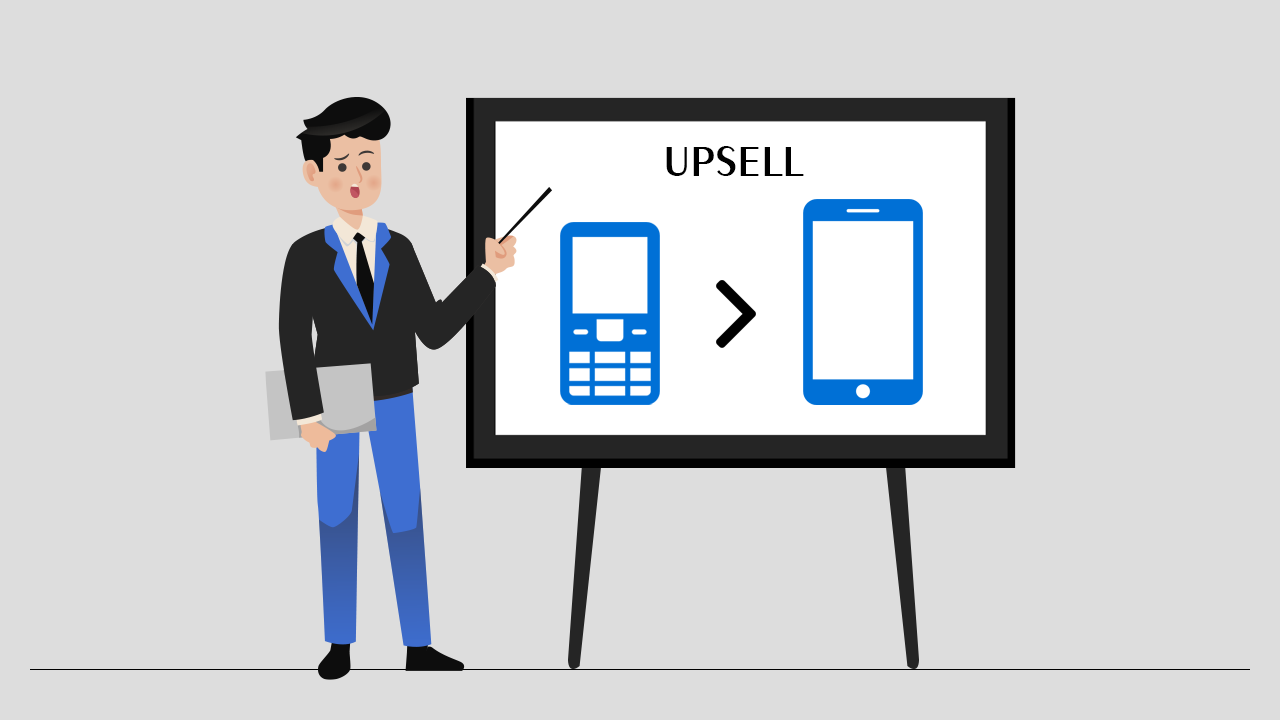
Shopify has been growing rapidly day by day, with new strategies and outstanding results. Let’s talk about one of those strategies today, known as upselling.
Many of them may be familiar with this word, but some of them may not. So, to make it clear, let’s have a glance at the term “Upselling”.
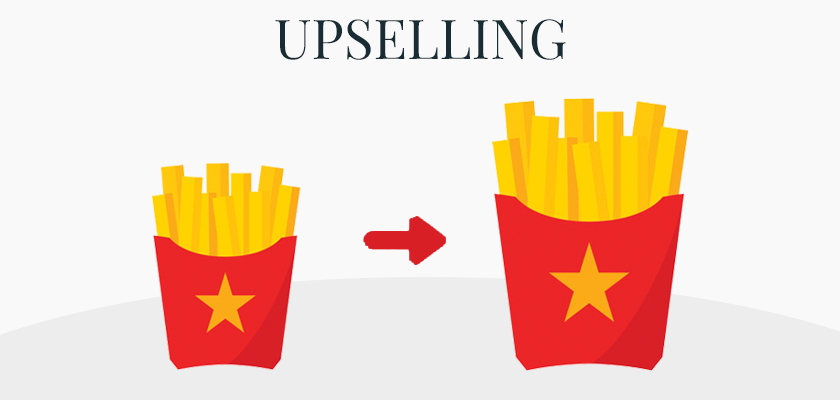
Upselling is a sales strategy that offers your customers the option of buying the more expensive item when they add a product to their cart or reach the checkout page, so you can get the maximum profit from their purchase.
The main idea behind upselling is to increase sales by trying to get the customers to spend more money on the same product or a similar product they are currently looking for.
Benefits of upselling
- According to studies, upselling increases revenue by 10–30% on average every year, giving stores an immediate boost in AOV.
- It improves customer experience by helping shoppers discover better or more suitable options without extra effort.
- It simplifies the shopping process by showing upgraded or complementary products at the right moment.
- Upselling builds stronger customer relationships because shoppers feel guided, not pressured.
- It increases customer satisfaction by offering solutions they may not have considered on their own.
- Relevant upsells can reduce returns because customers choose products that better match their needs.
- It helps you introduce new products subtly, through personalized recommendations.
- Upselling creates a more premium brand perception when done thoughtfully and contextually.
How to get started with upselling on Shopify?
In this section, we will discuss upselling strategies with a Shopify upsell app, how to perform A/B testing to find the best outcome, decide which products to upsell, and many more things. So come, let’s start one by one.
Install and Upsell App or Code it
If you are an expert in coding, then you can go for it, but upselling can be pretty complex when you try to do it by yourself. Fortunately, there are many Shopify upselling apps like iCart Cart Drawer Cart Upsell that you can use to add upsells on your store easily.
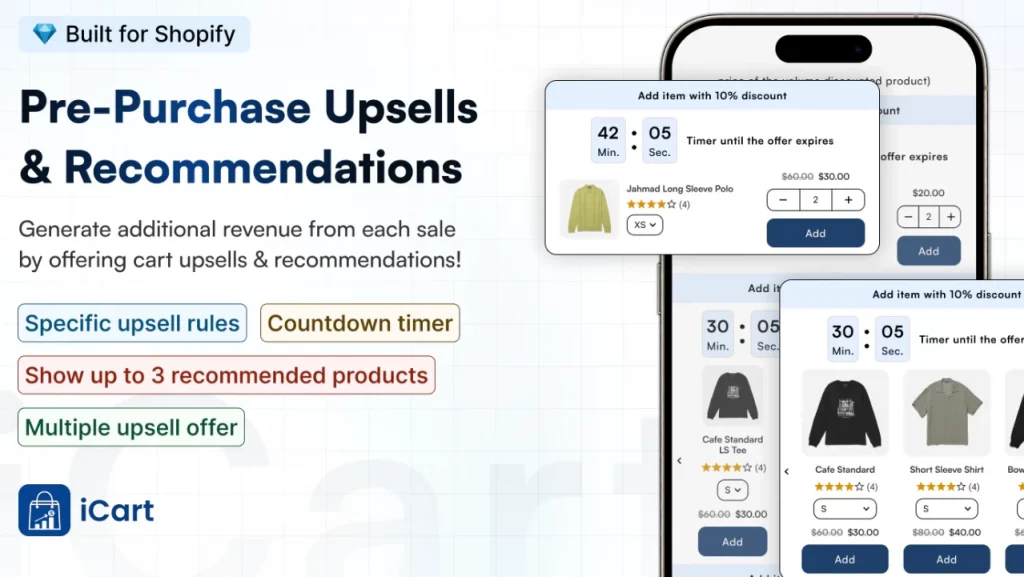
But while selecting an upselling, make sure that it provides enough flexibility to control your store. As mentioned before, let’s talk about iCart.
With iCart, you can have full control over the look and feel of your cart drawer. You can show time-sensitive offers, product recommendations, product upsells, and BOGO offers.
Learn more about iCart and how it is the best upsell Shopify app for your store.
Decide what products to upsell
Once you have installed an upselling app on Shopify, it’s time to decide on the products that you want to upsell. You might be thinking, ‘What should I upsell?’ It depends on you.
Let’s take the example that if you are selling a smartphone and you are giving an upgraded version of the same smartphone, with more features comparatively, then that’s an obvious upsell.
Display your upsell offer
After setting up your upsell, the very next step is to show your upsell offer. All these things will be done by the app itself, as I mentioned; this is the benefit you take with the help of an app. If we consider iCart, it provides features such as product upsells and product recommendations in your cart drawer.
After doing this, make sure to track the upsells so that you can make better decisions or come up with great strategies.
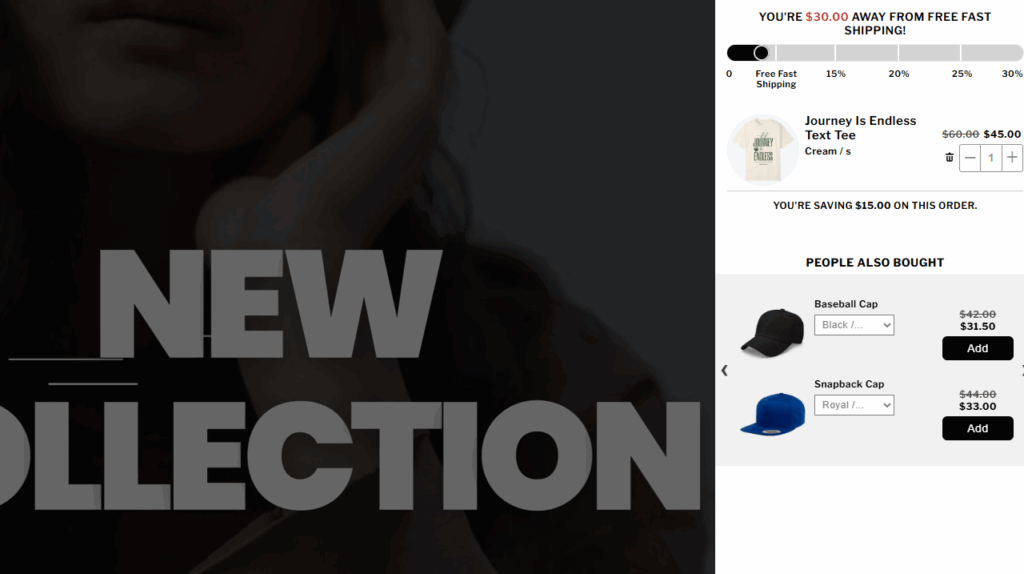
Source: Garb Classics using iCart to show product recommendations.
Conduct A/B test
There will be no meaning in the entire process until you don’t perform A/B testing. A/B testing is a necessary part of all upselling strategies. It allows you to find out which upsell offers work best so that you can make the final decision on your store to generate more revenue from your business.
While doing A/B testing, you can test for many factors like products, price, product copy, and page layout to improve the upsell offer
Final thoughts
Upselling works best when it feels like a natural part of how your store already sells. When you show shoppers a better option or something that genuinely complements what they’re buying, it doesn’t feel pushy.
Over time, testing different offers and placements gives you a clear picture of what your customers actually respond to. Some products will always perform better as upsells, and A/B testing helps you spot those winners without guessing.
If you treat upselling as a way to guide customers rather than squeeze out extra revenue, you’ll see the benefits stack up. You’ll earn more from the traffic you already have, and your customers will walk away feeling like they made the right choice.
Upselling Strategies FAQs
1. What is an upsell strategy?
An upsell strategy is a plan to encourage customers to buy a higher-priced item of what they’re already considering. In Shopify, this usually means offering upgrades, bundles, or add-ons that increase AOV without feeling pushy or irrelevant.
2. What are some great upsell strategies in the clothing industry?
In the clothing industry, one of the best upsell strategies is “complete the look” bundles (shirt + pants + accessories).
3. Can I do upselling through an app in Shopify?
Yes, you can absolutely do upselling through an app like iCart in Shopify.
4. Which is the best Shopify upselling app?
There’s no single “best” Shopify upsell app for everyone, but top-rated options include iCart Cart Drawer Cart Upsell, ReConvert, Zipify OneClickUpsell, and BOLD upsell.
5. Is upselling the same as cross-selling?
No, upselling is not the same as cross-selling. Upselling nudges customers to a higher-priced version or larger quantity of the same product, while cross-selling suggests complementary items that go well with what they’re already buying.
6. Which is the best upsell strategy for my Shopify store?
The best upsell strategy for your Shopify store is to place relevant, low-friction offers where the shopper already shows intent, like in the cart drawer or just after checkout.
7. Can I implement one-click upsell as a part of my upsell strategy?
Yes, you can implement one-click upsell as part of your upsell strategy on Shopify.


About the author
Sajini Annie John
Meet Sajini, a seasoned technical content writer with a passion for e-commerce and expertise in Shopify. She is committed to helping online businesses to thrive through the power of well-crafted content.