Shopify POS Setup Services
Shopify POS Setup That Keeps Every Sale in Sync
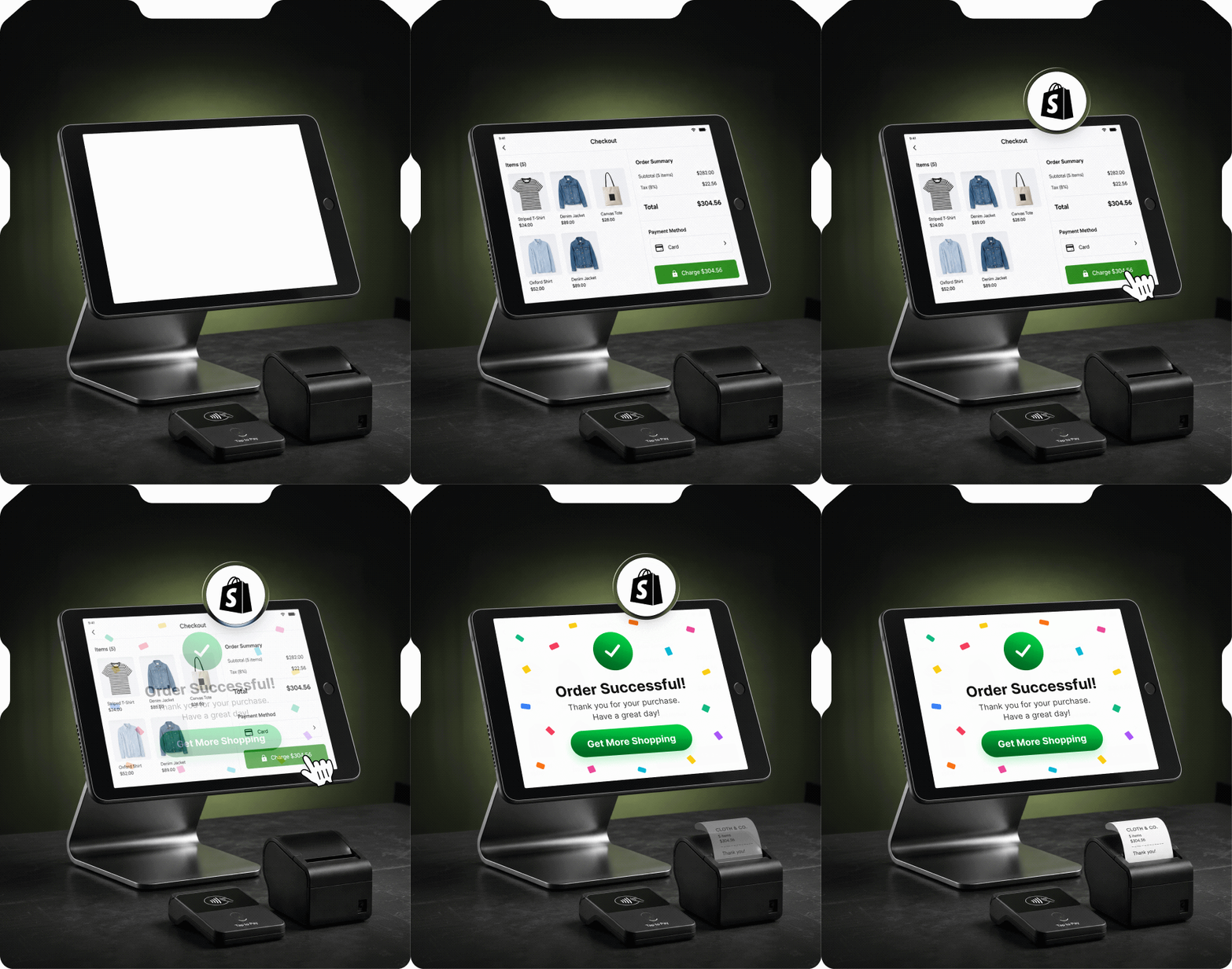
One inventory, one customer record, one view of sales. We set up your POS, connect your devices, and train your staff, so what happens in store shows up online, and the other way round.
 4.9/5
 4.4/5

0+
Shopify Experts
0
Years of Shopify Experience
0+
Projects Delivered
Set Up by Certified Shopify Developers
Your POS touches stock, payments, staff, and customers. Our certified developers set it up with all four in mind, so what you sell in-store matches what your online store shows.








What Does Our Shopify POS Setup Service Include
Every store starts from a different place. Pick the work you need, whether you're adding POS for the first time or replacing a system that no longer fits. We agree on the deliverables with you before we start.
- Shopify POS & Location SetupWe set up your POS sales channel, retail locations, and device settings for a single store, pop-up, or business with multiple locations.
- Product & Inventory SetupWe organize products, variants, SKUs, and barcodes, assign inventory to the right locations, and check product availability for online and in-store selling.
- POS Hardware SetupWe help select and connect compatible card readers, barcode scanners, receipt printers, and cash drawers, then check that your devices work together.
- Payments, Taxes & ReceiptsWe configure supported payment methods, tax settings based on your requirements, and branded receipt details for your retail locations.
- Checkout & Retail WorkflowsWe arrange POS shortcuts and configure discounts, returns, exchanges, and pickup workflows according to your requirements and the features available on your plan.
- Staff Access & TrainingWe set up staff access and available permissions, then train your team to handle sales, refunds, stock checks, and common POS issues.
- Existing POS Data MigrationWe assess your existing data, transfer the agreed product, customer, and inventory records, and check them after import.
- Testing, Launch & Ongoing SupportWe test transactions, receipts, inventory updates, and hardware before launch. Ongoing support can cover troubleshooting, configuration changes, and additional location requirements.


Not Sure What Your Shopify POS Setup Needs?
Tell us about your store, the tools you use, and how your team handles sales. We’ll help you identify the setup, hardware, and support that fit your business.
Shopify POS Integrations for the Tools You Already Use
ERP & Business Management Systems
Connect retail sales, product records, and inventory updates with your ERP, helping your team manage store activity alongside purchasing and other business operations.
Accounting & Bookkeeping
Transfer agreed sales, payment, and refund data to your accounting software to reduce repeated entry and support transaction reconciliation.
CRM & Customer Marketing
Connect customer details and purchase history with compatible CRM and marketing tools, helping your team plan relevant communications and follow-ups.
Inventory & Warehouse Management
Link your warehouse or inventory system with Shopify, mapping products, locations, and stock updates around how your business stores and sells goods.
Loyalty & Rewards
Configure compatible loyalty apps for in-store purchases, so customers can earn and redeem rewards according to your program’s rules.
Custom POS Apps & Extensions
Develop additional POS functionality for your store’s requirements, giving staff access to useful information and actions within their retail workflow.





Why Retailers Choose IdentixWeb for Shopify POS





Set Up Around Your Store
We start with how you sell: your locations, returns, and stock routines. Those answers decide your configuration, hardware, and integrations.
Tested Before You Open
We run transactions, receipts, devices, and stock updates before launch, so problems show up in testing, not at the counter.
Training for the Work Your Staff Do Daily
Your team practices real tasks, such as completing a sale, processing a refund, and checking stock, on your own configured store.
Support Beyond the Initial Setup
When you add a location, change a workflow, or hit a problem, we can help through an agreed support arrangement.

Is Your POS Making More Work Than It Saves?
Manual stock updates, tools that don't talk to each other, and checkout problems add up every day. Show us where your team gets stuck, and we'll review your setup and recommend fixes.
What Merchants Say About Working With Us

They are all you need to design your website as well as tackling any related tasks.


I had an outstanding experience with identixweb. Everything was as described. Communication was superior and the work is perfect. I searched high and low for someone to create my vision. identixweb was the only person in the world who understood what I wanted and created exactly what my vision was.

Very positive experience with the Identixweb team. They are fast, capable, and efficient. I'm very happy with the speed and quality of turnaround and will come back to them for future website projects.

Identixweb and his team are genuinely interested in what they are doing and their large and well rounded team will cover everything you need.